
DOWNLOAD THE APP


Customer Services
Copyright © 2025 Desertcart Holdings Limited
DOWNLOAD THE APP
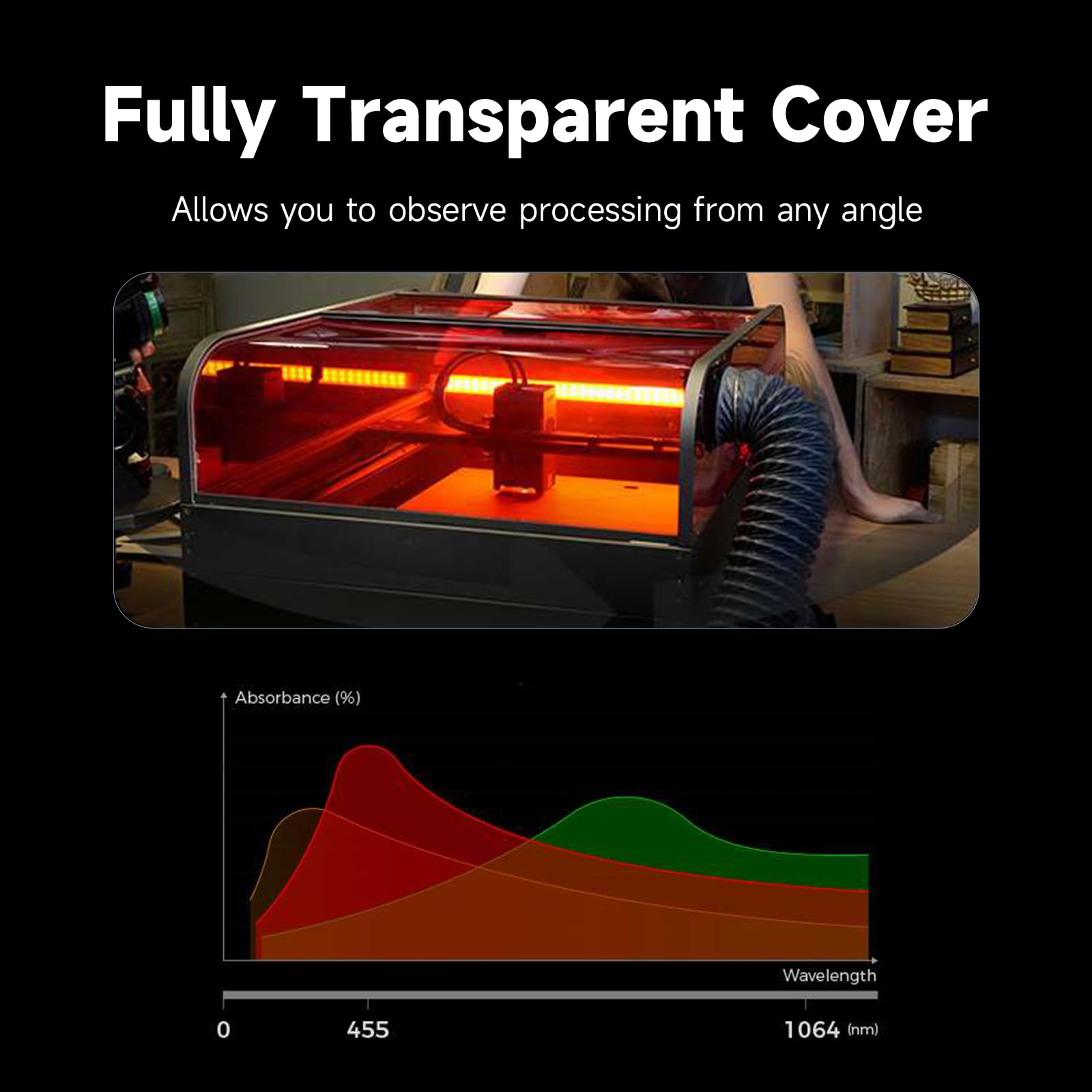
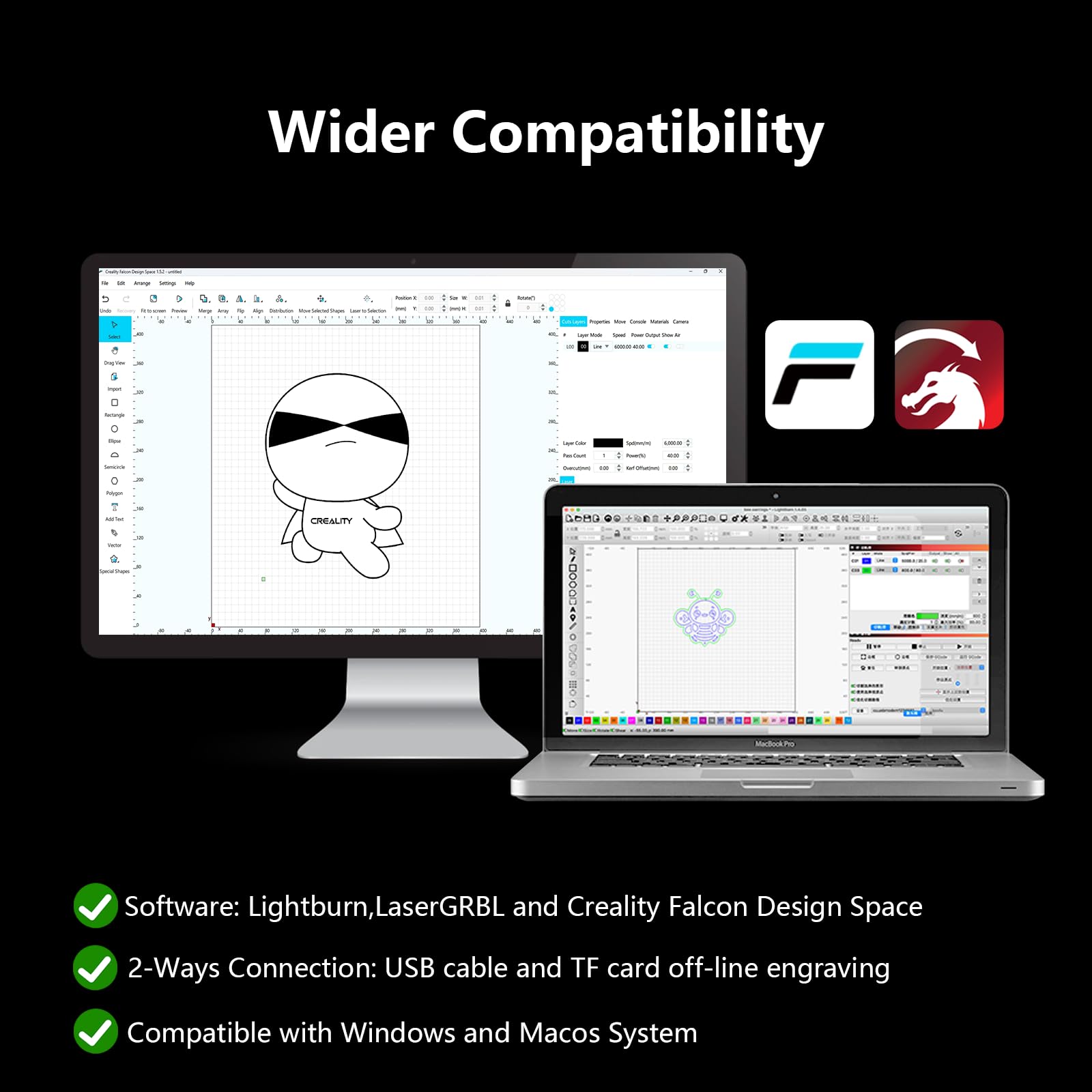
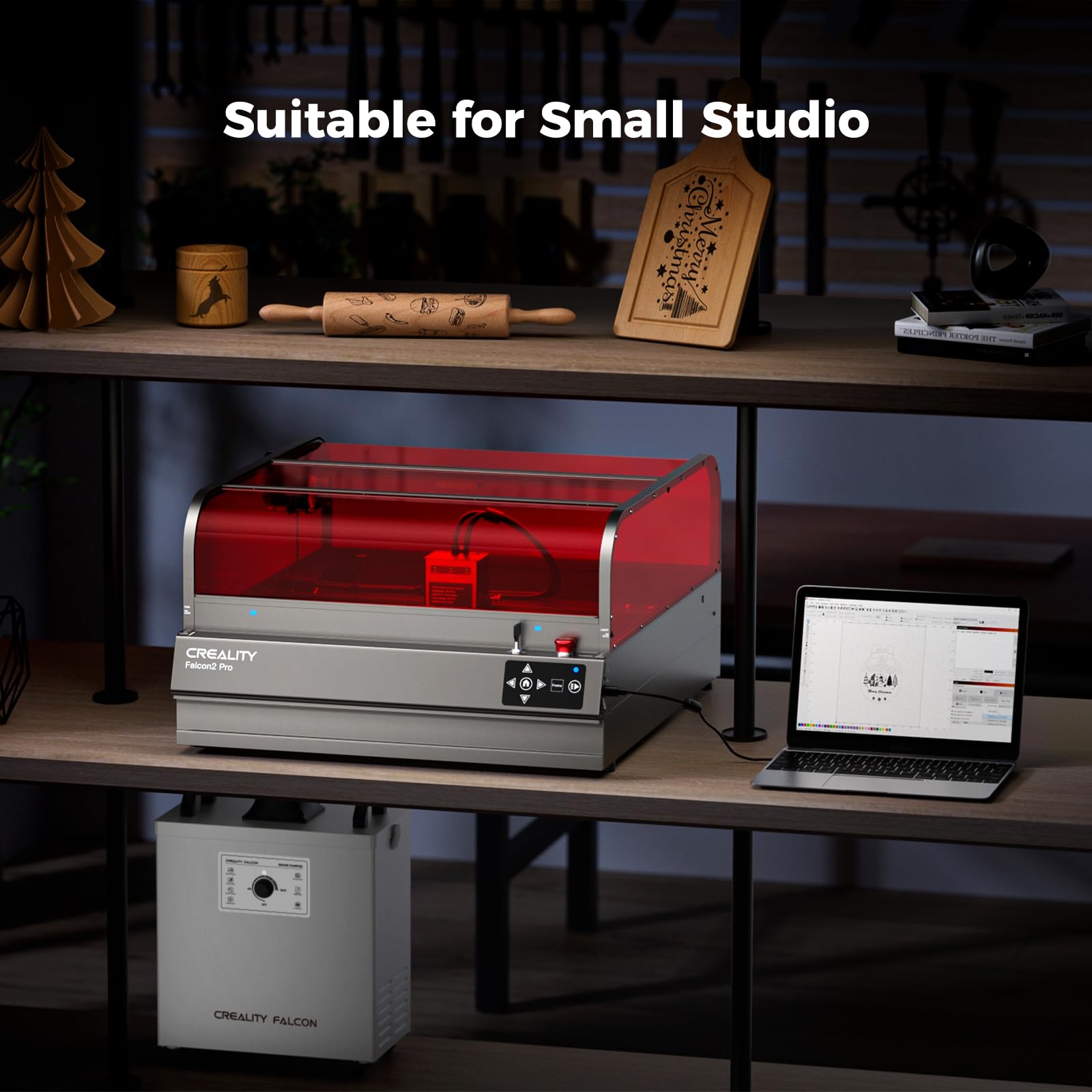
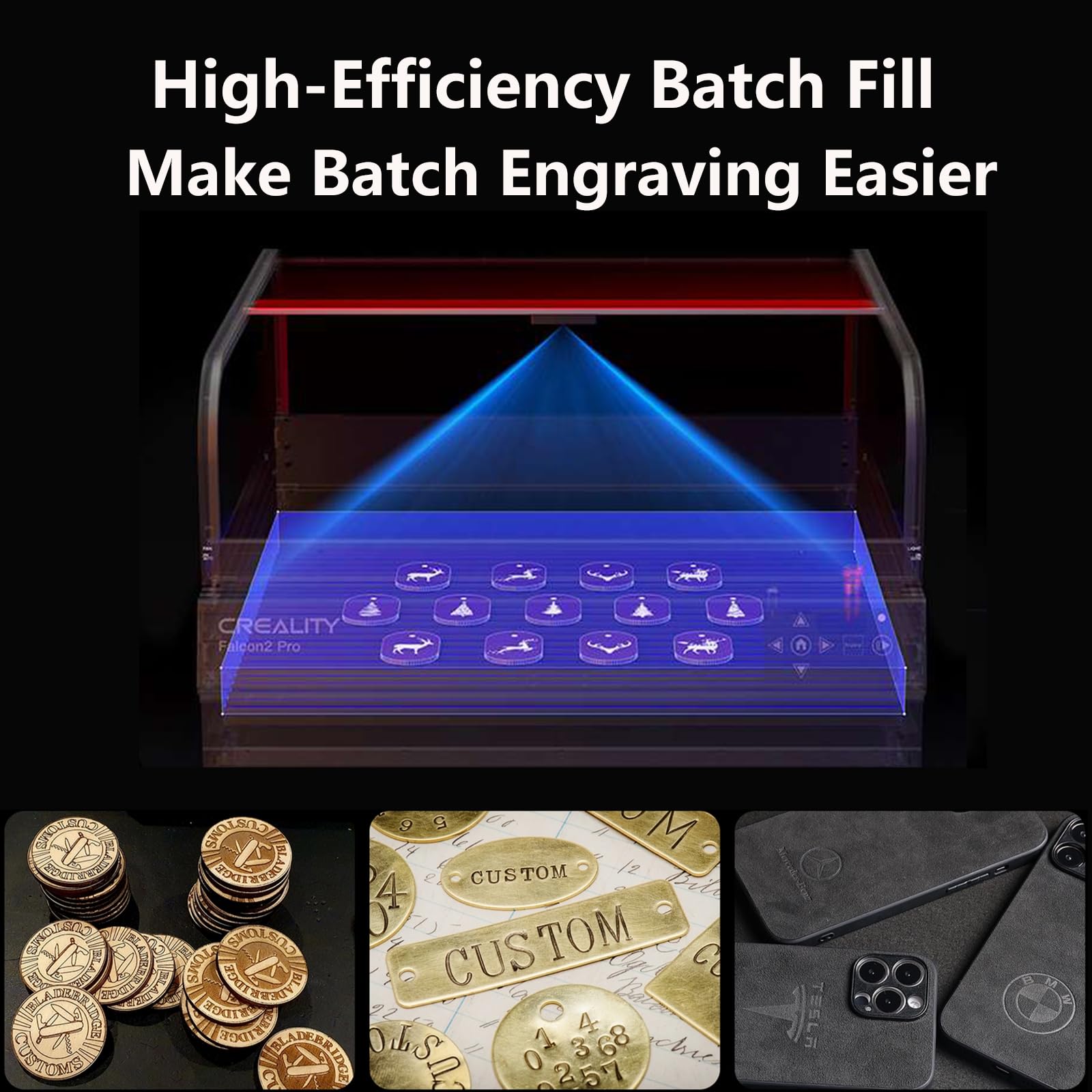


🚀 Elevate your craft with the Falcon2 Pro — where power, precision, and safety converge.
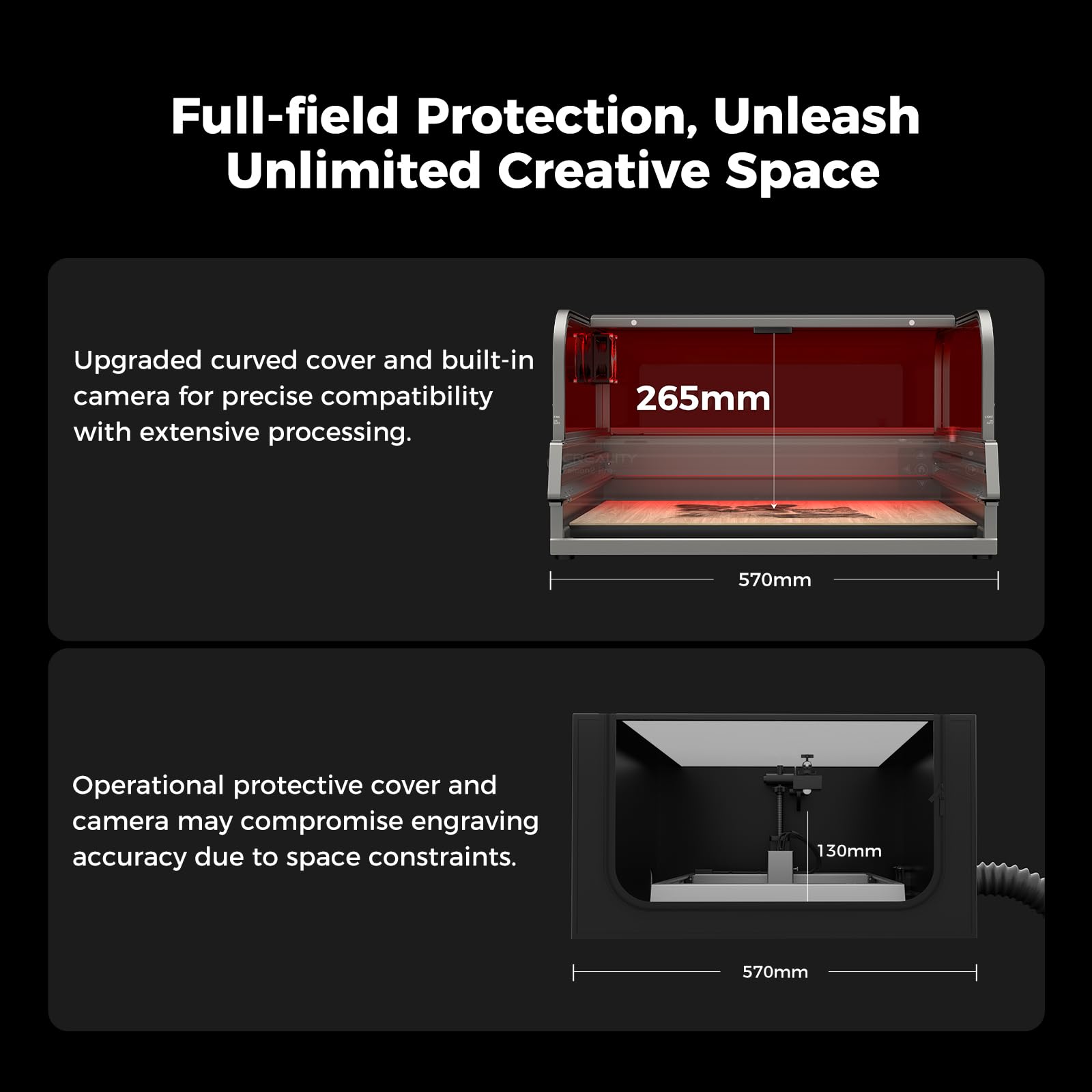
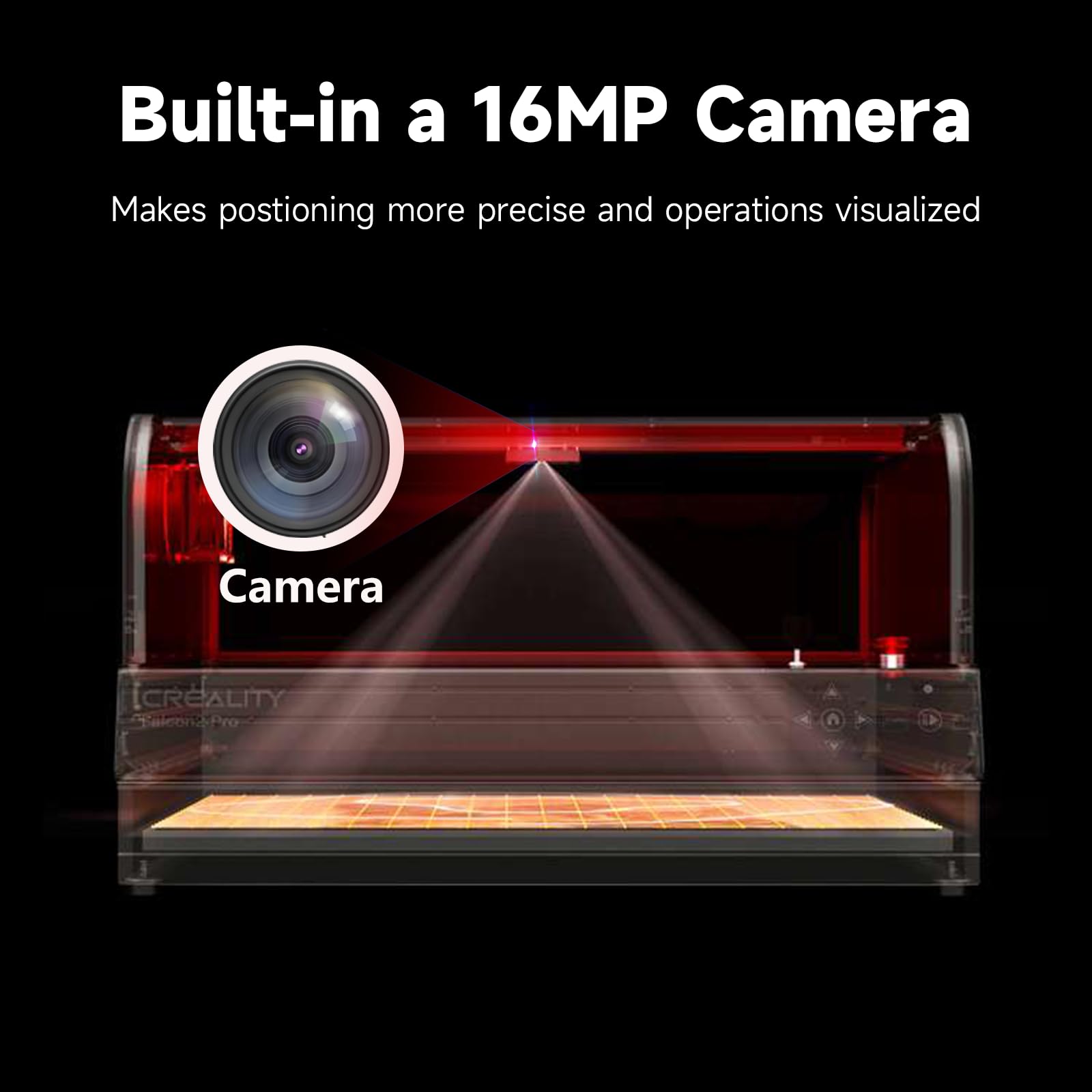
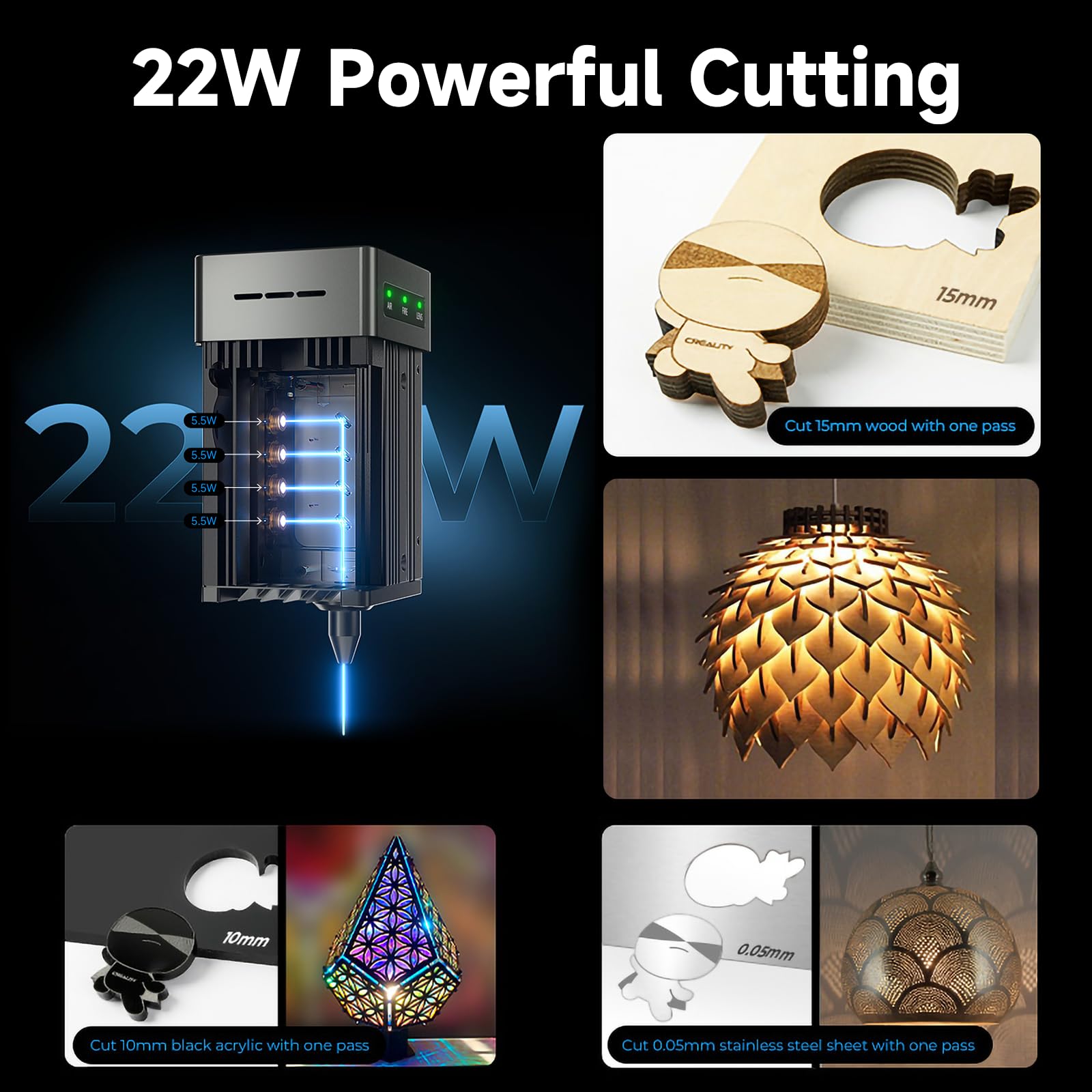
The Creality Falcon2 Pro is a 22W Class 1 desktop laser engraver featuring a fire-resistant aluminum enclosure, ultra-fast 500mm/s cutting speed, and a built-in HD camera for precise, batch engraving. It cuts up to 15mm wood and 10mm acrylic in a single pass, integrates with LightBurn software, and includes an advanced exhaust system for a clean, safe workspace. Designed for professionals and ambitious creators, it combines high performance with user-friendly setup and lifetime support.


| ASIN | B0CTGZ2LMR |
| Brand | Creality |
| Color | Laser 22W |
| Customer Reviews | 4.2 4.2 out of 5 stars (8) |
| Date First Available | 21 April 2025 |
| Item Weight | 23.1 Kilograms |
| Material | Aluminum Alloy Fireproof Shell |
| Model Number | AMUS-LD-LE-Engraver 22W PRO |
| Product Dimensions | 55 x 49 x 26 cm; 23.13 kg |
C**S
I recently upgraded to the Creality Falcon2 Pro 22W Laser, and it has been a game-changer for my laser engraving projects. Here’s my detailed review: Pros: - Powerful Performance: The 22W laser is incredibly powerful, cutting through a variety of materials with ease. It handles wood, acrylic, leather, and even some metals without any issues, making it highly versatile for different projects. - High Precision: The precision of this laser is remarkable. It produces clean, sharp cuts and detailed engravings, allowing for intricate designs and professional-quality results. The accuracy has significantly improved the quality of my work. - User-Friendly: The setup and installation were straightforward, thanks to clear instructions and all necessary components included in the package. The user interface is intuitive, making it easy to adjust settings and control the laser. - Safety Features: I appreciate the built-in safety features, including the protective cover and emergency stop button. These features provide peace of mind, especially when working with such a powerful laser. - Sturdy Build: The build quality is excellent. The frame is solid and stable, minimizing vibrations and ensuring consistent results. The overall construction feels durable and built to last. - Software Compatibility: The Falcon2 Pro is compatible with popular software like LightBurn, which I use regularly. This compatibility enhances the workflow and allows for more creative freedom. Cons: - Price: While it is an investment, the performance and quality justify the price. However, it might be on the higher end for hobbyists or those just starting out. Conclusion: The Creality Falcon2 Pro 22W Laser is an exceptional machine that delivers powerful performance and high precision. It is user-friendly, packed with safety features, and built to last. Whether you’re a professional or an enthusiastic hobbyist, this laser engraver is a worthwhile investment that will elevate your projects to a new level. Overall, I rate this product 5 stars. It has significantly enhanced my engraving capabilities and exceeded my expectations in every aspect.
M**A
es genial de gran calidad es mi primer maquina y me gusto bastante es robusta muy resistente contiene una camar quw podrian mejorar ya que le falta mas calidad de imagen un poco complicada de calibrar la camara si no sabes del tema pero con pasiencia si se puede sacar peovecho de la camara para manejarla con buen margen fe presicion
C**E
First and foremost the Falcon 2 is a great laser cutter and does everything you expect a 22w laser to be able to do. So I'm going to focus on the things you may NOT like to help make your decision... The Camera - this is a great feature, but it's fisheyed (as it needs to be to cover the surface area considering how close it is to the base) and it never seems calibrated correctly to all areas. I find myself doing a quick line outline on some cardboard, and realigning the camera based on the results whenever I need fine control. That said, it's still better than trying to make alignments without the camera and it's not like it's crazy off, just a few mm here and there. The Enclosure - whoever decided that a thin acrylic sheet on metal bars was a great idea, was not correct. You have to carefully guide the sheet each time you open and close the enclosure and you're need to listen to a metal on metal screech each time you do it. The Cutting Base - in order to raise the material for cutting, you get metal triangle rods that you slot in. Maybe this works in theory, but I removed them after a single cut. They are too easy to unseat while you're trying to get the material in place or clean the base (which is easy enough if everything falls to the slide out draw, but due to the triangle shape, things get stuck). I now have a honeycomb base which works much better imo. Safety Features - all in all, these seem great, but mine does not require the enclosure to be closed to operate (as the lights on the front would indicate). This has turned out to be a pro for me since it's so annoying to open and close the enclosure for quick cuts or framing, but something I figured I'd note. With the above said, I LOVE this laser. It is my first, so maybe I don't have much to compare it with, but it was easy to get going and I've used it for multiple projects already. Although the Mecpow x4 pro is essentially the same thing (with less of the above annoyances) and $500 cheaper, so...
D**.
pro's and Con's Pros: I like the encloser, air assist, the pull-out tray for cleaning and the vacuum fan. The safety features are great. Cons: The encloser has to many gaps had to work on sealing the gaps. The light inside sucks. Had to add lights around the top of the encloser to see inside with lid closed, so that the camera can see better with the object laying on the bed through Lightburn. The lens cover for the light does not say in place. The camera is not a great quality. Setting up camera through light burn, had a hard time adjusting where to put the card with dots. Now using the camera to place items for cutting is way off. The closer to the center of the camera better the location setup is for items. Have to make some kind of grid just for placing wood on the bed. Because the camera placement and bed are not the same. The laser, well, I have a longer ray 5 pro the laser on it does a better job of cutting far as it not leaving burn stains on the wood with a added air assist. I'm using the same wood from the same sheet of plywood, and you can see the different in the how the two cut the wood. I have to sand the falcon 2 after cutting and not the longer ray 5. I'm not happy with the falcon 2. I would not buy again. I'll go back at using my longer ray 5 pro 22 watt. Just have make a encloser so my grandkids are safe when they are around. Later on, I'll look into the xtool laser. I should have sent the extra money and got the xtool. The main reason i got the falcon was because of the encloser. Save you time and money and look for something else. I added a $150 camera to my ray5 and I can see better and when I put object on the bed using the camera and its align perfect for doing bulk cutting and engraving. So, don't do what I did by watching videos online thinking that people are giving you the facts about the laser. Some are giving you the half truth.
Trustpilot
2 weeks ago
2 days ago