Some deliveries may take a little longer than usual due to regional shipping conditions.

DOWNLOAD THE APP


Customer Services
Copyright © 2025 Desertcart Holdings Limited
DOWNLOAD THE APP

🎯 Dominate the game with power, precision, and style.
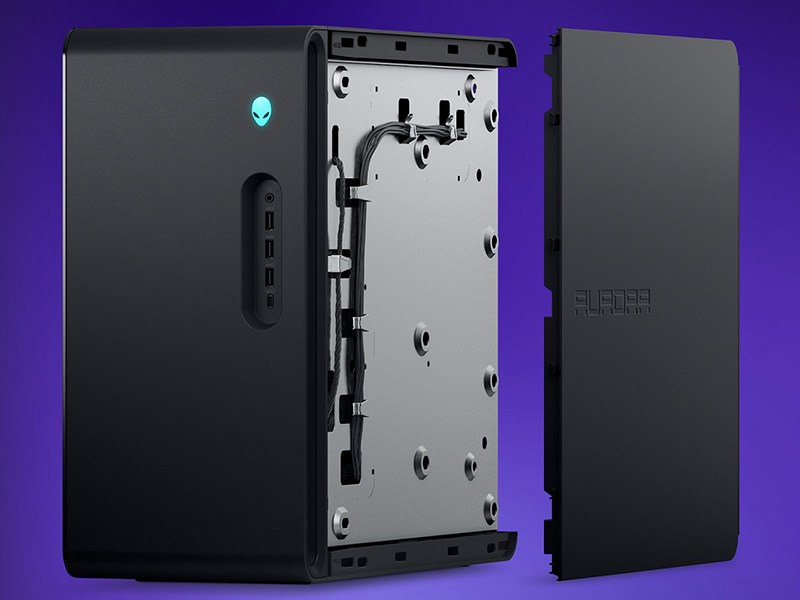
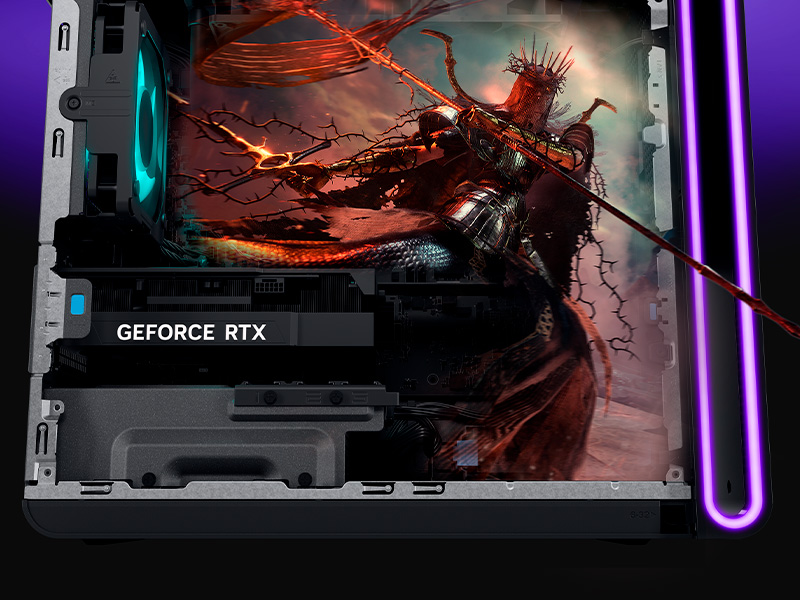
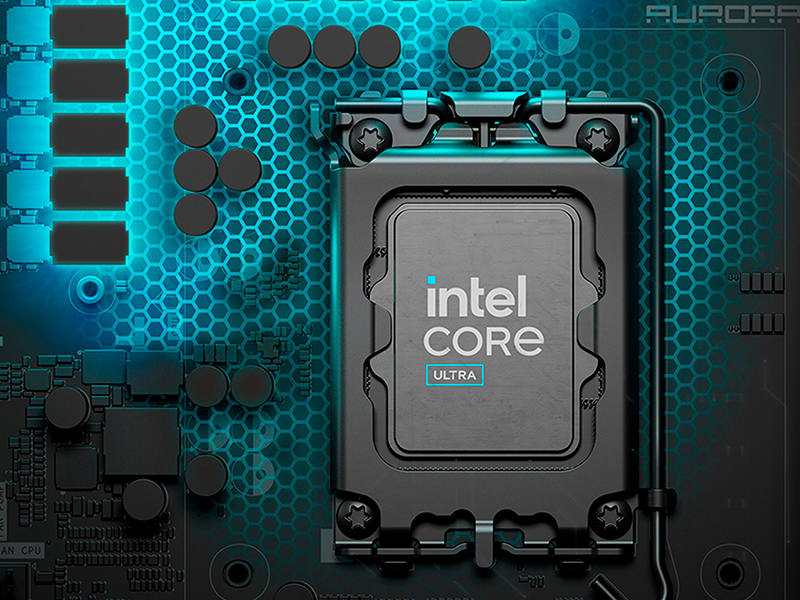
The Alienware Aurora R16 Gaming Desktop combines a cutting-edge 14th Gen Intel Core i7 processor with 32GB of blazing DDR5 RAM and a powerful NVIDIA GeForce RTX 4070 Super GPU. Designed with advanced 12-phase voltage regulation and optimized airflow, it delivers sustained high performance while running cool and quiet. Featuring Windows 11 Home and customizable AlienFX RGB lighting, this sleek Basalt Black chassis is built for gamers and creators who demand speed, style, and total control.





| ASIN | B0DKG8G5J3 |
| Are Batteries Included | No |
| Brand | Alienware |
| Color | Black |
| Computer Memory Type | DDR5 RAM |
| Connectivity Type | Bluetooth |
| Customer Reviews | 4.0 4.0 out of 5 stars (64) |
| Date First Available | 5 November 2024 |
| Graphics Card Description | RTX 4070 Super |
| Graphics Card Interface | PCI Express |
| Graphics Card Ram Size | 12 GB |
| Graphics Chipset Brand | NVIDIA |
| Graphics Coprocessor | NVIDIA GeForce RTX 4070 SUPER |
| Graphics RAM Type | GDDR6 |
| Hard Disk Description | SSD |
| Hard Drive Interface | Solid State |
| Hard Drive Size | 1 TB |
| Hardware Platform | PC |
| Item Weight | 15.4 Kilograms |
| Item model number | AWAUR16-7042BLK-PCA |
| Manufacturer | Dell |
| Maximum Memory Supported | 32 GB |
| Memory Clock Speed | 5600 MHz |
| Memory Technology | DDR5 |
| Number of USB 2.0 Ports | 4 |
| Number of USB 3.0 Ports | 8 |
| Operating System | Windows 11 Home |
| Processor Brand | Intel |
| Processor Count | 20 |
| Processor Socket | LGA 1700 |
| Processor Speed | 2.1 GHz |
| Processor Type | Core i7 |
| Product Dimensions | 41.81 x 19.69 x 41.91 cm; 15.37 kg |
| RAM Size | 32 GB |
| Series | Dell Alienware Aurora R16 RPL Desktop |
| Speaker Description | Onboard, Realtek high-performance Audio, No Speakers |
| Wireless Type | 802.11ax, Bluetooth |
R**K
When my wife's old Alienware gaming computer lost the ability to connect to the USB ports, it was time to replace it with a faster computer. I showed her all of the Alienware versions and she selected this one, based on speed, graphics and cost. It has met her requirements and is running fine.
C**N
uhhhh it’s a really good computer
J**B
OK, it was supposed to be refurbished. It wasn’t. The previous owner still had their profile and was locked with a PIN 😑. I went into RECOVERY mode and downloaded online new software with out saving any data on the SSD. Rebooted, and it failed to get to Win11😑. Rebooted into the Recovery Mode and tried to download software against but the computer could NOT find a WiFi signal 😑. Any WiFi signal. So, it set up the Recovery Mode to boot from USB and install Win11. The computer could not find the SSD😑. I had enough and started the process for a refund. 🫥
J**A
It worked perfectly
K**N
I was surprised with the performance this smaller desktop can produce, for the price this is a great deal for a plug n play pc. I will say it would be a good idea to uninstall the bloatware and set the Alienware software to performance mode with the fans on med or high. 135+ fps on Escape from Tarkov with all the settings on Ultra or high with the Nvidia control panel on Max quality @ 200hz 2k resolution playing Streets of Tarkov and Lighthouse with discord running while sharing my screen. If you were on the fence, do it, this has been a great purchase! Also you can add more storage via the extra NVME slots and you can add a 240mm AIO or more fans. Ram is limited to two slots so you could upgrade with two 32gb sticks but honestly the 32 gb of 5600mhz ram is more than enough. It has both WIFI and Bluetooth built in with its own antenna included in the box.
Trustpilot
3 weeks ago
1 month ago