
DOWNLOAD THE APP


Customer Services
Copyright © 2025 Desertcart Holdings Limited
DOWNLOAD THE APP
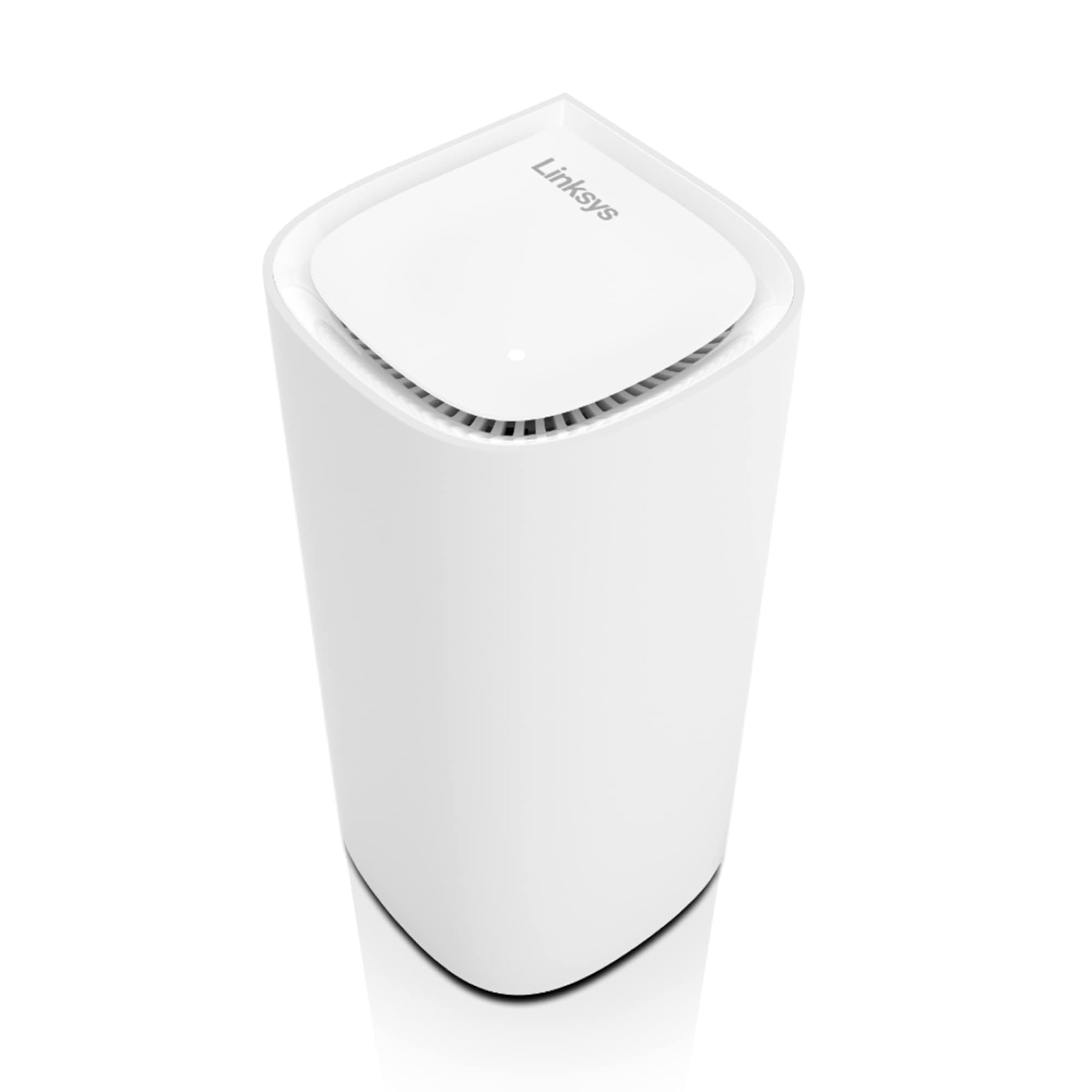
🚀 Elevate your WiFi game—fast, flawless, and future-ready!
The Linksys Velop Pro 6E is a cutting-edge tri-band mesh WiFi system delivering up to 5.4 Gbps speeds across a 3,000 sq ft area. Designed for busy smart homes and professional setups, it supports over 200 devices simultaneously with hassle-free setup via the Linksys app. Its sleek, minimalist design ensures powerful connectivity without compromising your space aesthetics, making it the ultimate WiFi upgrade for 2023.


| ASIN | B0C6N4NFM8 |
| Best Sellers Rank | #15,653 in Electronics ( See Top 100 in Electronics ) #74 in Whole Home & Mesh Wi-Fi Systems |
| Customer Reviews | 4.0 4.0 out of 5 stars (556) |
| Date First Available | May 30, 2023 |
| Item Weight | 5.28 pounds |
| Item model number | MXEC621-AMZ |
| Manufacturer | Linksys |
| Product Dimensions | 3.7 x 3.7 x 7.41 inches |
D**N
Why an old Wi-Fi guy chose the Linksys Velop WiFi 6E Mesh system
I am a veteran networking professional with over 30 years of experience in the industry and I have also authored numerous books on Wi-Fi technology. I have spent most of my career focusing on enterprise-level Wi-Fi solutions. The Wi-Fi that I usually deal with is built for businesses, and it's a whole different ballgame than the home Wi-Fi most people are familiar with. In the business world, the Wi-Fi has to not only be super-fast and extremely secure, but it also needs to integrate seamlessly into complex enterprise networks. You might be wondering why a guy who works with super complicated Wi-Fi systems for big businesses is messing around with home Wi-Fi gear. Well, my wife had enough of our home looking like a sci-fi movie set with all the techy equipment I'd bring home. She wanted something that was not only reliable but also aesthetically pleasing—essentially, a Wi-Fi system that "just works" without becoming a room's unwanted centerpiece. So, I thought I'd go back to basics and check out Linksys, which was my go-to for home Wi-Fi way back when everyone was just getting used to the idea of Wi-Fi in the first place. I decided to go with the Linksys Velop Pro 6E, opting for the 3-pack mesh system to ensure solid coverage throughout my entire home. I was drawn to this choice for a few reasons: Linksys' reputable brand name, the system's sleek design, and the inclusion of Wi-Fi 6E technology that operates on the new 6 GHz frequency band. When I hit the 'Buy Now' button, I had three criteria in mind that, if met, would make this a 5-star product for me: 1. Hassle-free setup 2. Easy on the eyes 3. Strong and fast coverage throughout my 2,600 square-foot home I am happy to report that the Linksys Velop Pro 6E met all three expectations with flying colors. Setup: The setup was a breeze. I unboxed the system, scanned the QR code to download the Linksys app, and the app guided me through the entire installation process. From unboxing to fully operational, it took me about 5 minutes—or let's call it 10 minutes, accounting for the time I spent positioning the two additional mesh nodes around my house as the app advised. The best part? The mesh setup was incredibly smooth and automatic. Just plug in, follow the prompts, and you're up and running. Within another 15 minutes, I had connected all of my 12 devices—laptops, smartphones, tablets, TVs, a doorbell, thermostats, you name it—to the new Wi-Fi network with the latest WPA3 security. And while the Linksys mobile app is straightforward enough for most users, advanced settings can also be managed via their web application if you prefer. Pretty factor: Aesthetics matter more than most people think. I frequently come across the newest Wi-Fi routers boasting 6-8 antennas sticking out, making them look like some sort of robotic alien spider. What I needed was a Wi-Fi system that could discreetly blend into the room, becoming a part of the decor rather than a distraction. The Linksys Velop Pro 6E delivers on this front—its cylindrical design and internal antennas make it a sleek, unobtrusive addition to any room. Definitely easy on the eyes! Connectivity: I conducted tests throughout the house and consistently recorded a signal strength of well over -65 dBm (which is considered excellent). Using Ookla for speed tests on various devices, I nearly maxed out the bandwidth limit set by my ISP, which is 500 Mbps. Keep in mind, I specifically wanted a Wi-Fi 6E system to leverage the newly-released 6 GHz frequency band. I have a couple of smartphones and laptops equipped with 6 GHz radios, and I observed Wi-Fi speeds as high as 2401 Mbps. After 48 hours of operation, the verdict from the home front is unanimous: everyone is happy, and the Wi-Fi just works. That merits 5-stars!
M**O
Works well
So this is a mesh system, which consists of a number of nodes. This one has 3, each node supposedly covers 3000sq ft. of space. Setup is made to be really easy, using the linksys app. First take out one of the nodes, plug it in, you'll see its SSID on your phone so just log in using the provided default password. Once you connect, you have access to basic router setup, so you can set a different IP/subnet address. You can set it to use only devices you have a mac address for which i might switch to after. There is one input which is from your cable/fiber modem in, and one output which you can connect one ethernet connected device. I have a bunch of devices by the TV so i bought a hub/switch that expanded my ports to 7 free so that was great. At first this didn't work, but my switch detected a loop back that i accidentally plugged one cable into two of the open plugs, which totally caused all ports not to get dhcp so none of the devices detected. The switch was a TPLink and it had a switch to check for loop, and it detected it. I unhooked one at a time till the it stopped detecting the loop and that fixed that. You don't have to choose an SSID for the frequencies the mesh uses, as it blends 2.4, 5.0 and 6.0ghz so it looks like one SSID, you can have a guest SSID, as well if you want. Once the first node is setup as the router, all additional nodes are just remote nodes. So i added two more which you just turn on next to the router node, and select add from the app. Once they are initialized, they change a led on top from blue to white. Then you just move them around the house to get better wifi in those far reaching rooms. So far everythings working well, but wish there were more advanced settings in the router settings. It does have parental controls, so it has all the very basics. But if you're a total novice in setting up home networks, this is for you.
R**Z
Funciones bien.. Hasta que hay alguna falla.. Dice tener 3.5 años de garantía.. No hay soporte, en línea nadie te ayuda.. Por teléfono, no hay un número a donde contactar.. En México al menos, no hay como aplicar la garantía o encontrar a alguien de soporte para resolver algún fallo.
C**S
Buen producto, pero esperaba más de Linksys
K**P
Funciona bien.
D**S
Tuve problemas para instalarlo con la seccion que se utiliza para sustituir un modelo anterior manteniendo todos los parametros de la red antigua. Sin embargo el soporte que me dieron telefonico fue adecuado para lograr instalar la nueva red y asociarla a la cuenta en la aplicacion para su administracion.
R**Z
No lo compren! Dejo de funcionar, duro 3 meses bien.. NO hay soporte en México; nadie te atiende, en línea no te responden y no te dan solución, no hay cómo resolver alguna falla.
Trustpilot
1 month ago
1 day ago