
DOWNLOAD THE APP


Customer Support

Desert Online General Trading LLC
Warehouse # 7, 4th Street, Umm Ramool, Dubai, 30183, Dubai
DOWNLOAD THE APP
Customer Support
Desert Online General Trading LLC
Warehouse # 7, 4th Street, Umm Ramool, Dubai, 30183, Dubai

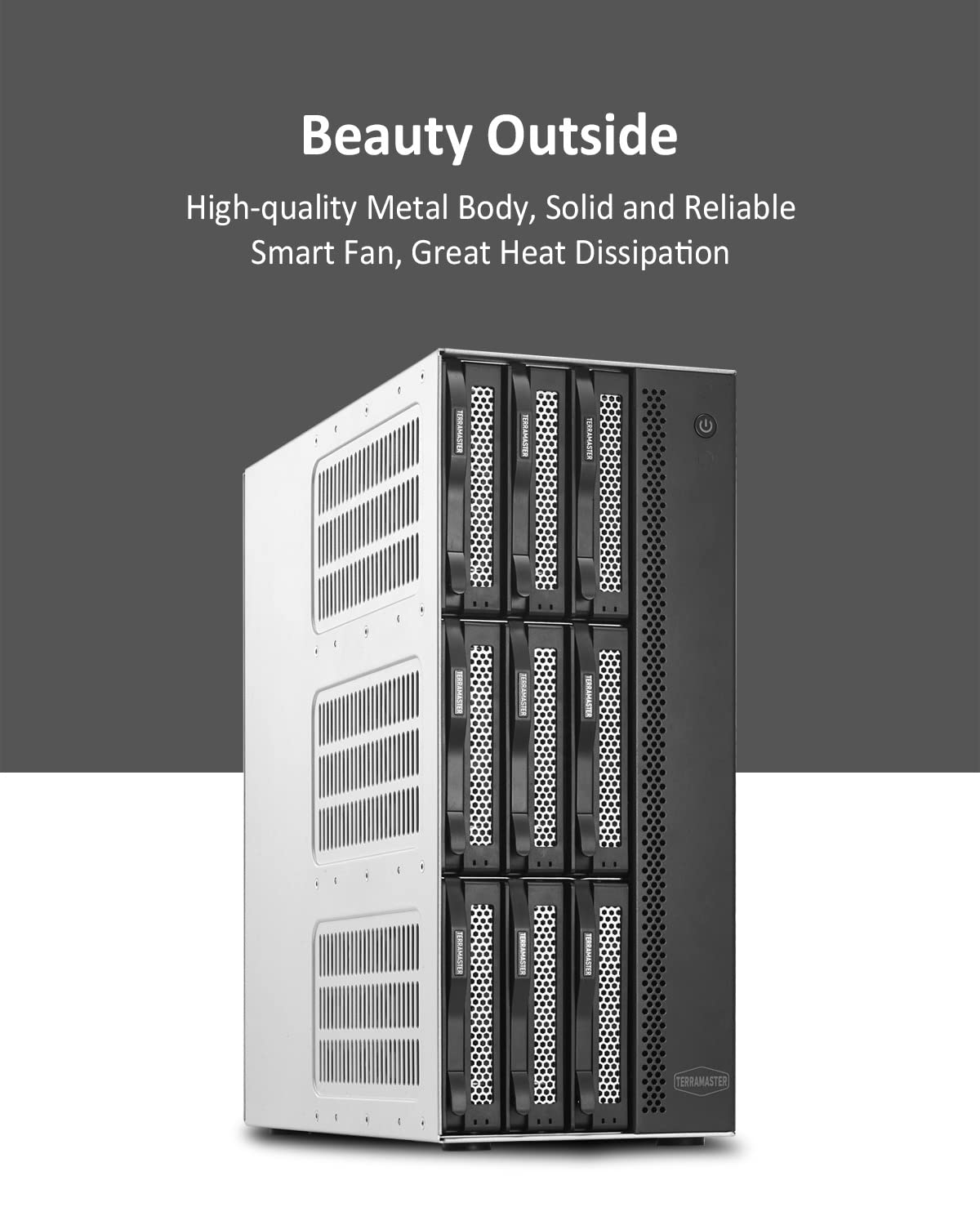
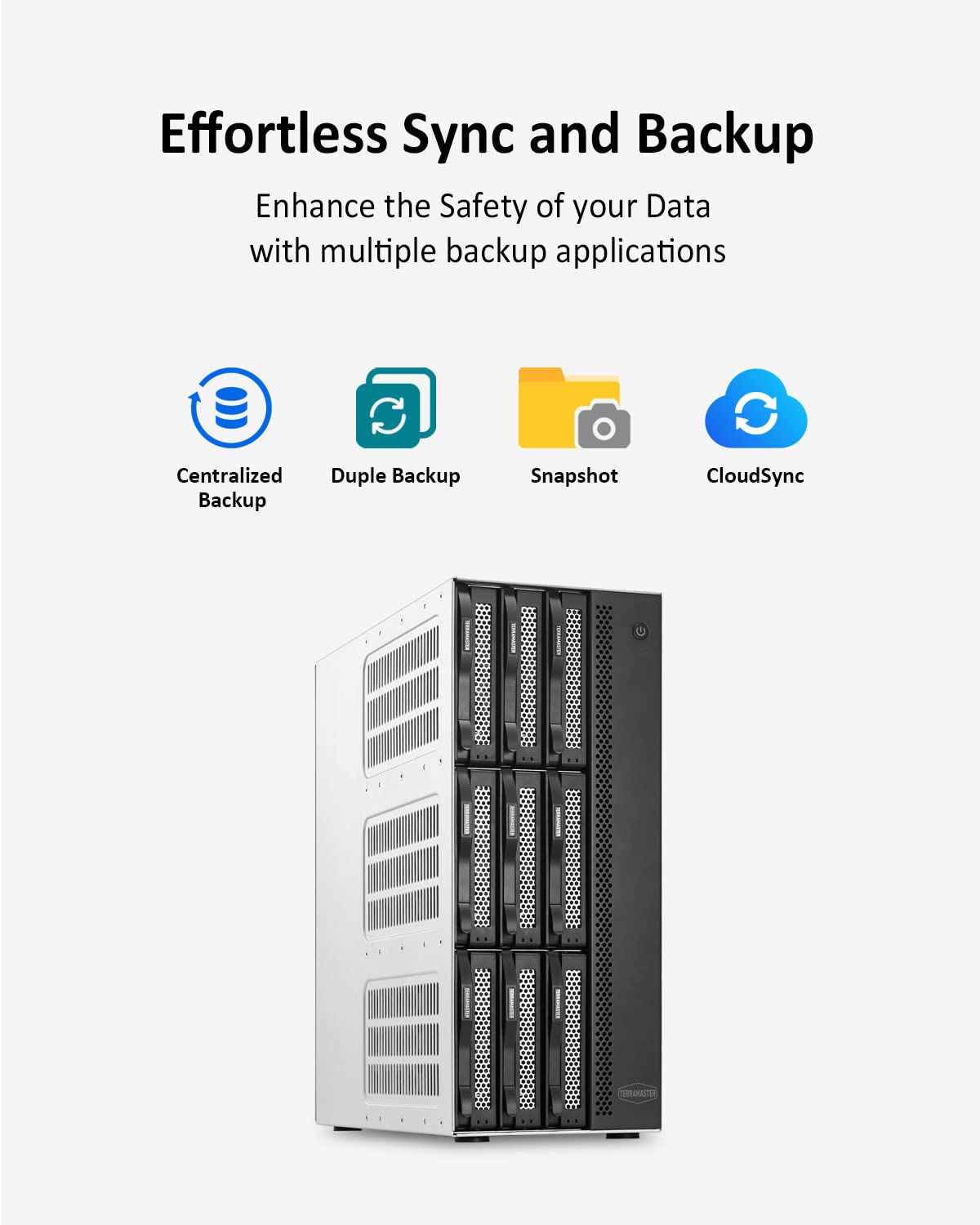
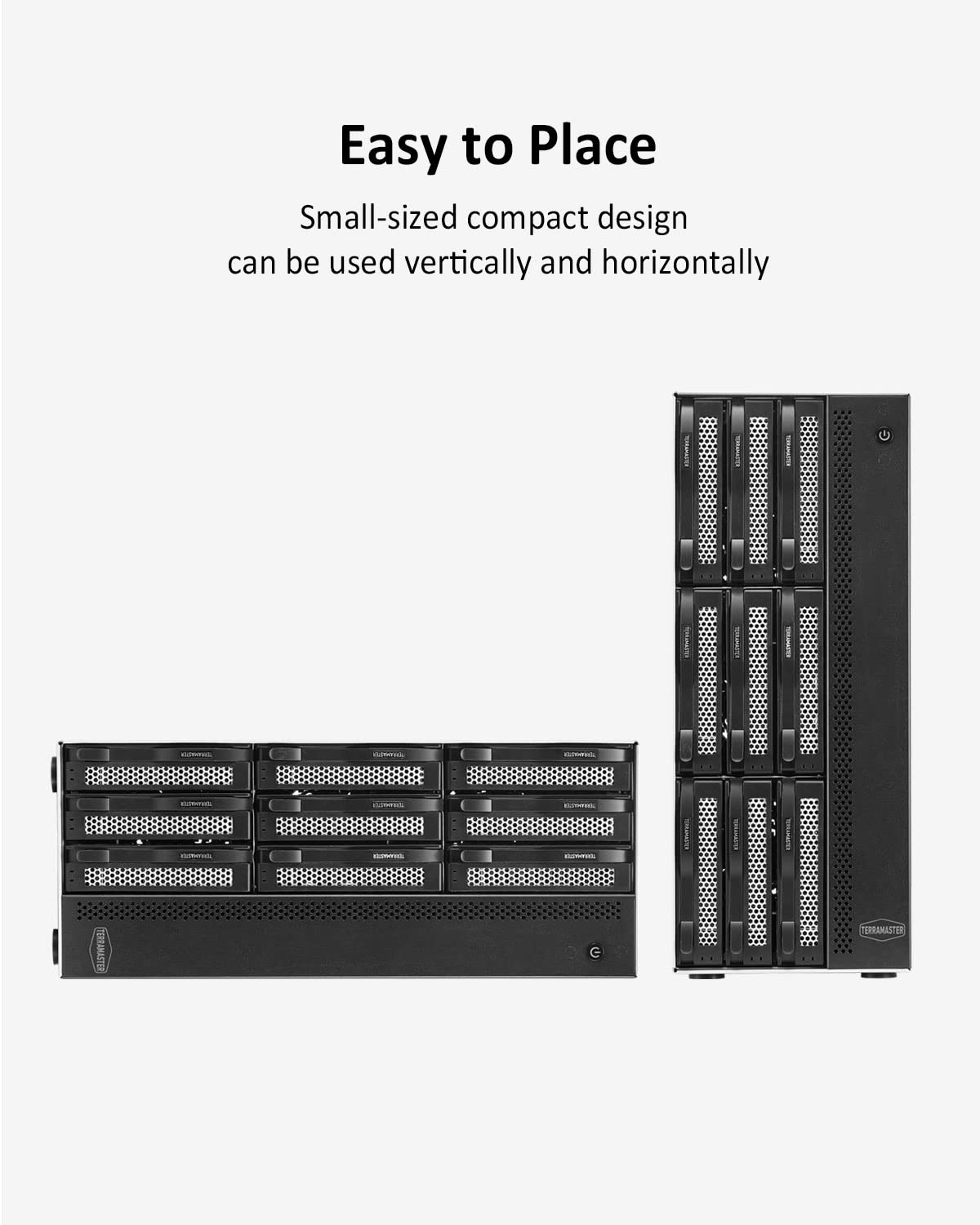
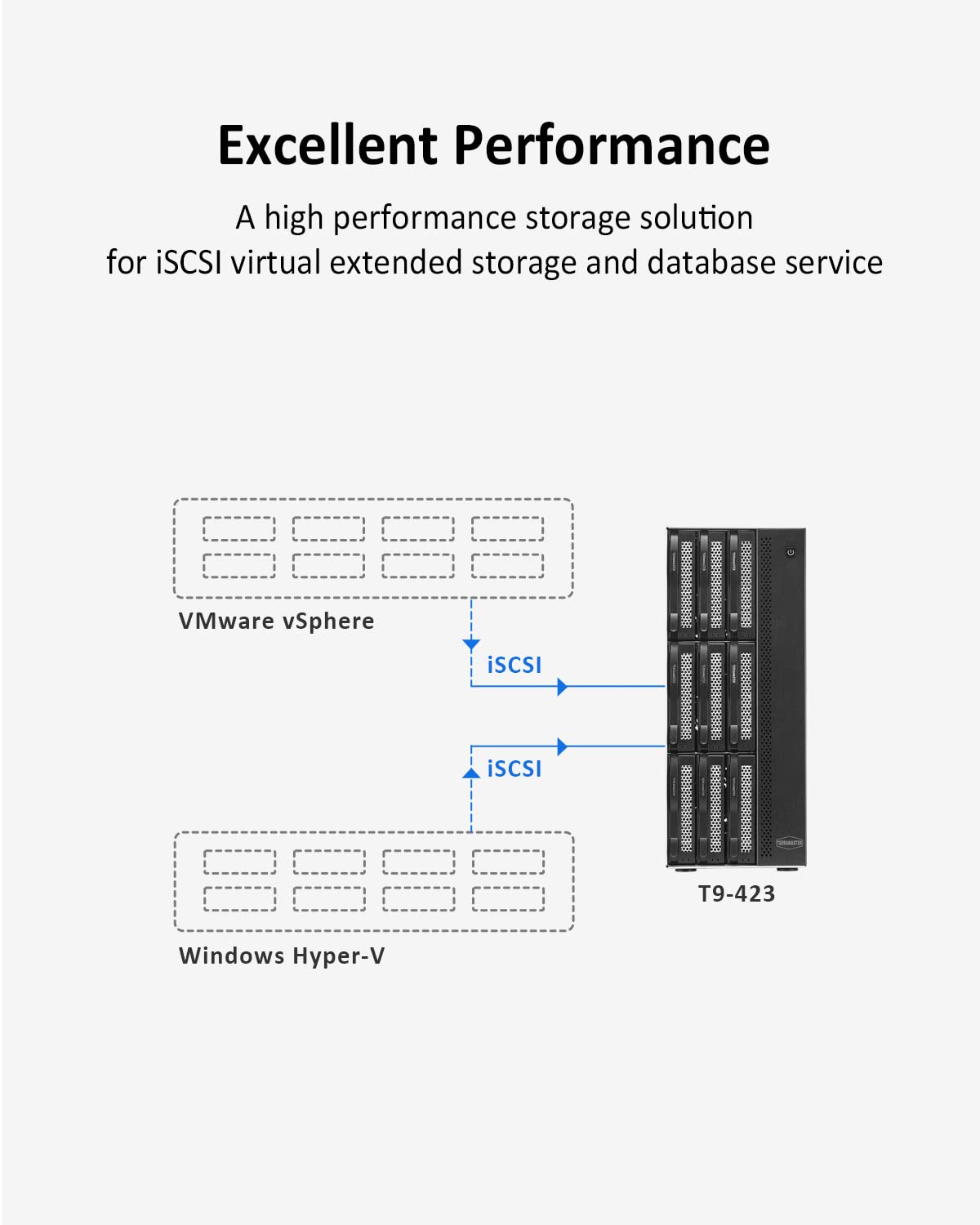
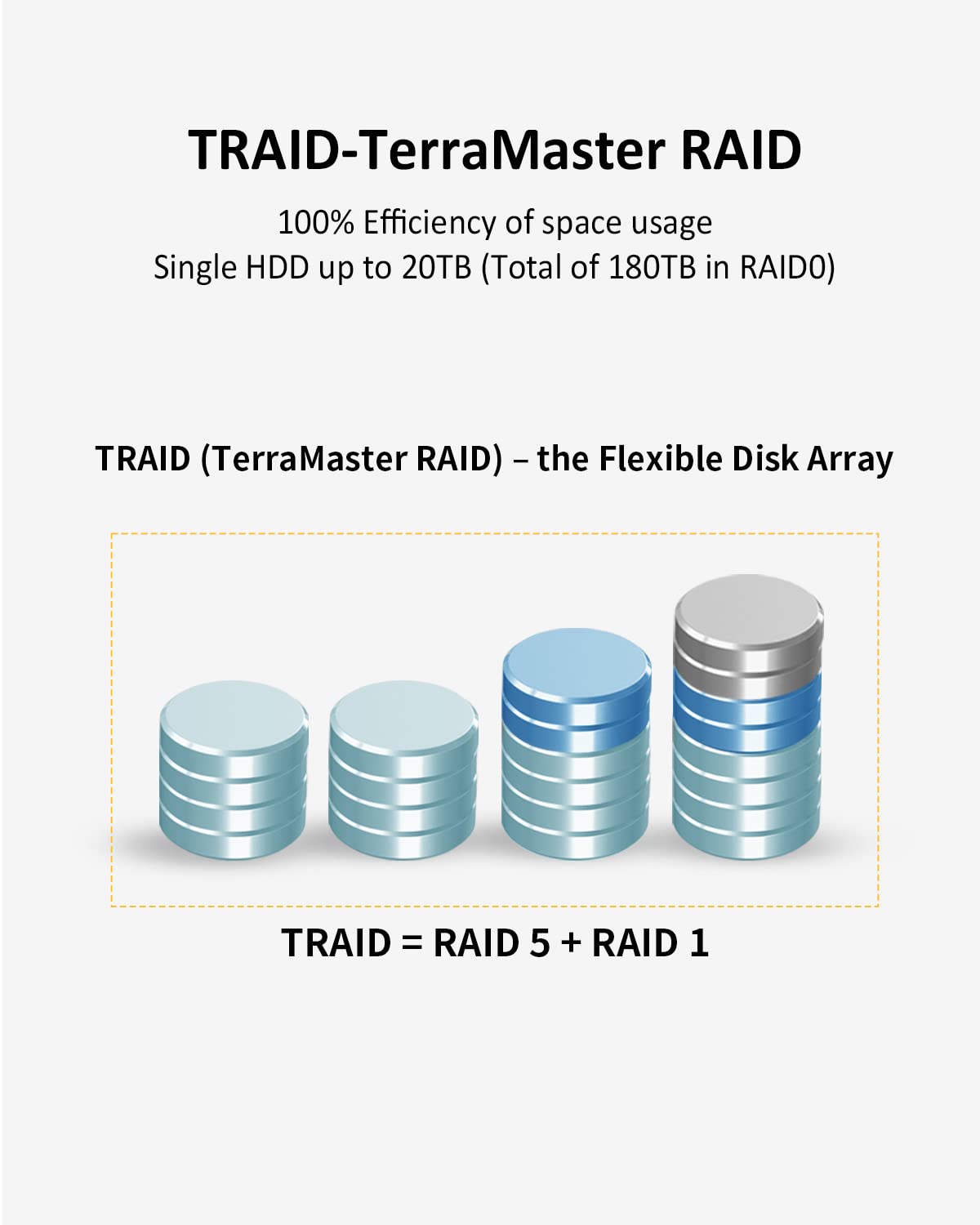



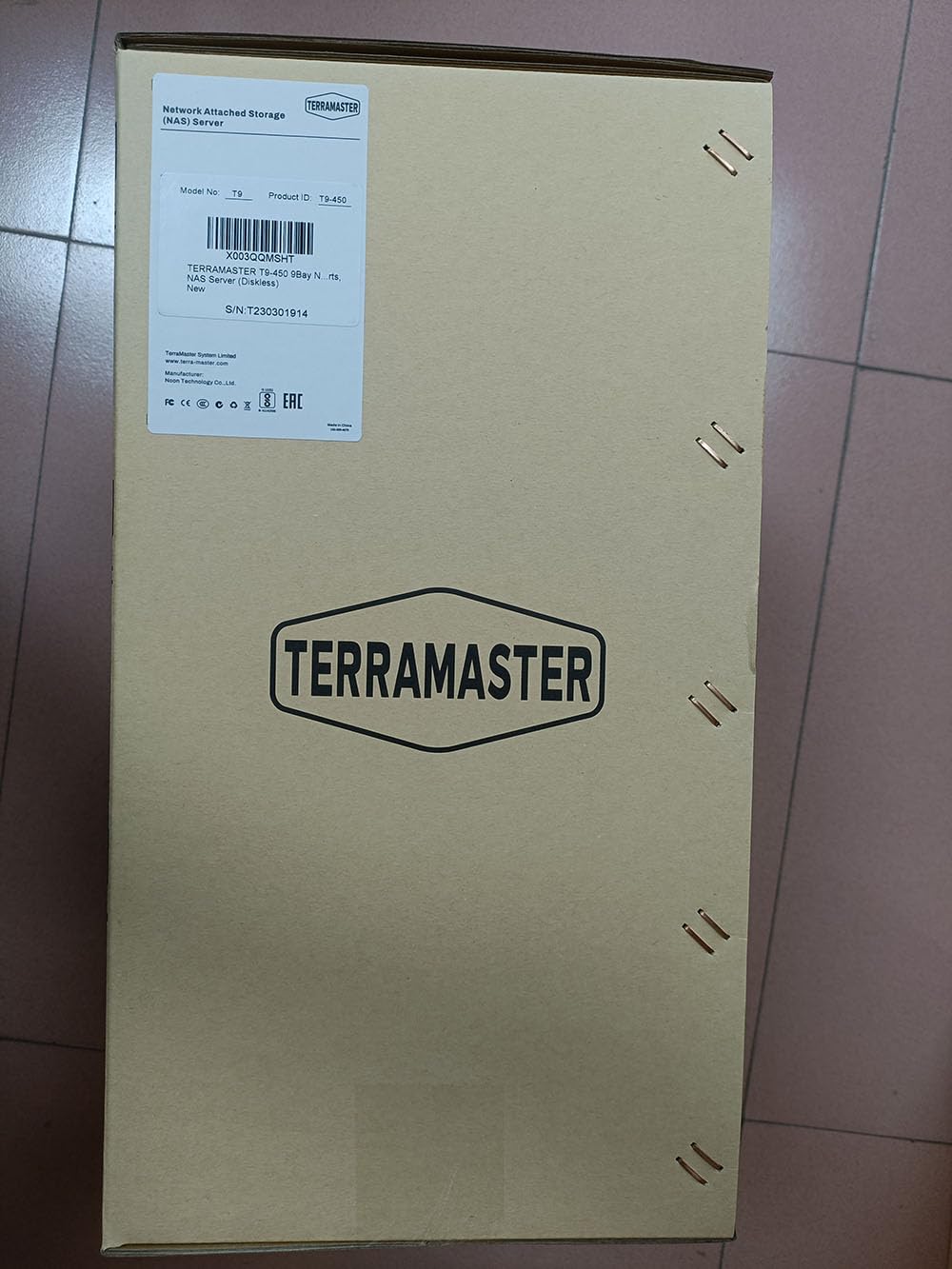
🚀 Elevate your storage game with speed and security that means business.
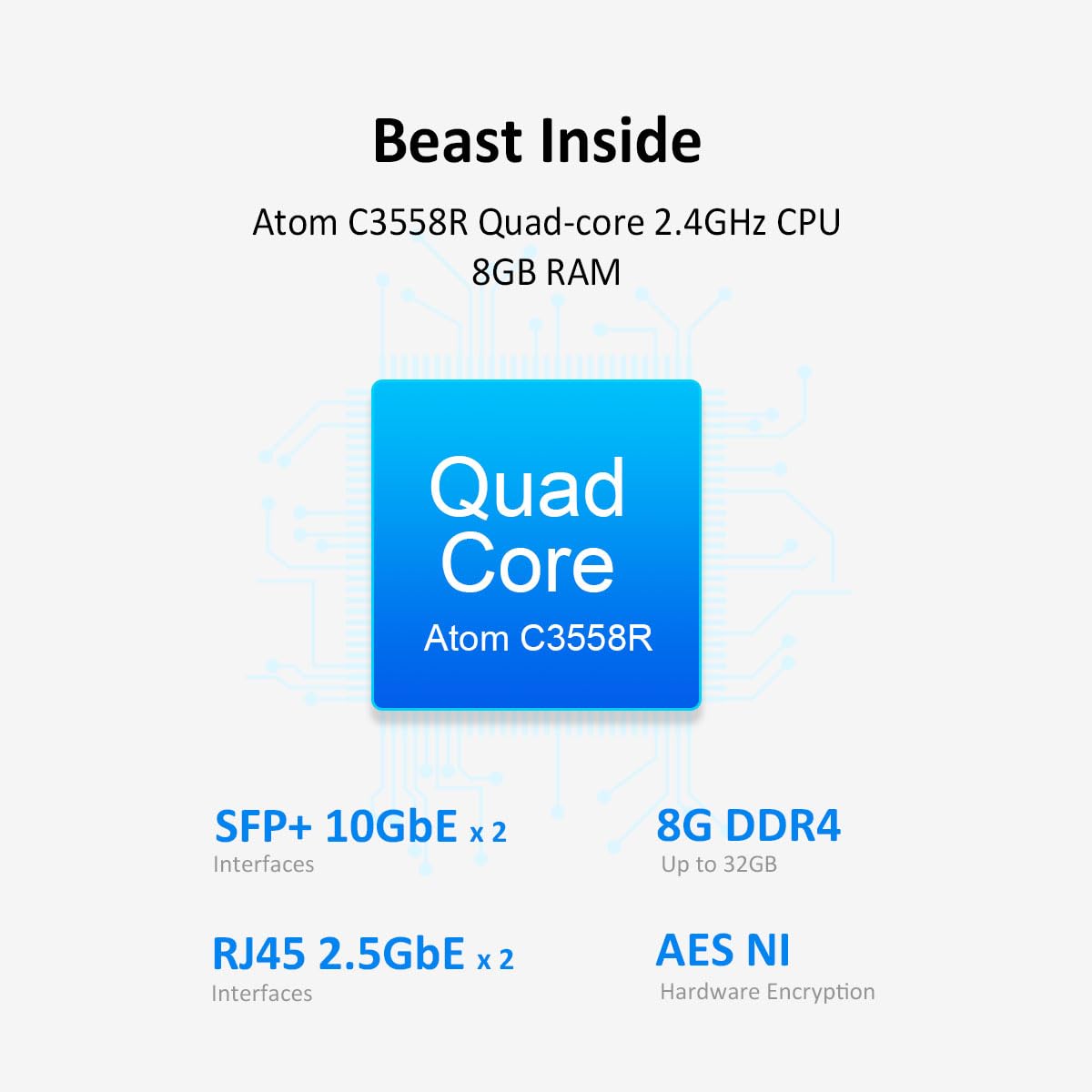
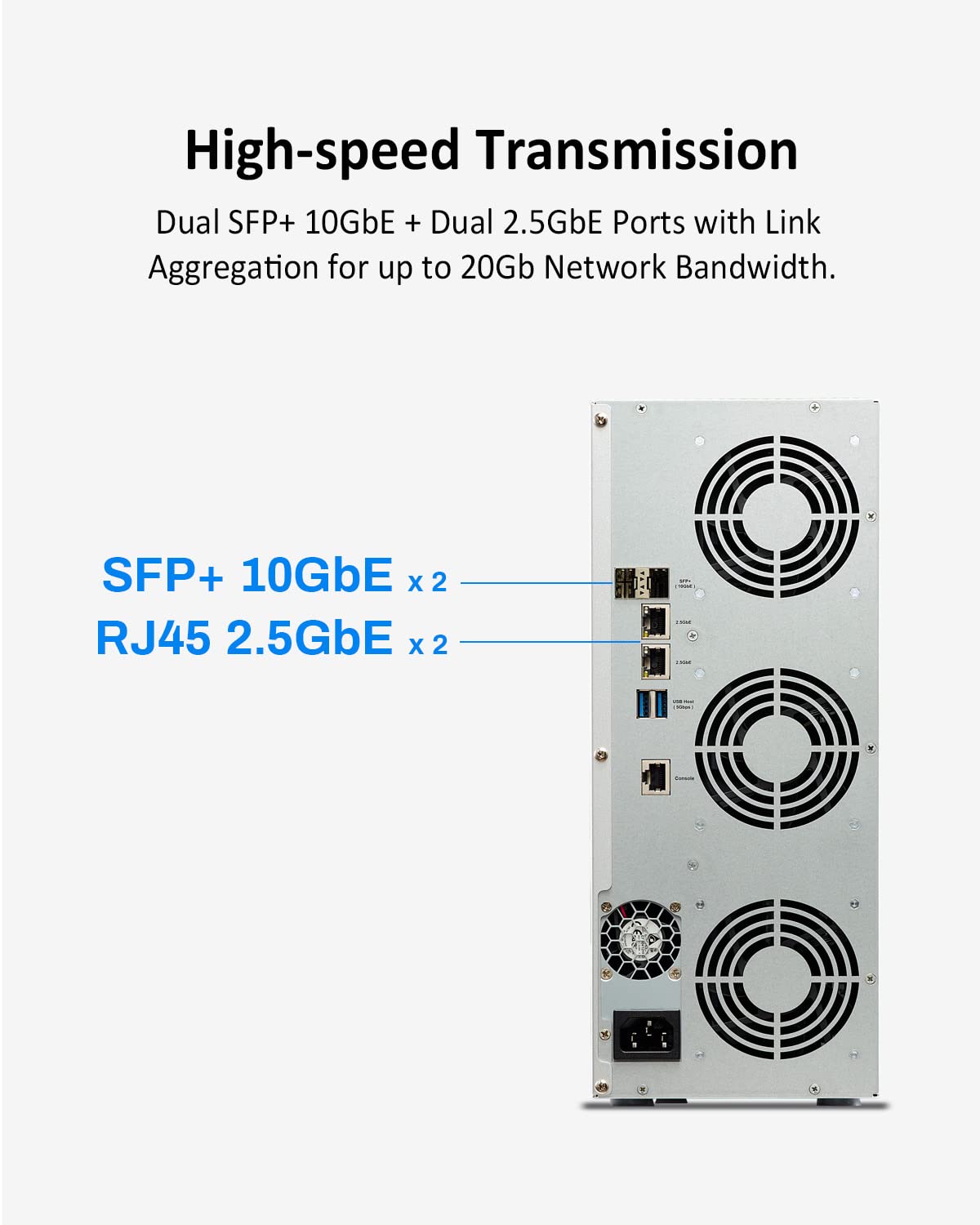
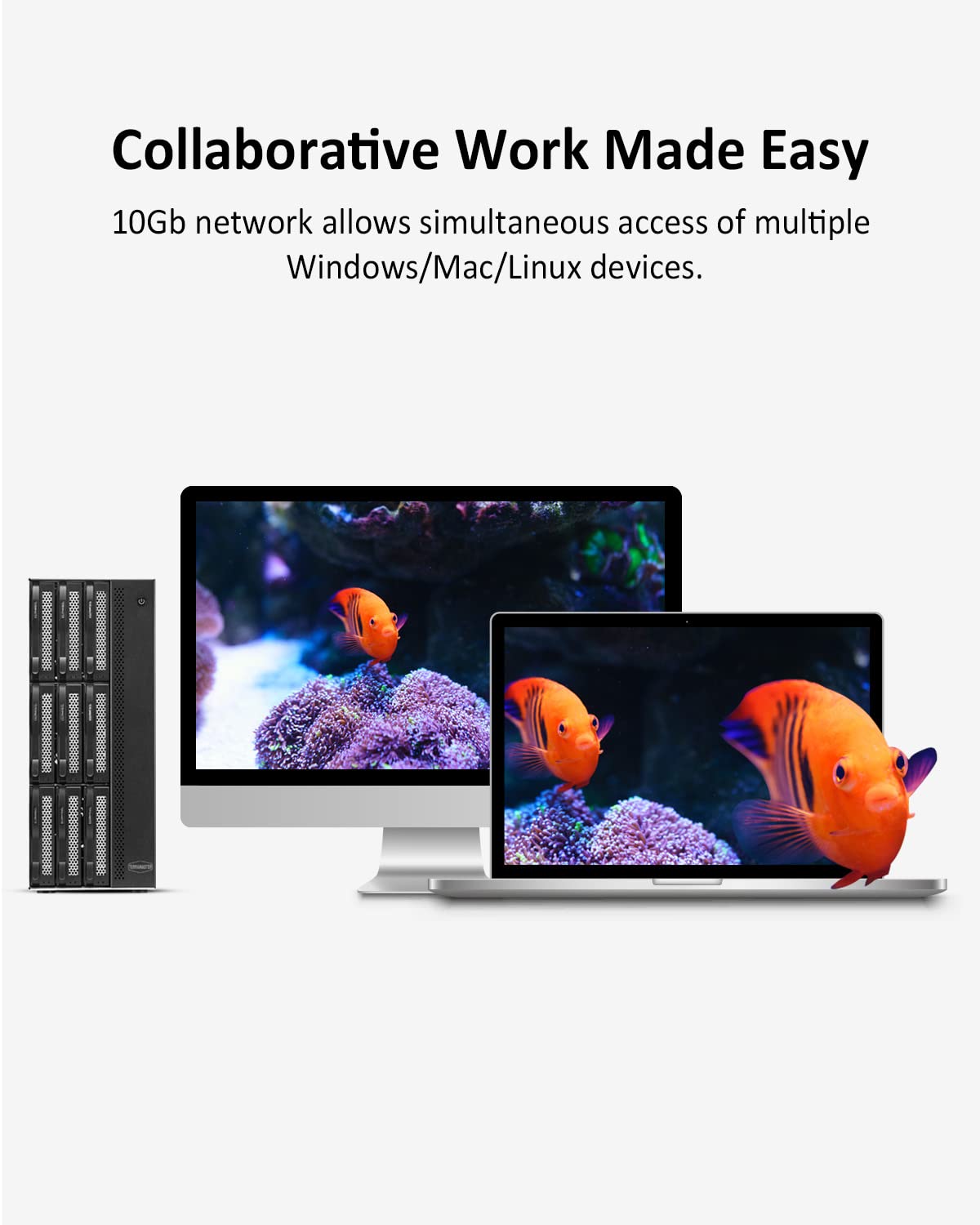
The TERRAMASTER T9-450 is a high-performance 9-bay NAS featuring an Intel Atom C3558R quad-core 2.4GHz CPU, 8GB DDR4 RAM (expandable to 32GB), dual SFP+ 10GbE and dual 2.5GbE ports for ultra-fast network throughput. Designed for demanding professional workflows like 4K editing and virtualization, it includes dual M.2 NVMe SSD slots for cache acceleration, comprehensive backup options, and advanced data protection with TRAID and snapshot support. Its compact, quiet metal design fits seamlessly into any modern office environment.
| Processor | 2.4 GHz |
| RAM | 8 GB |
| Hard Drive | Diskless |
| Brand | TERRAMASTER |
| Hardware Platform | x86 |
| Operating System | TOS 5.1 |
| Item Weight | 18.06 pounds |
| Product Dimensions | 11.61 x 5.31 x 13.15 inches |
| Item Dimensions LxWxH | 11.61 x 5.31 x 13.15 inches |
| Color | 9Bay, T9-450, 8GB RAM, Quad-Core |
| Processor Brand | Intel |
| Hard Drive Interface | Serial ATA-600 |
| Power Source | AC |
| Manufacturer | TERRAMASTER |
| ASIN | B0BXT243BG |
| Date First Available | March 8, 2023 |
S**E
F4-422 TerraMaster Tnas (With optional 10TB Seagate Ironwolf HDD)
Ive been wanting a nas for a long time, and not having any experience with tradition 1U, or 2U products or software - i was caught in a black cloud of back up and storage issues. Until i found this guy. This thing is GREAT. Some of the reviews say its loud when it writes, which is is - but its not as bad as you think. I'm typing this on a mechanical Keyboard, and the keystrokes are more prominent than the writing of the files im transferring to the NAS as we speak. After looking at other solutions, like Qnap, Asustor, Synology etc. They each had little nuances that made me not want to get them, for instance Dual core processors vs the Terra's quad - or the fact that they dont (Or Can't) do video encoding, or bottlenecks in transfers . So keep that in mind when ordering yours.Set up: Super easy, i bearly had to input any information, it was 95% automated. The NAS comes with a QR code for the online instructions, which is web based, but super helpful and easy to use. It either asks you questions or tells you what to do, you hit "Next." and move on. Literally Plug the thing in, hook up the internet patch cable (I had to get a 5 port switch because its upstairs in my room, with my desktop) plug in the power, and you're ready to go. The set up process i YT'd it, just to make it easier, but its really step by step too. Usernames, passwords, it will format the drives to install the BTRFS file system. If you want to use it remotely, you just put your IP addres of the server (it will give you a pop up, say on your desktop when you log in that you can save for reference) Type that in Chrome, FF or whatever - and just log in. It just works.Use: Install Plex for media Server, and some of the other ones like "Back up", Multimedia server, Adobe acrobat. One button installs, and very quick - very automated. You need to set up your public and private filesystem though, otherwise your public will be shared and you don't want your private stuff shared in that folder.I only got one drive, its all i could afford now, just realize unless you partition 3 seperate partitions before installing it into the NAS it will take only one disk and format the whole thing as one partition (for RAID). But when you add new drives, it will automatically add them, and you can use RAID 5 or whatever. I have no back up since im using 1 drive. (Yet)Very happy with this, the software - ease of use, noise level is fine (I have six Corsair 140 LL fans in my desktop, it's not anymore noisier than those, but they're also not at full speed, maybe 20% of max rpm.Oh, FYI - the Ram module that comes up on Amazon for this specific brand, isn't shown to be compatible in the list. I emailed them, and asked a question on that sale page for the product, very quick response, but was lacking or didnt understand what i was referring too. I told them that the User manual (and online specifics) for the F4-422 said "upgrade able to 8gb ram" which is fine, but the manual says 4gb x 4gb configurations, but the manual says it only has 1 ram slot. By Default, there has to be two slots for a 4x4 configuration. 1 slot would be fine for 8gb stick, but they don't make those. It's either 2x2 or 4x4. Not a big deal, but just more curious. But that ram stick IS compatible with this.Con: I only wished they had it in Black. It looks nice, but all my computer stuff is black, so this stands out a bit. I can paint it too after the warranty runs out.
A**R
F5-422 Review
I have the F5-422. I feel like this could be priced in at about $100 cheaper if you really consider this thing has a 1.5Ghz J3455 Intel Celeron chip running on it. Another thing to clarify is this has 2GB of onboard (soldered) ram that is not removable. The ram slot comes with another 2GB DDR3L ram giving you 4GB total out of the box. If you swap out for an 8GB stick of DDR3L ram, you get a total of 10GB ram on this bad boy. Apparently this J3455 chip is listed as supporting 8GB max but Intel says depending on the motherboard manufacturer and type of RAM they use, it could be more. There are cases of people using 16GB ram with their J3455 chip. I have not tried more than 10GB total of ram on the Terramaster F5-422. Currently I have TrueNAS Scale running on this no problem. I used shucked 12TB drives purchased from ebay and they recognize with no issue. No need to modify the connectors in any way to get them to show up. I do not plan on doing any virtualization or any containerization on this box. I like one function only for my NAS devices. To install TrueNAS Scale I downloaded it from the TrueNAS website, then mounted it to a USB using the "Rufus" tool for installation media. Then I got a low profile usb thumb drive separate from the one with TrueNAS Scale installer to install the OS to. I then disassembled the Terramaster device to upgrade the ram and swap out the internal USB drive that boots TOS. I took that usb out and put in my TrueNAS installer USB. The LowProfile USB was placed in the external USB slot. Upon booting up the Terramaster, press "DEL" or "ESC" to load the BIOS. I went to power settings and made sure the fan is set to run full speed at all times. Just my decision because I would rather have a fan going full blast than overheating. After making that change, I just looked thru the BIOS to make sure that my install media was visible along with the low profile usb drive that I would install to. After saving and exiting the bios, the box booted into the TrueNAS installation environment as expected and I pointed the installer to the low profile USB device as the install location. After the TrueNAS install completed I removed the installer usb and put my low profile USB with the TrueNAS Scale OS on it into the INTERNAL USB port now. Next, I closed everything up, loaded in my drives and booted up. I keep saying low profile USB because there is very little physical clearance that you will have for the internal USB drive on the Terramaster so you need to make sure the USB is very small form factor. Currently everything is running clean and I am glad I chose Terramaster at this point! I didn't want to build an ITX build just for NAS and I didn't want proprietary OS like Synology. The Terramaster F5-422 gives me what I want and upgradability. I do wish the CPU was a little beefier but that would be at the expense of heat, noise and size as well. This is a great device and seems to be fairly sturdy and doesn't feel cheap other than the power button.
K**N
TERRAMASTER F5-422 - Poor first impression
Tech support is pretty good, they are NOT 24-7, but they are courteous and genuinely try to be helpful.Speculation now is that I have a defective power supply - factory is sending a replacement.Brand new unit with 5x brand new 4TB Iron Wolf drives. I think the drives are fine, I have several in different computers and they serve well.The NAS seems unable to work with 5 disks in a RAID 5. Runs for a while, then becomes unresponsive.The UI is pretty good, so much as I have seen it.The last suggestion was to setup with only 1 disk, and then expand one disk at a time - each step takes most of a 24-hour day - and it crashed again migrating to RAID 5 from RAID 1 when I added the third disk.If it ever starts working, I will update this. I am on a knife's edge to return and buy a more mature brand.It is super quiet when off - but is actually pretty quiet when it has been running.Update: 2 Weeks Later... The manufacturer sent us a replacement power supply - no change in behavior - We are returning the unit and will by from another manufacturer.
Trustpilot
2 weeks ago
2 weeks ago