

Desert Online General Trading LLC
Dubai, United Arab Emirates
Desert Online General Trading LLC
Dubai, United Arab Emirates


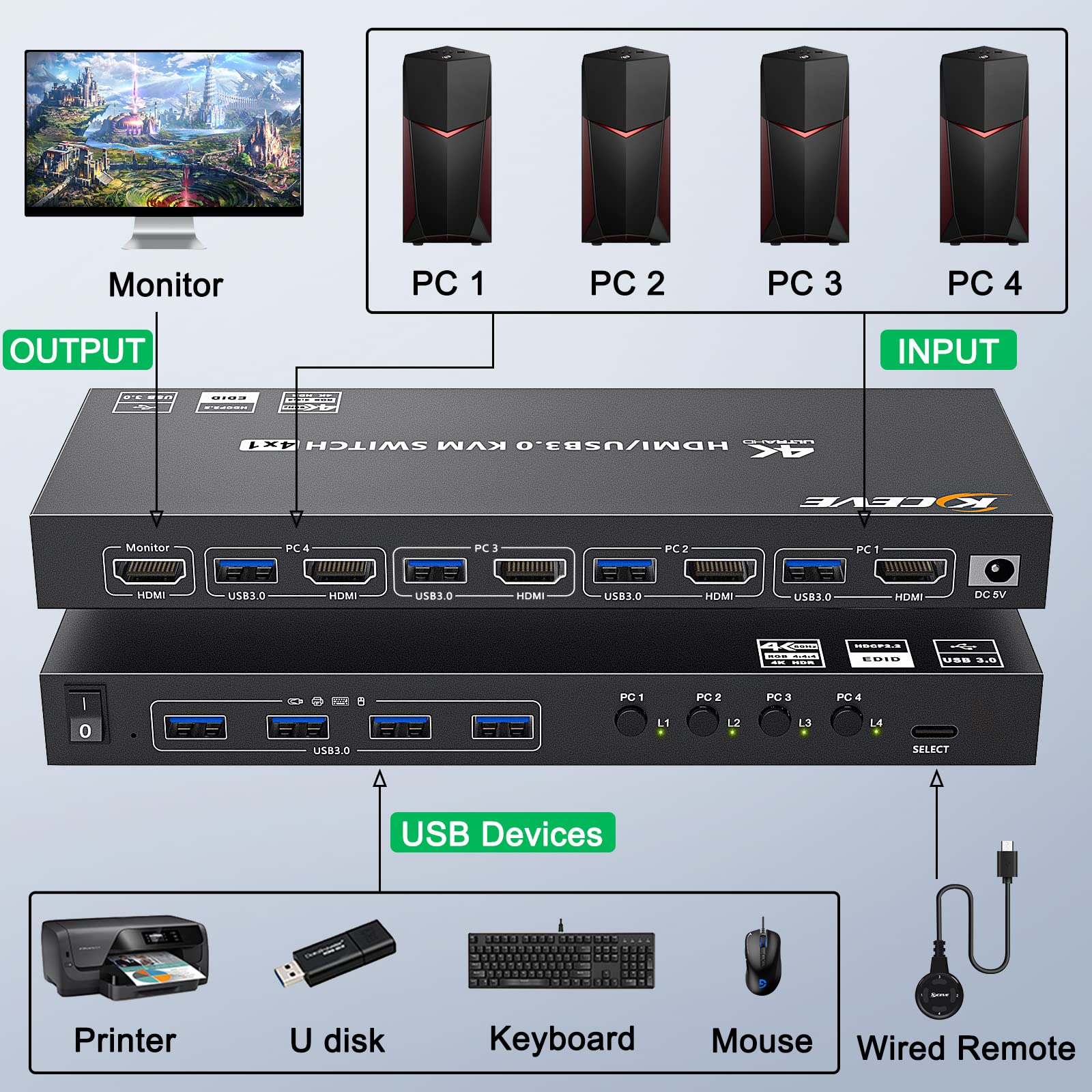
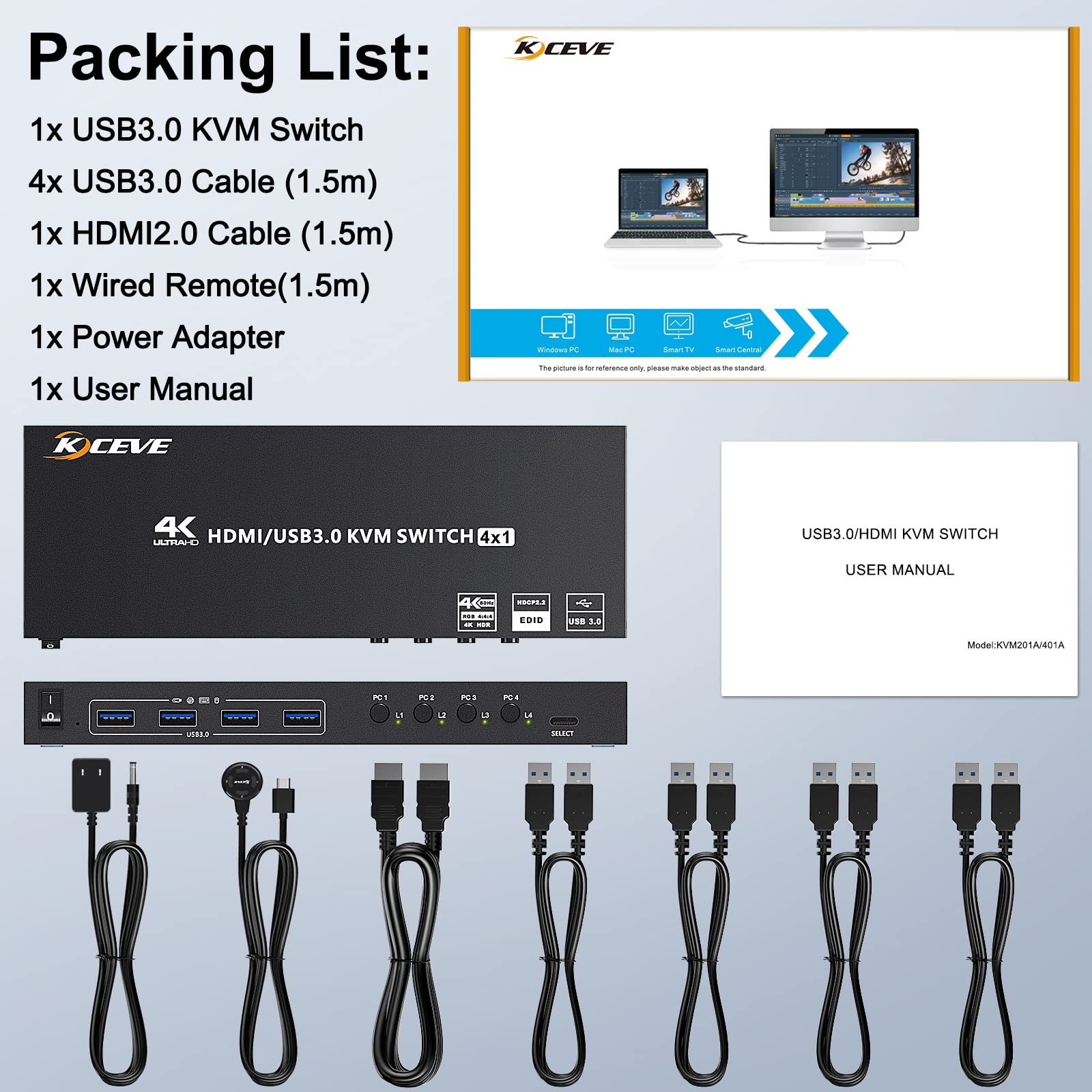
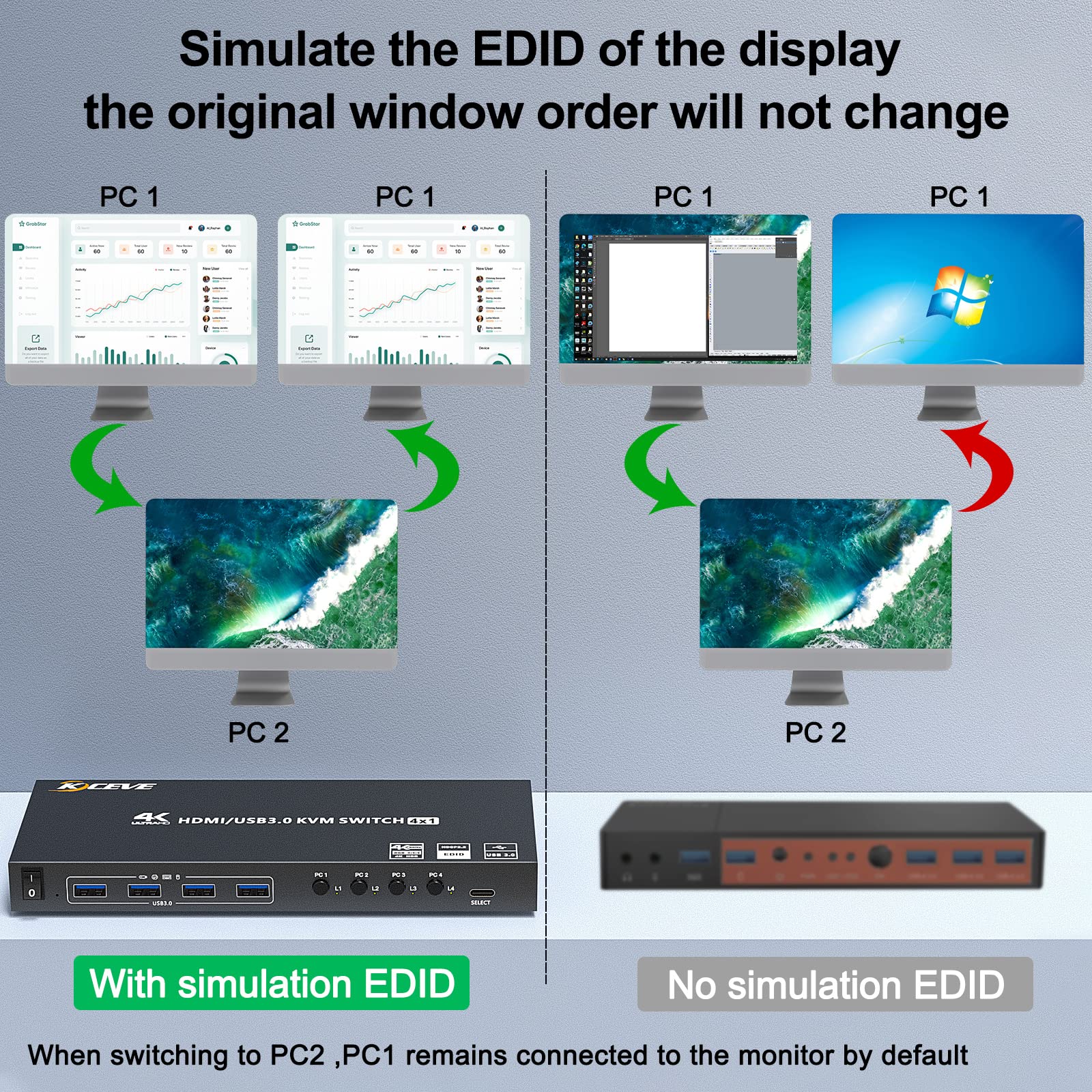
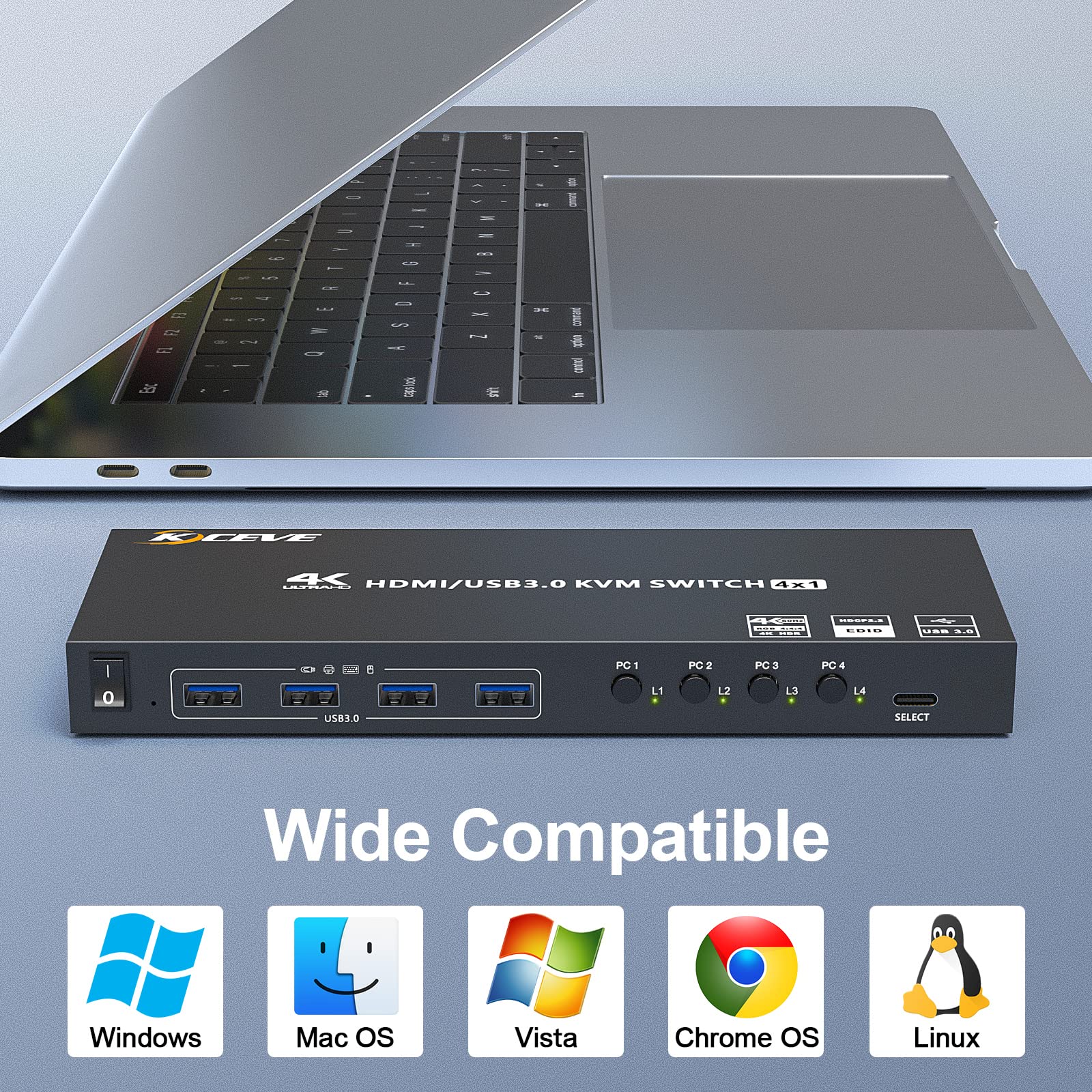
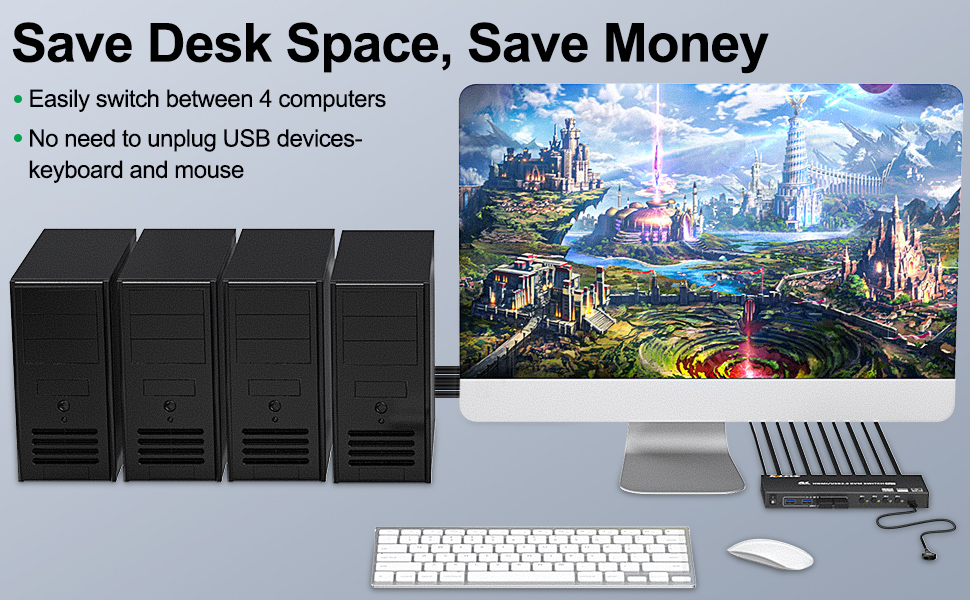
🔄 Switch It Up: Elevate Your Workspace Experience!
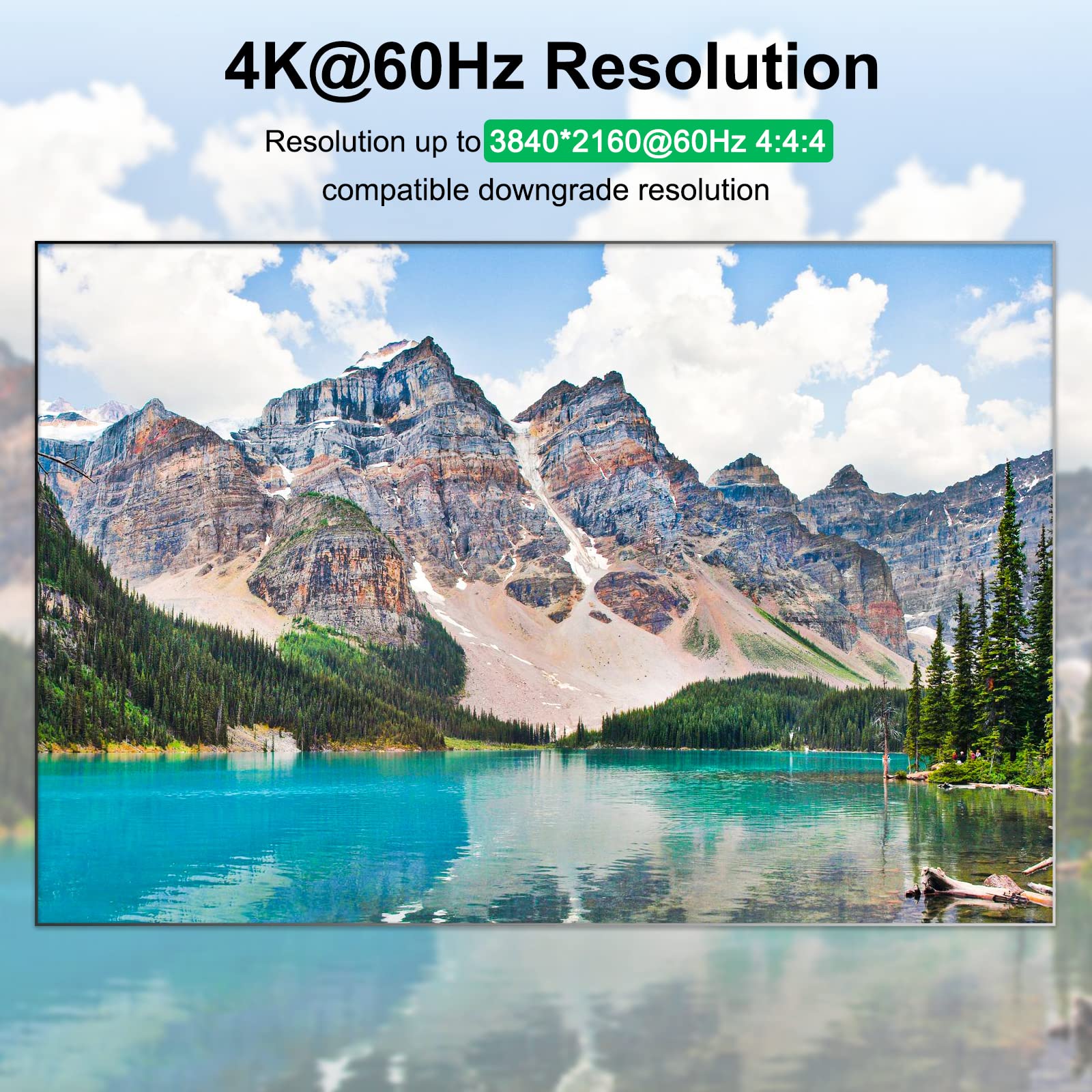
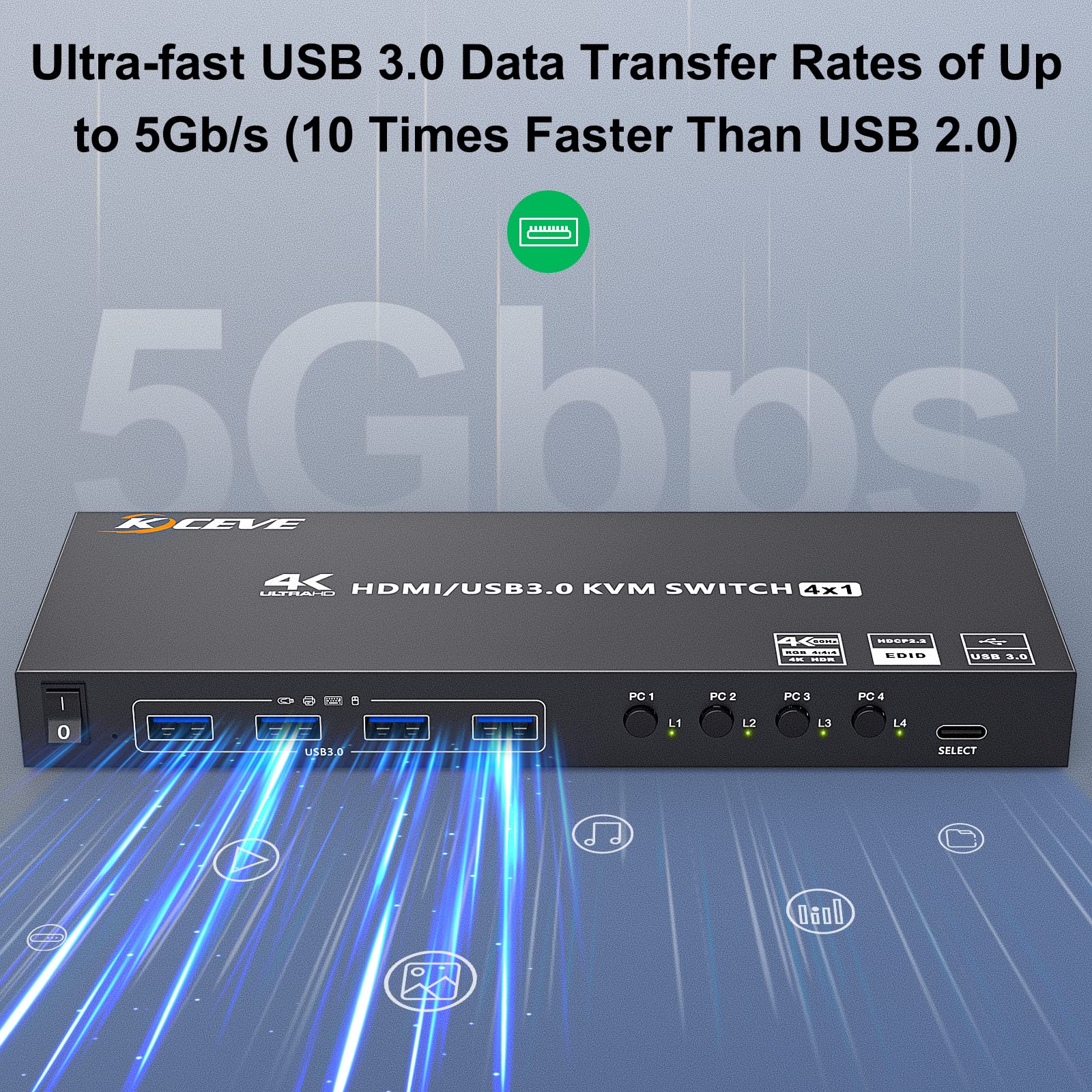
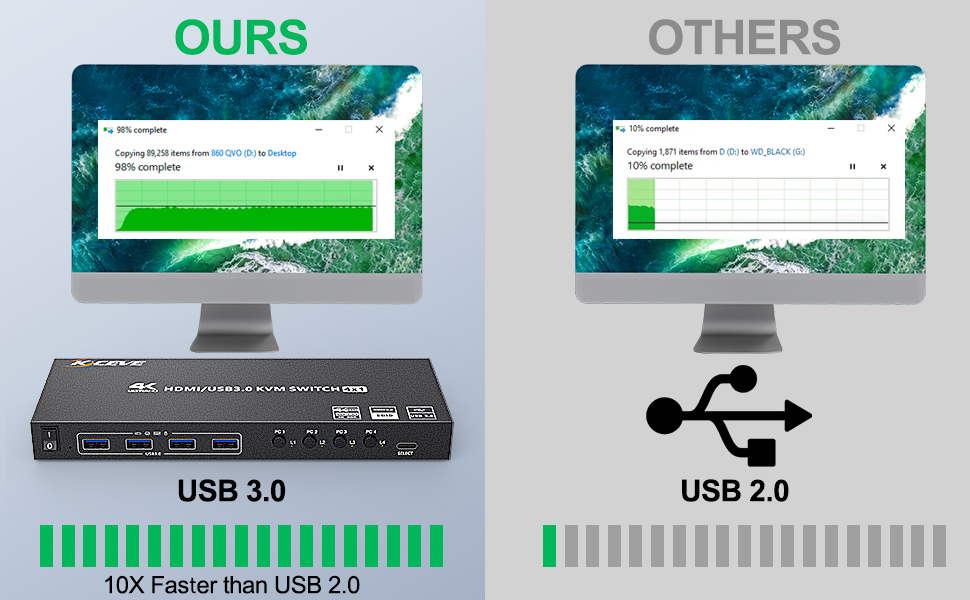
The MLEEDA USB 3.0 KVM Switch allows you to control up to 4 computers using a single monitor, keyboard, and mouse setup. With support for ultra HD resolutions up to 4K@60Hz, rapid USB 3.0 data transfer, and seamless switching capabilities, this device is perfect for professionals seeking efficiency and high performance in their workspace.




F**Y
Does exactly what it's supposed to!
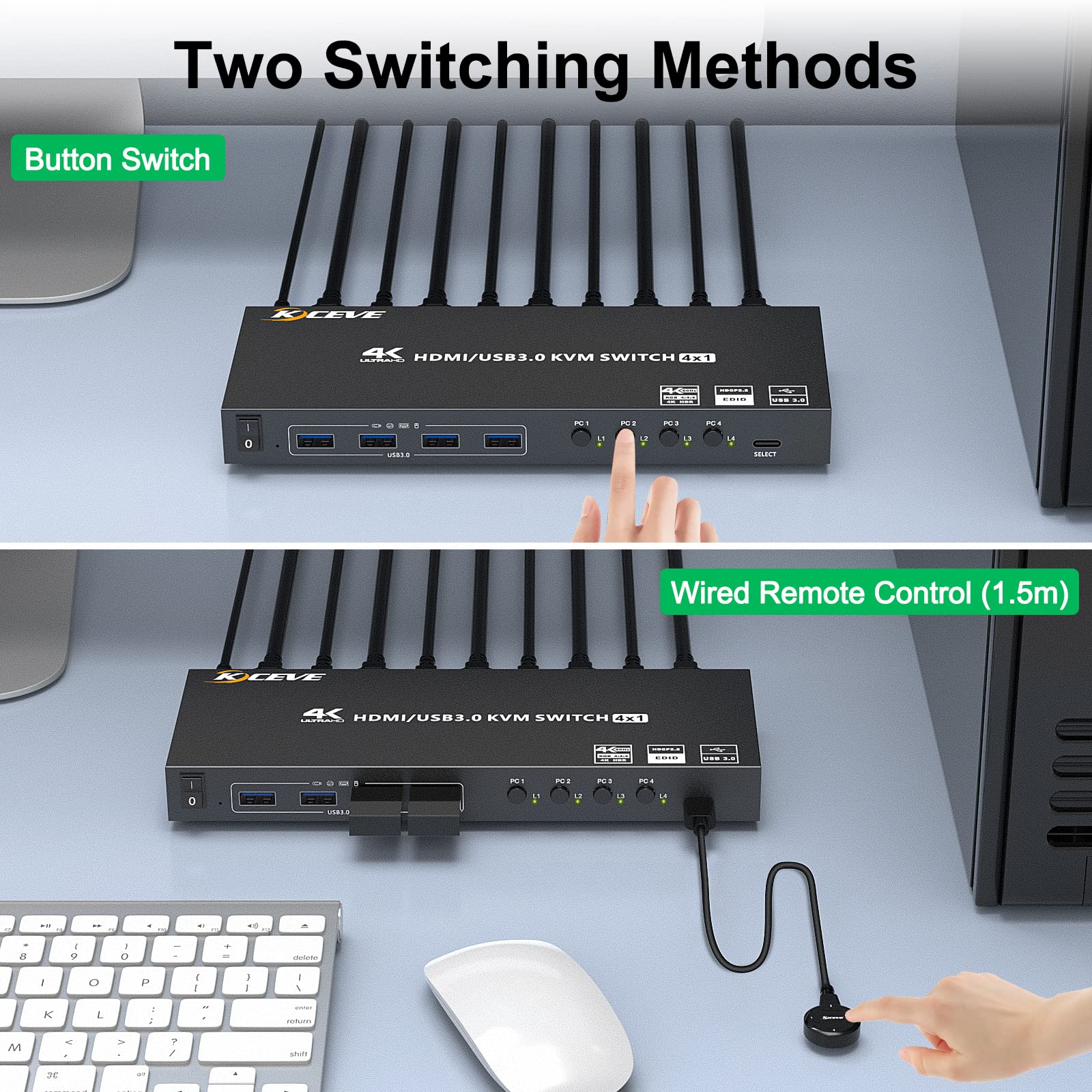
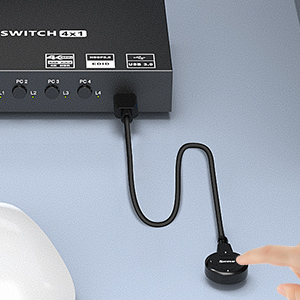
I needed a KVM, but also wanted matrix capability. I found it cheaper to build my own by buying a 4x4 HDMI matrix, and this USB switcher. Yes, I have to change 2 different boxes, but I move my video sources a lot more than changing my mouse/keyboard inputs, so it really isn't an issue.Like any other switcher, there is a slight delay when switching for one computer to release control of the USB devices, and the other to recognize them. But it's hardly noticeable. I mainly just make my selection from the box itself, but having the wired remote is a great option.I also like how the box has 4 dedicated buttons for the 4 computers, vs a "switch" button that cycles through the 4 computers. Very satisfied!
N**C
Compact 4-port KVM that works great until it doesn't.
Finally got sick and tired of adapting the old VGA KVMs at work to be usable with new Display-Port and HDMI only machines, so I bought one because they wouldn't.The "tiny" PCs we're moving to at work plug right in with no dongles so I can configure four at a time. That remote control button works great too - so much better than having to step through each port. And having a real on/off rocker switch is great too. USB keyboard and mouse pick up the port shift immediately, but I'm not making full use of its USB3 speed. I'm not pumping 4k video through this either - 1920x1080 or 1920x1200, so it's not working hard but it's working well.I configured almost fifty PCs through this KVM and then a few weeks ago realized the video on Port 1 was dead. USB worked but not the HDMI on that one port. Power-cycled it, pulled the power plug and left it over a weekend, tried different HDMI cables, all with no success. Can't find any way to do a reset in the minimal documentation, so I'm working around it for now. Have not contacted MLEEDA yet about service, but will update this if anything happens.
A**N
Works exactly as I would expect a 4 port KVM to work.
Works great, I have several systems I switch between at the home office from personal laptop to work laptop to a gaming setup and mobile in a dock. The switcher changes between them seamlessly. It takes about 5 seconds to switch between each input. It holds the display information for each device as well as other USB inputs. I also connected to this doc a USB hub as one of its inputs so when I switch from system to system the devices connected to this hub also switch between systems. If there is a negative to this switcher is that I wished all the inputs and outputs where on the back as having the inputs in the front does make it a bit of a clutter with cables but I have mine below a display stand or you could mount it under the desk and use the remote switcher to change inputs.
A**R
ONLY good for low power devices
This USB 3.0 switcher is a solid choice for low power devices only... wireless keyboard/mouse, wired headphones, low/mid quality webcam even. As soon as I plugged in my HyperX Solo microphone I got low resources error. Tested on two laptops and a desktop and the exact same result. No issues until plugging in the mic. Tried plugging in the provided USB power cord, but no change. I would not be surprised to open it up and find the USB power port isn't even connected to anything. You get what you pay for, I suppose.
C**G
Wish I can return it
I got this back in March and for what it claims to do and the price, I was very excited but skeptical on the quality. I held off on writing the review so I am not influenced by excitement and overlook anything. Good thing I did, because after almost 1/2 year of usage, I wish I can return it.Let's get the pros out of the way:* It does what it claims, switching between 4 computers using USB and HDMI, while having sound pass through so the active computer can use my monitor with speakers as sound output.* The refresh rate was nothing to write home about but it does output 4K and luckily I am not gaming on it.* It's compact and somewhat out of the way, and using double sided tape, I mounted it behind my monitor* It has 4 USB port to connect other things for all 4 computers to shareNow the good things are out of the way, here is the reason why I gave it 2 stars and wish I can return it. Since it is 6 months ago, I can not.Since I gotten the KVM, strange lag was happening with the mouse. It took me a long time to figure out what it was and isolated to the KVM. I finally figured out the issue because I plugged a laptop into the KVM, while the house and keyboard started lagging, the built in keyboard and touch pad had no issue. The laptop itself was not lagging at all. Plugging a mouse via USB directly to the laptop also shows smooth movement while moving the mouse connected to the KVM is lagging and skipping and keyboard is doing the same. Powering it on/off did not help. Unplugging it did not help. The issue is intermittent and happens almost always at the worse time. What a piece of junk.
E**E
beautiful
thanks beautiful prodoct
A**Y
Fairly Good
The product works as expected. The switch-over time from one computer to another is about 3 seconds, so not quick but not too slow. The order on the selector is a bit random. 1, 2, 3, 4 make a cross pattern rather than a circle, but that's not super important. Biggest complaint is that the usb cables to connect to different pc's is not a standard usb cable and the ones provided are pretty short. Either design so that people can use their own common usb cables or make the supplied cables longer.
Trustpilot
3 weeks ago
1 day ago
1 week ago
3 weeks ago

![AINOPE 2 Pack USB 3.0 A to A Male Cable 6.6FT+6.6FT,USB 3.0 to USB 3.0 Cable [Never Rupture] USB Male to Male Cable Double End USB Cord Compatible with Hard Drive Enclosures, DVD Player, Laptop Cool](https://images-na.ssl-images-amazon.com/images/I/71DCjDthZVL._AC_UL116_SR116,116_.jpg)