We remain fully operational. Our teams are working around the clock to ensure your deliveries continue safely.

DOWNLOAD THE APP


Customer Services
Copyright © 2025 Desertcart Holdings Limited
DOWNLOAD THE APP
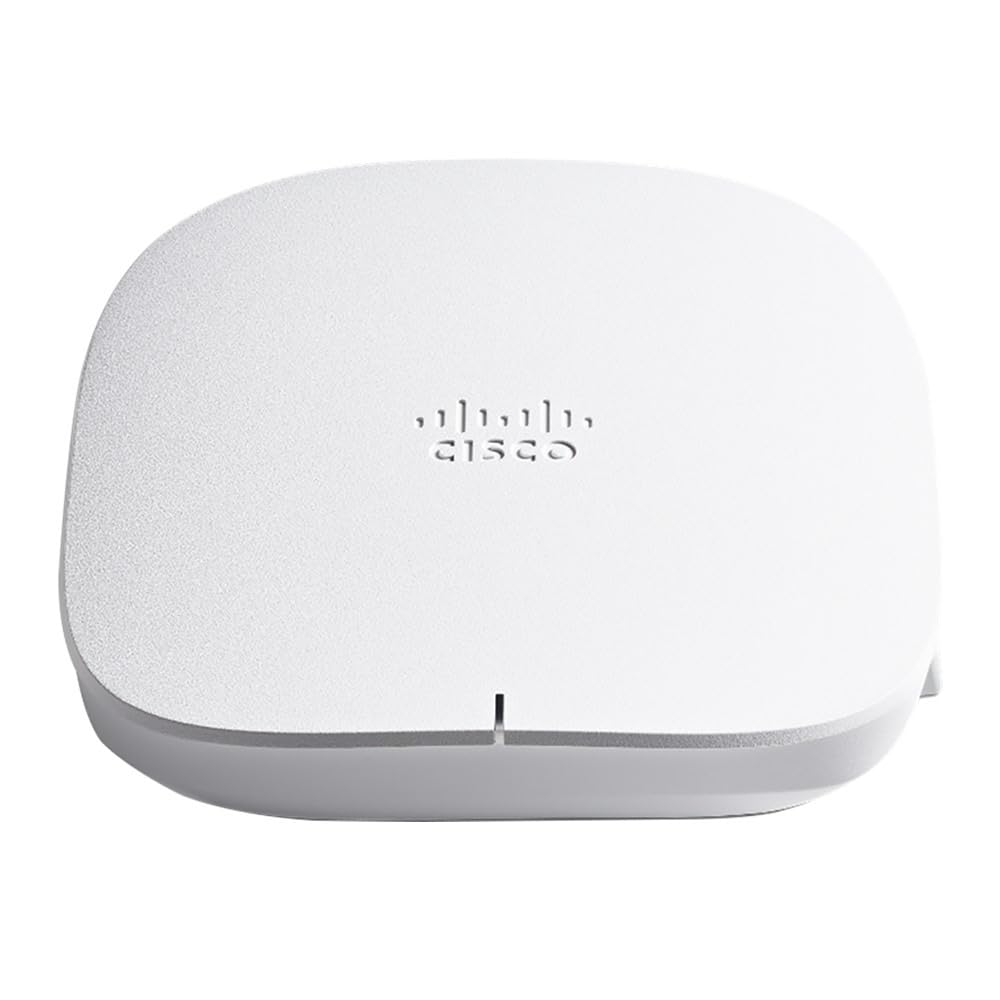

🚀 Elevate your workspace with Cisco’s sleek, secure, and speedy Wi-Fi 6 powerhouse!
The CISCO DESIGNED CBW150AX Business Access Point is a compact, dual-band Wi-Fi 6 device delivering up to 1480 Mbps for small business environments. Featuring MU-MIMO, cloud-based security, and seamless mesh extender compatibility, it supports up to 400 clients with reliable gigabit Ethernet connectivity. Easy to deploy with Power over Ethernet and managed via app or web interface, it’s engineered for high-density, secure, and scalable wireless coverage.


| ASIN | B0B4FBTQB4 |
| Are Batteries Included | No |
| Brand | CISCO DESIGNED |
| Color | white |
| Connectivity Type | Wi-Fi |
| Customer Reviews | 3.9 3.9 out of 5 stars (69) |
| Date First Available | 11 July 2022 |
| Item Weight | 930 g |
| Item model number | CBW150AX |
| Manufacturer | Cisco Systems, Inc |
| Operating System | Cisco IOS |
| Product Dimensions | 15.04 x 15.04 x 3.99 cm; 930 g |
| Series | CBW150AX |
| Wireless Type | 802.11ax |
G**O
Este AP que se supone es una gama baja de la marca Cisco es el mejor equipo de todos lo que he probado en casa para el servicio de red inalámbrica. Lo recomiendo mucho. Importante para aprovechar todas sus excelentes prestaciones actualizar el firmware desde la primera vez que se configure. Sorprende de verdad su calidad vale cada dollar su precio.
F**O
Bought two for better coverage throughout my home and to replace our ISP modem. Price was great for me which included the POE injector. Will eventually purchase of their 250 series POE switches. Setting up through the web UI was easy but through the business dashboard no so much. It involved a few more steps and I didn’t bother with the app. So far signal is strong throughout the house and no issues. Update: - They randomly started rebooting. I would go through logs from the AP and switch but would not find anything useful. I believe I encountering link flapping (port goes down and comes back up repeatedly). Followed some steps to try and negate that but it didn’t work. Last.. the AP itself got stuck in a boot loop so I ordered a UniFi AP as a replacement.
R**Z
Lo recomiendo
R**0
Stable wifi connections, faster sustained download speeds compared to my Netgear Nighthawk routers. Easy setup. Yes, it's a bit slow setting up, but acceptable given the device updates firmware and configures device. Very happy with purchase. I will buy more as needed.
G**Y
Disclaimer: Installation of AP was today. 1) You can not staticly assign it's IP. If you want it to stay at an IP I recommend you set up your DHCP reservation for it before you plug the AP into power. 2) As other reviewers have said, this takes longer to reboot than some other APs. I clocked the reboot at 5.5 mins to 6.5 mins. 3) Acceptable range for my small house. Standing next to it I can get 350~Mb on the down, 20 feet away (and though 3 walls) I get 90~Mb, 40 feet away (and though 1 interior wall and 1 firewall) in the garage I get 80~Mb. Reasonable and seems stable but it's not going to win any awards for strong connections. 4) Latency is normal, I've seen as low as 16ms but normally it's in the low 30s. Edit (After 9 months): Staying at 4 stars. Correction to the original review, you CAN static assign this AP's IPs (yes there are two of them) but it was very difficult for me to figure out. An internet guide, not by Cisco, was necessary. There are two dead spots in my house where the signal has to go through a wall, a metal AC duct, a ceiling, and another wall. Both of these spots are less that 30 feet from the AP. I am ordering another one of these which will also be CAT6 back to the router; I am hopeful this will solve my issue. Still a good AP for the price!
Trustpilot
2 weeks ago
1 week ago