
DOWNLOAD THE APP


Customer Services
Copyright © 2025 Desertcart Holdings Limited
DOWNLOAD THE APP

📡 Elevate your home network—stay connected, stay ahead.
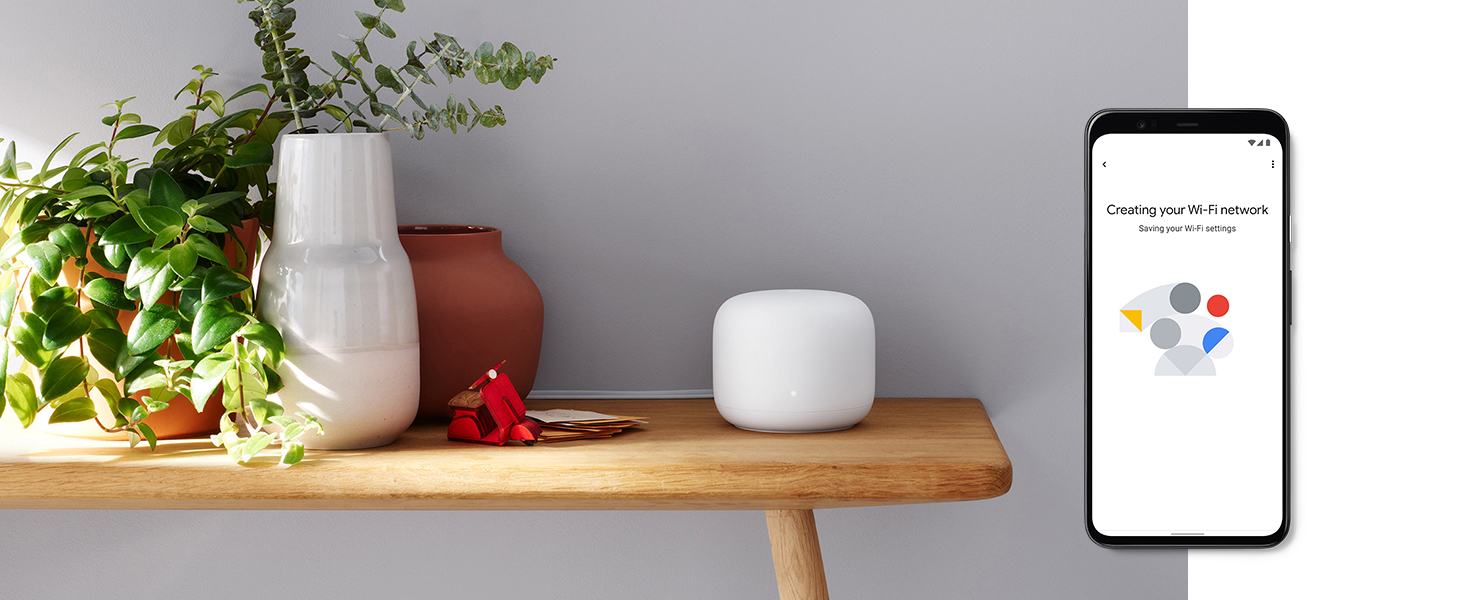
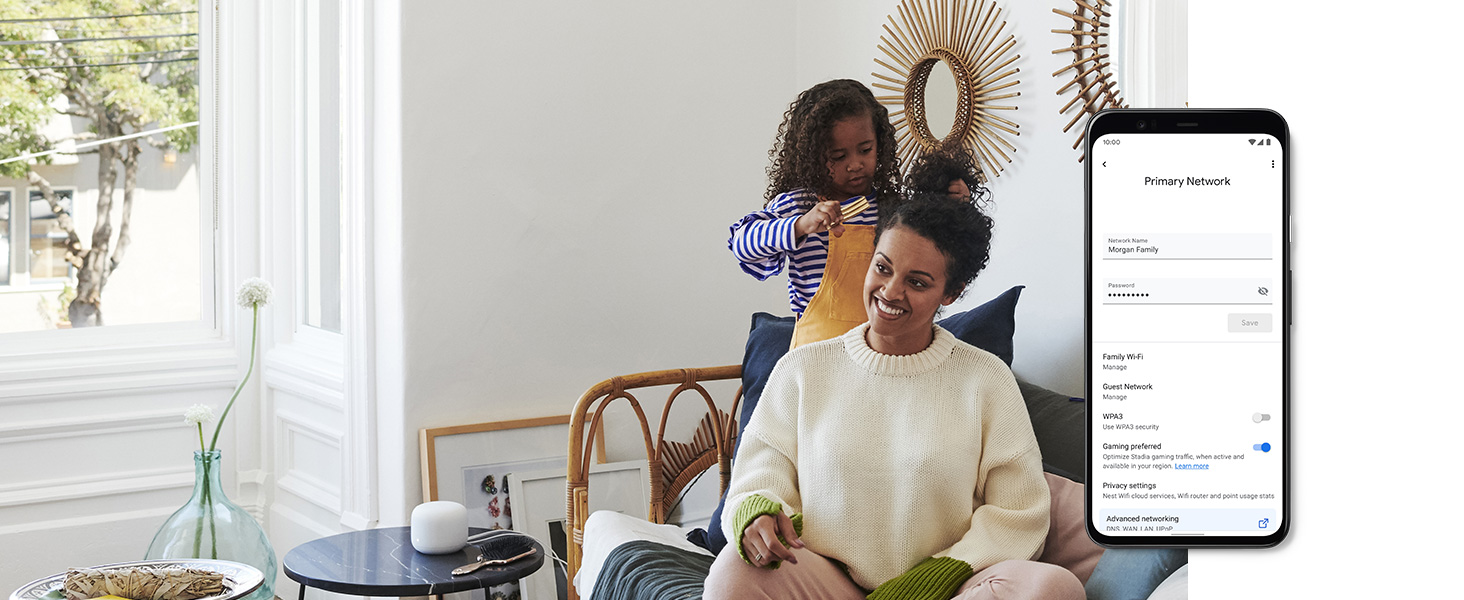
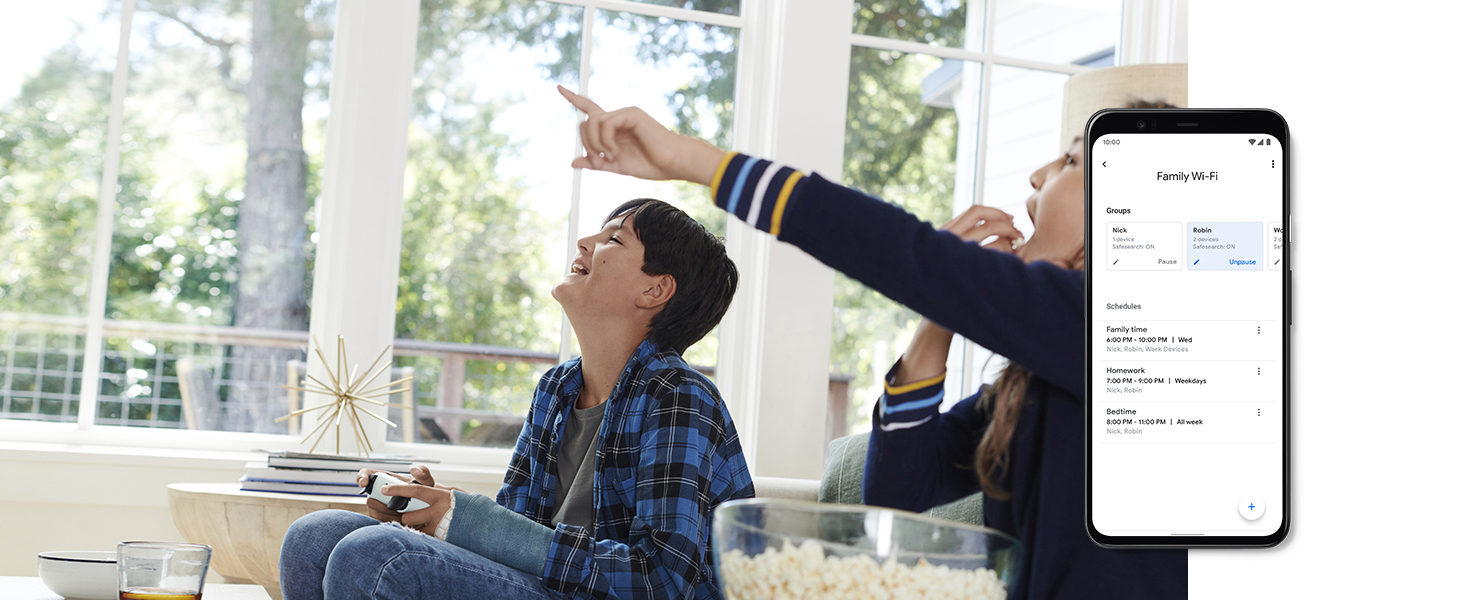
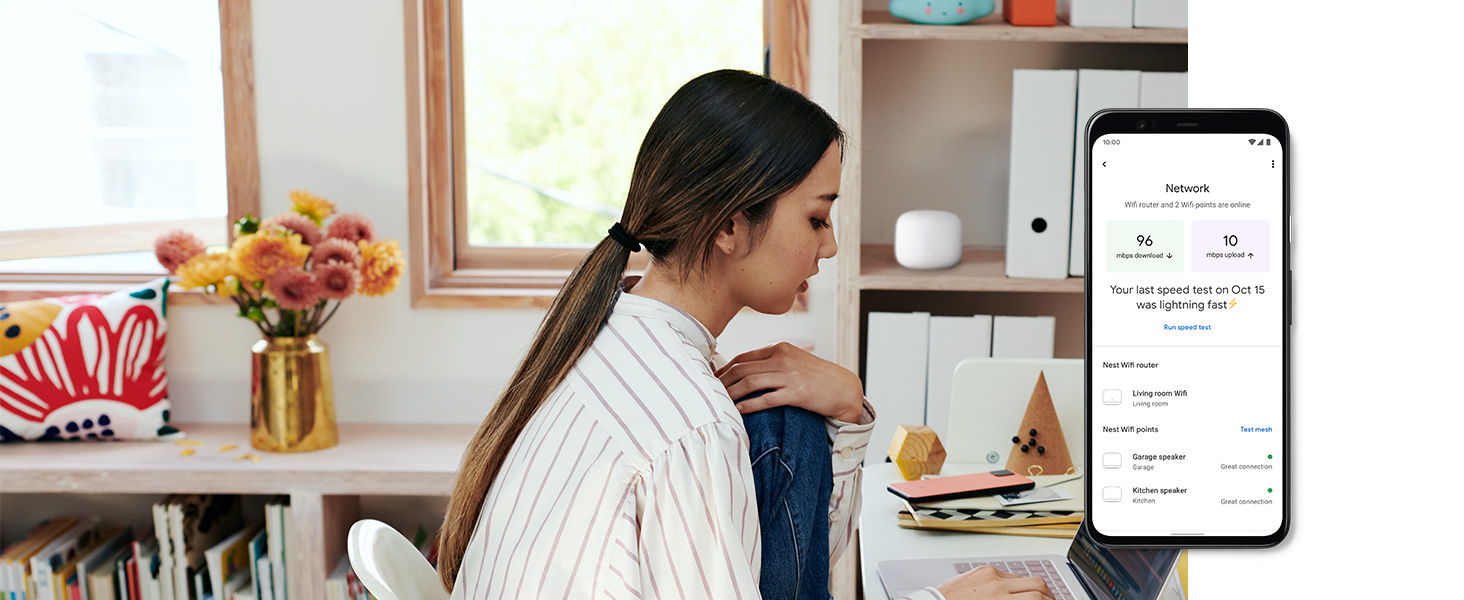
The Google GA00823US Nest Dual-Band Wi-Fi System includes a router and a Wi-Fi point with built-in smart speaker, delivering robust coverage for up to 3800 sq. ft. and supporting 200 connected devices. Featuring a true mesh network for seamless connectivity under a single Wi-Fi name, it enhances smart home integration with Google Assistant voice control, all wrapped in a sleek, minimalist design.






| ASIN | B07ZPDN8T1 |
| Are Batteries Included | No |
| Best Sellers Rank | #41,130 in Computers ( See Top 100 in Computers ) #697 in Routers |
| Brand | |
| Color | White |
| Connectivity Type | Wi-Fi |
| Customer Reviews | 4.2 4.2 out of 5 stars (733) |
| Date First Available | 14 May 2020 |
| Item Weight | 1.08 Kilograms |
| Item model number | H2E, H2E, and H2D |
| Manufacturer | |
| Operating System | Linux |
| Product Dimensions | 11 x 11 x 9.04 cm; 1.08 kg |
| Series | H2E |
| Wireless Type | 802.11ac |
R**C
Better WiFi than the internet company's router, Great upgrade from combo modem
Better WiFi than the internet company's router, Great upgrade from combo modem, I've always cheaped out on wifi extenders and decided to pull the plug and upgrade to a quality mesh wifi system, especially since these were on a decent discount. Right into why I love these and you should upgrade: 1.) My old extenders would mean I would have to log out of my main router wifi and connect to the closer wifi extender. This would mean that depending on the location I was in, I would have to disconnect and reconnect to different wifi networks. Because this is a true mesh system, there is only 1 wifi connection point and you will get the same strength throughout the house without having to connect separately to the extender. 2.) WIFI speeds are insanely faster than TP link extenders. I'm getting 150-160 download where I would use to get 50-60 download with my TP link extenders. 3.) easy to control and monitor through the home app. Cons: 1.) Setup was an absolute pain since I have an Arris Modem. How I got this to work without contacting support is for the main router connected to the modem keep disconnecting and resetting both the modem and router until it just magically connects. I know this is a horrible explanation but I couldn't get the router to connect to the Arris Modem until my 4th time resetting the two systems and it just magically worked. 2.) For your mesh extenders or routers that aren't connected to the modem, I had an issue where it just kept telling me "failed to connect". If this occurs for you just take the mesh extender and plug it in directly to the main router and set it up there. Once it connects successfully then unplug and place it where you want in the house. Sometimes there is an issue where these mesh extenders connect with each other perfectly fine but cannot connect to the internet and this resolves it.
P**E
Signal strength issues sorted
This system took a matter of minutes to set up and gave me full strength wifi coverage across my 4,500 sq ft bungalow before I had even used the third access point. I may have been annoyed at buying too many if it wasn't for the fact that the satellite units also give speaker and google assistant functionality. Such an improvement on the router and repeaters I was using before. Only criticism is that it came with the wrong plugs for my region (Dubai) and I had to use adaptors.
U**D
Perfect for apartments in Dubai
Perfect for apartments in Dubai. Specially if you have two bedroom apartment you can place one in each and it will create the mesh which keeps your signals at full strength in each room. The farthest point speed decrease a bit from the main room but that is usual as per the bandwidth spread. Also you can use points as google home speakers but not the router itself so have to connect home mini or hub to it.
A**R
Great Design, Late delivery
The design is great as well as the variety and choices that you can do with the Nest wifi is wonderful. However, the coverage wasn't as i expected. What disappoints me most is that the delivery time is way behind. I received my product after 6 days from its proposed delivery date
S**J
The Perfect solution to wifi issues
No dead zones or issues ever again with wifi, keep adding nodes where ever needed
M**.
Great
Great control over your home internet and amazing speed
L**L
Product advertised as brand new but reconditioned
Buying a set full price and getting delivered a reconditioned item where the box is dirty, the router and additional points have black dents and electrical cards are not even tied in properly.
R**A
Good
A**R
I have a relatively large home and these were easy to connect. Allowed me to connect devices far from the router
S**E
I recently upgraded to the Nest WiFi Router and 2 Points, and I couldn’t be happier. Here’s why: Whole-Home Coverage: The system blankets my entire home with fast, reliable Wi-Fi. No more dead spots or frustrating buffering! With coverage of up to 5400 square feet, it ensures a strong signal in every room1. Easy Setup: Setting up the Nest WiFi was a breeze. I plugged in the router, connected it to my modem, and placed the two points strategically around the house. Within minutes, I had seamless connectivity. Smart Speaker Integration: The Nest WiFi points double as smart speakers with Google Assistant. I can play music, control my connected devices, and even manage my Wi-Fi network using voice commands. It’s like having a mini Google Home in every room2. Stable Performance: Whether I’m streaming 4K videos, working from home, or hosting video calls, the Nest WiFi handles it all. It intelligently manages the network behind the scenes, ensuring fast speeds and uninterrupted connections1. Ethernet Ports: Each Nest WiFi router comes with two Ethernet ports, which is great for connecting wired devices like gaming consoles or printers. Automatic Updates: The system keeps itself up-to-date with new features and security enhancements. I appreciate knowing that my network remains safe and efficient without any effort on my part. In summary, the Nest WiFi Router and 2 Points is a reliable, feature-packed solution for anyone seeking seamless Wi-Fi coverage and smart home integration. Highly recommended!
I**L
Maybe I didn't read the listing properly, but I thought I was buying a brand new item, so I assumed it would come in a Google box, with instructions. No, the three devices were in plastic wrap and packed loosely with brown paper. At least they arrived intact. Luckily, I have some background in tech and networking and I had done my (YouTube!) research on how to install and configure the Router and Points - with a bit of fiddling because there were no instructions in the 'box' and the Points did not have QR Codes so the device serial numbers had to be entered manually, and it's not easy to read those numbers in poor light! But, they are all working fine and coverage is much better in the house now. Works well with my Nest doorbell, all devices give a notification when the doorbell is rung. Very minor gripe that when you switch off the microphone on any device it glows orange - ok, a handy reminder that it's off, but a slight irritation that I don't need to see.
P**P
I purchased the Google Nest wifi mesh system (1 router and 2 points) after researching other mesh systems. I was experiencing wifi problems with just a modem/router and extender: weak signal, buffering, dropped signal, etc. I hated spending the money on a mesh system but finally felt I had no other option. I have other Google products installed in my home (doorbell, thermostats, Nest outdoor camera), so the Google Nest mesh system seemed like a wise choice to be able to control everything with one app. Price point was in the middle when compared to other mesh systems. Setup was easy. I just followed the directions. The only 2 hiccups were: 1) I have Comcast internet and own my own Arris modem/router. I initially installed the Google Nest system without any adjustments to the Arris unit. As others have stated, the Google Nest system was competing with the Arris system. In order to remedy the problem, I logged into my Arris modem/router system and disabled the router. Problem solved! 2) I did have to go back and manually sign into all of my connected devices and update the network and password to the new Google Nest system. A little time consuming but not a huge deal. My internet speed with the new units has quadrupled. Standing next to the router it is over 400. I have a three level home, and the other 2 levels are around 140. No more dropping of signal, buffering, etc! I also like that the access points are Google speakers. I can now easily play music, ask questions, etc. without having to access my phone or computer. Some might be annoyed by this feature, but I love it. All in all, I would highly recommend this system. Not the cheapest or most expensive, but it has features that really make it worth the money!
Trustpilot
1 month ago
2 weeks ago