
DOWNLOAD THE APP


Customer Services
Copyright © 2025 Desertcart Holdings Limited
DOWNLOAD THE APP

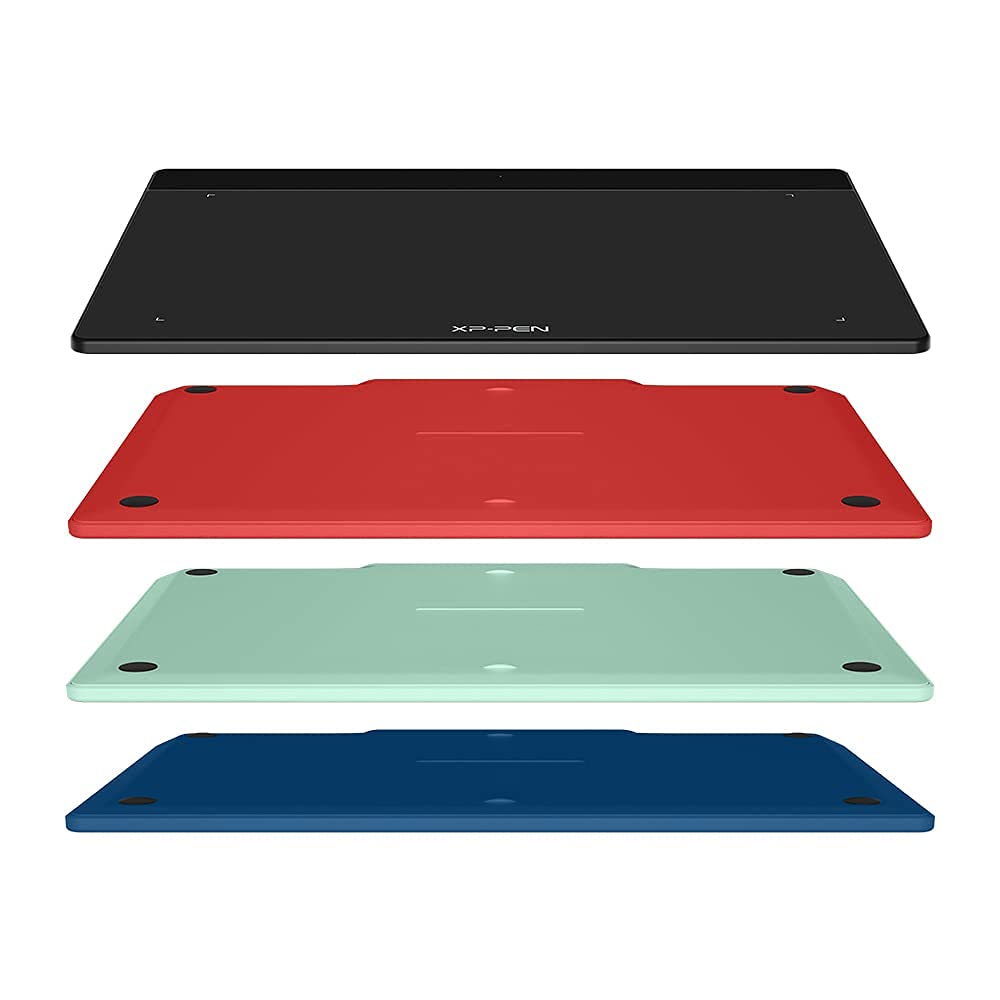


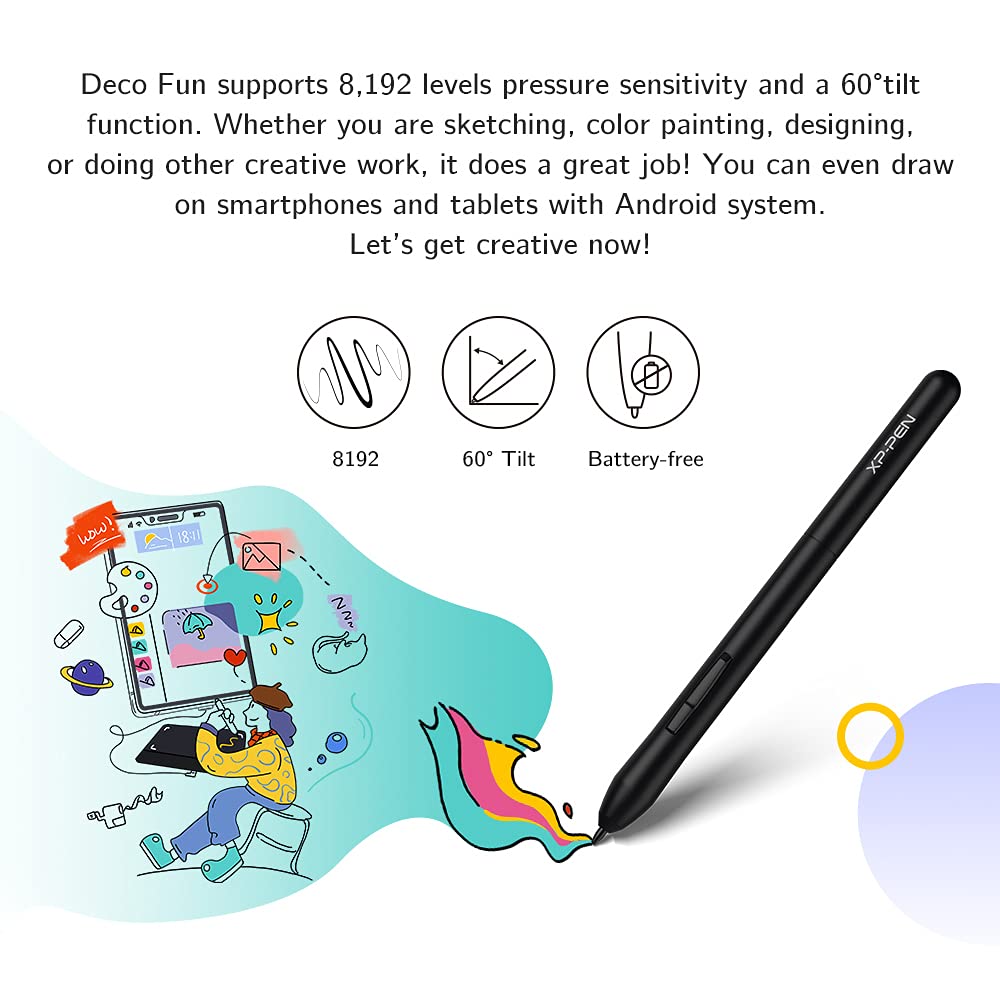


🖌️ Unlock your creative edge with Deco Fun S — where precision meets style!
The XP-PEN Deco Fun S is a sleek, 6x4 inch graphic tablet featuring 8192 levels of pressure sensitivity and 60° tilt support, designed for professionals and remote learners alike. Compatible across Windows, Mac, Android, and Chrome OS, it supports major creative and teleworking software. With a battery-free stylus and a responsive 220+ PPS rate, it’s perfect for detailed digital art, document annotation, and even high-speed OSU gameplay. Available in four trendy colors, it’s a stylish, versatile tool that enhances productivity and creativity in any setting.


| ASIN | B093TC1XCZ |
| Best Sellers Rank | 9,086 in Computers & Accessories ( See Top 100 in Computers & Accessories ) 27 in Graphic Tablets |
| Guaranteed software updates until | unknown |
| Item model number | Deco Fun S |
| Manufacturer | Deco Fun S |
| Product Dimensions | 21.05 x 15.98 x 0.1 cm; 450 g |
H**Y
Does what it says
Works well
D**N
A must have
This is perfect for those who don't use this often but like quality. Lovely box that came in. Spare nibs for the pen. Easy to use and install. Good to sign electronic documents or have rough drawings.
E**S
Minor inconveniences but good value
The product didn't last many unplugs and re plugs before connection issues became an issue. Maybe 100 times so isn't great for portability. The drawing was accurate and the pen was comfortable to write with. However if the pen is laid on the tablet the tablet can detect the pen which prevents using your mouse to browse. As an online tutor where drawing and using the mouse can be done right after each other this became an inconvenience. Other than my difficulties this product is excellent for anyone in a fixed space looking for a great budget graphics tablet
1**O
Great aftersale support
I've never owned or used a drawing tablet before, and I wanted a simple one to use for whiteboarding and simple diagrams. Initially I found the drawing experience a bit jerky, and after a few weeks the cursor started behaving like a drunken madman had taken control of the pen. I contacted XPPen support and I have to say I am very impressed: responsive and friendly service, help to check and diagnose the issue, and finally they found that the tablet was faulty. They sent a new one (same model, same colour) which I received a few days later. The new one works like a charm, no jerky movement, very smooth. I'm no expert at drawing tablets, but this one, for the price and service quality, goes beyond my expectations.
D**S
XP Pen
the product is good value . I purchased it to do E signatures.
K**R
Cannot get it recognized fully by me Windows 10 device
Unable to get the device to work properly. While my win 10 computer recognizes it is there, it will not show anything that will allow the writing pad to display on screen. This makes it as useful a a pair of knickers would be to a Mermaid.
A**S
No landscape/protrait mode adjustment
Buyer beware that the "small" version does not behave the same way as the larger version, it operates in portrait mode whereas the large one in Landscape mode - creates a huge difference when used on something like a projector that cannot be set to portrait
A**R
Very good 👍
Works as it should 👍
M**Y
حلو جدا جدا انصح بشرائه
A**T
Article de belle facture. Utilisation aisée. Prendre son temps pour déterminer le bon format correspondant à votre attente. Manque quand même un mode d'emploi imprimé!
A**R
المنتج ممتاز
S**H
Questa tavoletta grafica non l'ho acquistata per disegnare professionalmente, ma devo dire che per l'uso che ne faccio è perfetta. Finora l'ho usata più che altro per giocare a Gartic Phone o Skribbl con gli amici e, soprattutto, per fare schemi e appunti durante le lezioni o le ripetizioni. Se cercate qualcosa di semplice e affidabile per prendere appunti, fare schizzi veloci o anche solo divertirvi con giochi di disegno, la consiglio al 100%! È un ottimo strumento per chi non ha bisogno di funzioni super avanzate ma vuole comunque un'esperienza precisa e reattiva.
D**O
Lo quería para mejorar presentaciones en power point, pero dibujas dos líneas y se atasca. He instalado el driver para Windows y sigue sin funcionar bien. Me imagino que es un problema de compatibilidad o de configuración de power point
Trustpilot
1 week ago
1 month ago