
DOWNLOAD THE APP


Customer Services
Copyright © 2025 Desertcart Holdings Limited
DOWNLOAD THE APP
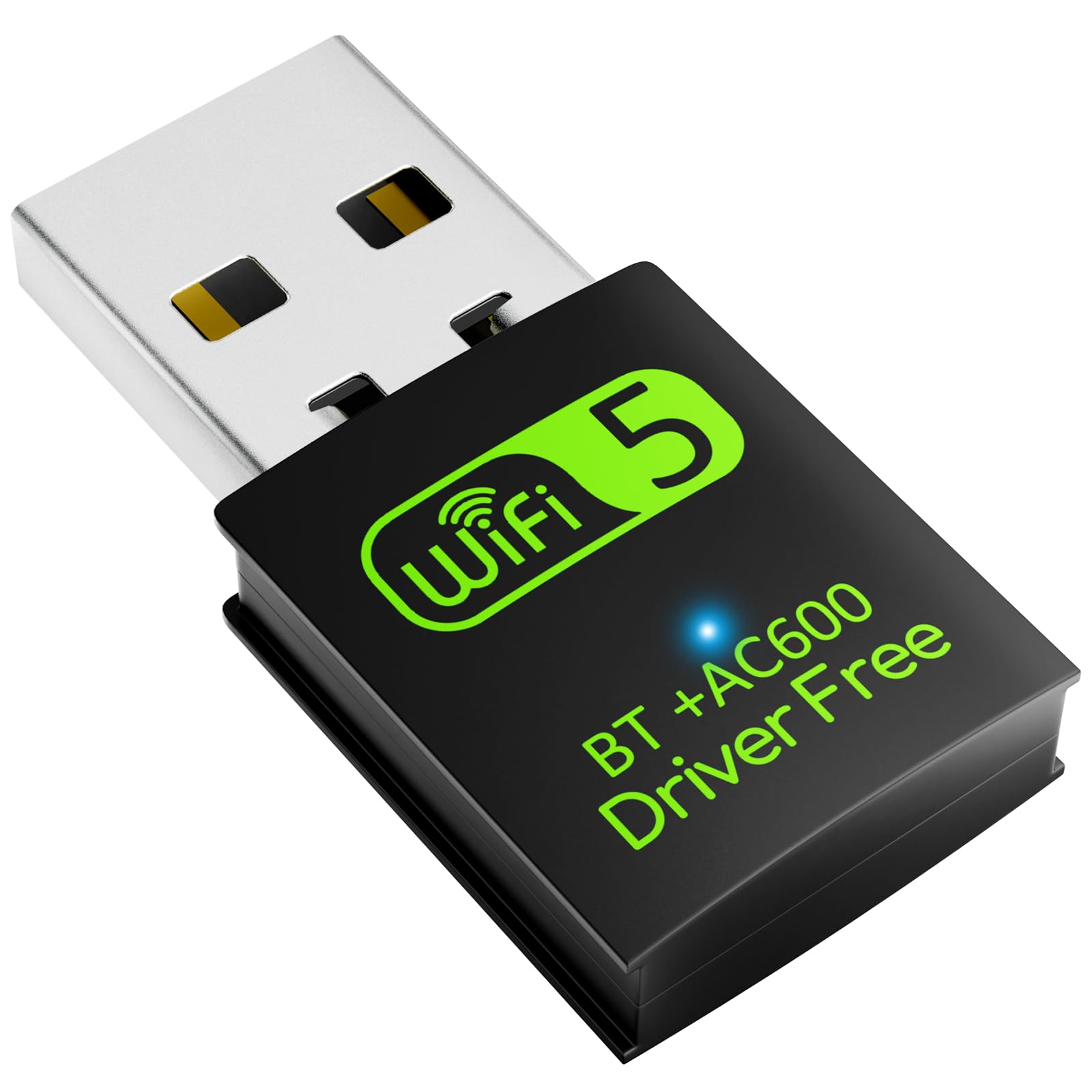


🚀 Upgrade your connection game—fast, sleek, and wireless freedom in one tiny dongle!
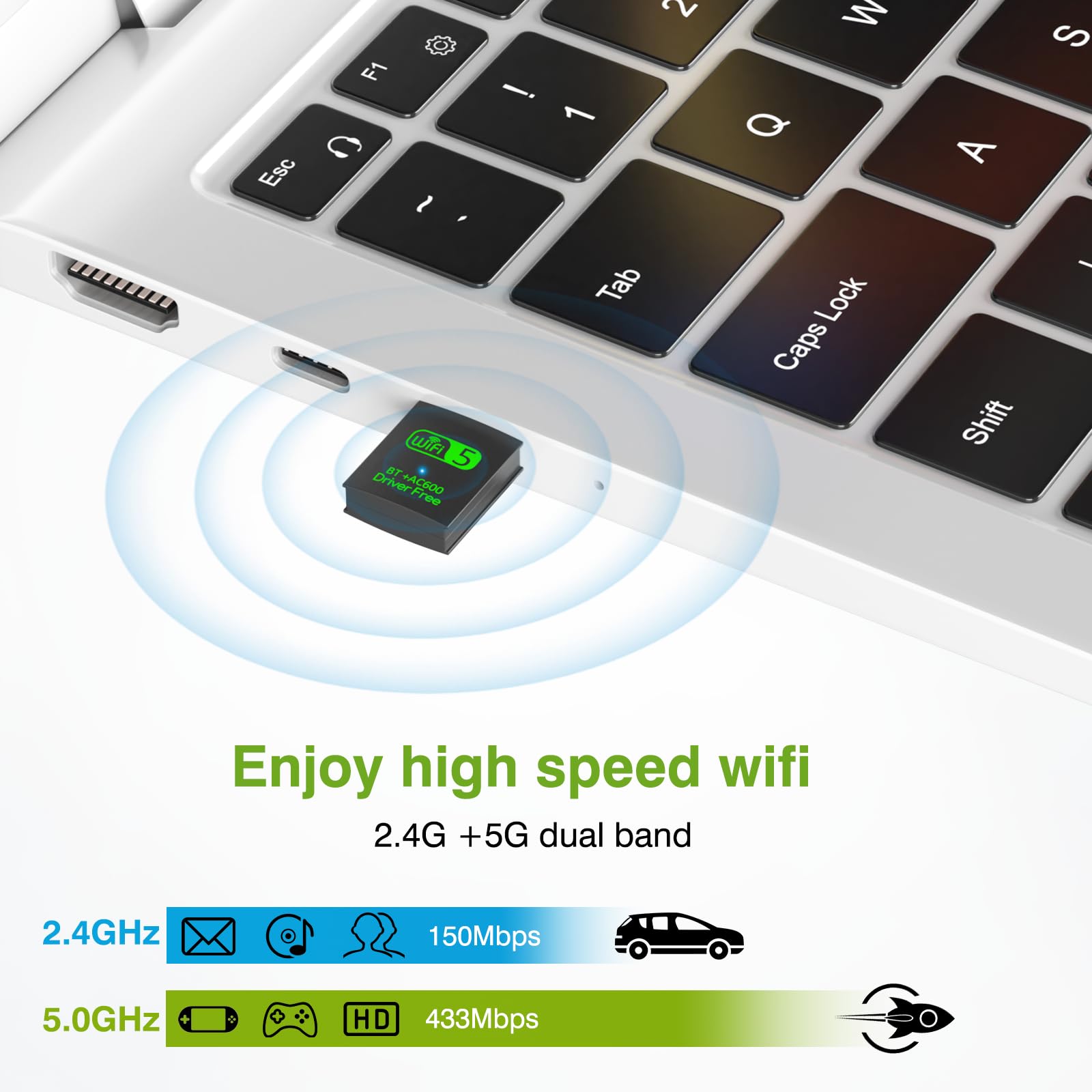
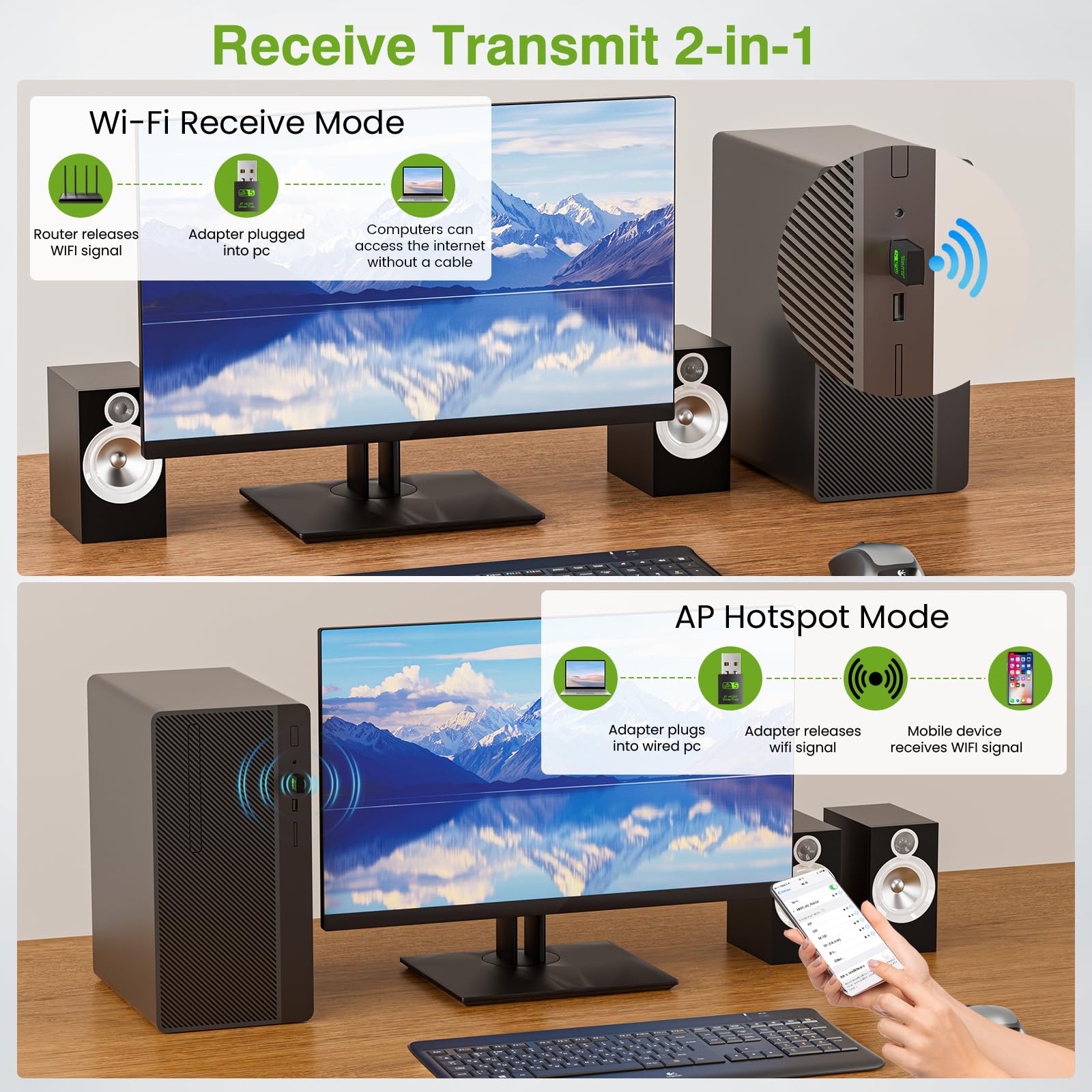
The Auscoumer USB WiFi Bluetooth Adapter delivers dual-band 600Mbps wireless speeds with 2.4GHz and 5GHz bands, Bluetooth 4.2 support, and driver-free plug-and-play installation for Windows PCs. Its compact design and AP mode make it a versatile, reliable solution to upgrade desktops and laptops with seamless WiFi and Bluetooth connectivity.


| ASIN | B07YDFZWT8 |
| Best Sellers Rank | #160 in USB Computer Network Adapters |
| Brand | Auscoumer |
| Color | 600Mbps |
| Compatible Devices | Desktop, Laptop |
| Customer Reviews | 4.2 out of 5 stars 4,953 Reviews |
| Data Link Protocol | IEEE 802.11ac |
| Data Transfer Rate | 600 Megabits Per Second |
| Hardware Interface | USB, USB 2.0 |
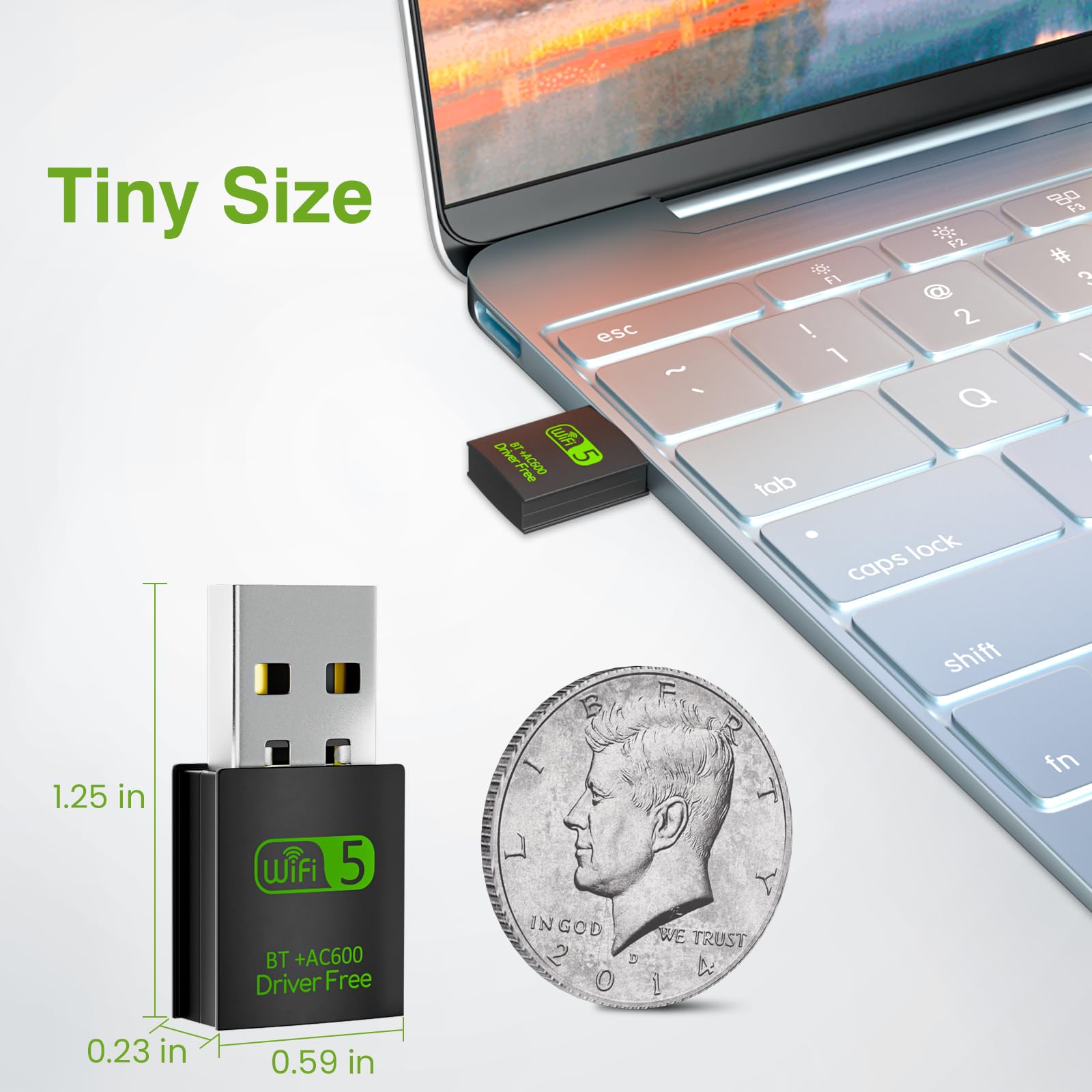
| Item Dimensions L x W x H | 0.6"L x 0.3"W x 1.3"H |
| Item Weight | 13 Grams |
| Manufacturer | Auscoumer |
| Product Dimensions | 0.6"L x 0.3"W x 1.3"H |
| UPC | 778299080170 |
D**B
The perfect companion for your desktop
{Using Windows 10 for this review. Don't let this review scare you with all the details.} Pros: Truly affordable, near-instant install, stable and reliable connection(s), sufficient speeds, online in less than two minutes, WiFi/Bluetooth combo, definitely discrete, and perfect for desktop PCs. Cons: I did have to dig around and poke at settings. By default, the adapter operates on 2.4GHz, and not 5GHz. [Check Your Install] The drivers are on the adapter and installs in seconds (When plugging in for the first time, it will appear as a storage drive. Double-click the newly appeared drive to start the seconds-long install. The drive will disappear and your Wi-Fi/Bluetooth will be active, no restart needed.). The mini-CD is a backup just in case. You may need to double-check Bluetooth settings, and test peripherals to ensure operation (like an XBOX controller). Remove/add Bluetooth devices if necessary. [2.4GHz or 5GHz?] By default, 2.4GHz may be active. You can check by going to your "Wi-Fi Settings". Click on your connected network and scroll down. Look for "Network Band" to check the frequency. If it's not 5GHz, keep reading. To switch to 5GHz, go to Device Manager > Network Adapters > mine reads "Realtek 8821CU Wireless LAN 802.11ac USB NIC" > (right-click) Properties > Advanced Tab > Wireless Mode > Switch the Value to "IEEE 802.11ac" > OK. Give it several seconds and check the Wi-Fi Settings like before. This time, it should read 5GHz for the Network Band! [Speedtest.net Sample Results] On 2.4GHz, I had 4ms ping, 36.15Mbps download, 47.23Mbps upload. Best I could get after multiple tests. On 5GHz, I ran one test. Ping is 5ms, Download is 134.56Mbps, and Upload is 53.22Mbps. MUCH better. In short, buy it. It's the BEST value you'll ever get for a Wifi/Bluetooth combo USB adapter/dongle. For over 95% of people, this is all you need. Use 2.4GHz for everyday usage. Use 5GHz for gaming or 4K video streaming.
P**R
It does its job and works... both bluetooth and wifi..!!
Best one I've ever owned. For all of my PCs and servers needing wifi AND bluetooth, this was perfect. Also, it worked so well that I ended up buying two of them.
X**N
Complete fail...and then it worked fine
device was seen as a USB drive, not a network adapter on Windows 10 Pro. Will be returning. UPDATE: changing my rating to 4 stars. after reading a few other reviews, I understand now that the driver is to be installed from the USB first. After the driver is installed, then Windows will recognize the USB dongle as a wifi/bluetooth adapter, so all is good. I am getting close to 100 mbps download / 20ish on upload, which is fine by me. The 5Ghz signal does not interfere with my bluetooth signals now. happy camper.
D**.
Value priced, meets or exceeds description, works as advertised and is a value.
I purchase several things on Amazon and was giving pretty in-depth reviews. From this point on, here's the new agenda…. if it works as advertised, is well made, meets or exceeds the description, is a value, and arrives in a fair amount of time, it will get a "star rating" equal to what my expectations were/are. If it doesn't meet these criteria, then I will most definitely and descriptively tell the short comings of the products and you as a consumer will not have to go through the trouble of buying the product without some background knowledge. If the sell pulls that item and relists under another description, I will put the exact same review on the seller's feedback page. Sellers have done this a couple of times in the past, and I was true to my word then as well as now. DR
D**.
A TOTAL WASTE OF TIME
I recently bought this and have literally spent countless hours and days trying to get this to work right. As a result, I missed the 30-day return date. (I hope this has taught me a lesson.) My final effort was yesterday evening when I said "That's it. I give up! Time for a new computer." First I want to say that the NIC usb adapter did NOT come with a mini-cd as advertised. Nor did it show up on my "This PC" when first inserted as stated is the instructions. I literally read all I could online about this little bugger. And spent countless hours trying this, that, and other things. When you go to Device Manager and click on the properties for this Realtek NIC card, you'll see that the device wasn't started because it requires further installation. Repeatedly. Even though there is no ? on it in Device Manager and it says that it is working properly. But go to the Events tab and you'll see differently. Just writing this review has caused my blood pressure to rise. I feel like I'm ready to blow a gasket. So, yeah, I'm pissed that I wasted my money and TIME on this. So uncheck the boxes for quality, build quality, signal strength, ease of use, etc. This little bugger is a POS.
M**S
Cheap fix to bluetooth and wifi module that doesn't work on computer
My daughters computer never had bluetooth that worked and her wifi connection just started randomly disconnecting. She recently bought bluetooth headphones that she wanted to use with her computer, so I purchased this wifi, bluetooth dongle thing. It was real easy to set up, she put the driver software into the CD-rom and it quickly set up the software on her computer. The dongle just plugs right into a usb port and does not stick out too far. After all the software was set up, the bluetooth worked great with her airpods and also with a small bluetooth speaker she has. Pros: this wifi, bluetooth dongle is small so you don't have to worry about knocking it much. The software was easy to install. The bluetooth works fantastic, even with apple airpods! Wifi connects and stays connected. No more random dropping of signal Cons: nothing, this product does exactly what it is made to do! When your computers wifi or bluetooth starts acting up, instead of an expensive repair to change out the module, just buy this little dongle. For less than $20 your computer will have working wifi and bluetooth again! This product was easy to set up and was working within 5 minutes out of the package. I am happy with this purchase
J**R
functional, but range is limited.
bought this as a cheap way to add wifi to an older gaming desktop. it does work, and instillation is as simple as plugging it into a usb port, and letting it do its thing. the only complaint i have is the range of the wifi is EXTREMELY limited, and it does not work well through walls, even thin ones in an old house built in the '40s. bars were only about half full approximately 30-40 foot away in the other room, and speed was not great either. i ended up going with a pcie wireless card that only cost a few dollars more, and the signal strength is much better, but this will work if you do not have the slots for a dedicated card, i would just try to set it up in the same room, as close to the router as you can, and if you have the pcie slot for a dedicated wifi card, and the knowhow to install one, just spend the $20-$25 and have a MUCH better experience.
T**.
A low cost way to keep your old computer on-line
I had a customer with an older laptop that had lived a really hard life with drops or falls, but it still worked good enough despite looking war-torn. Until it broke the antenna wire thru the hinge and would no longer connect. She still didn't want to replace the computer. So we put this WiFi adapter on thru USB to restore connections for internet and found the computer worked even better than the original internal WiFi card for speed and reliable connecting. A true way to possibly improve your speed by 2.4 or 5.0 connecting or even turn an older computer into one capable of WiFi connections. Works great!
Trustpilot
2 days ago
1 week ago