
DOWNLOAD THE APP


Customer Services
Copyright © 2025 Desertcart Holdings Limited
DOWNLOAD THE APP
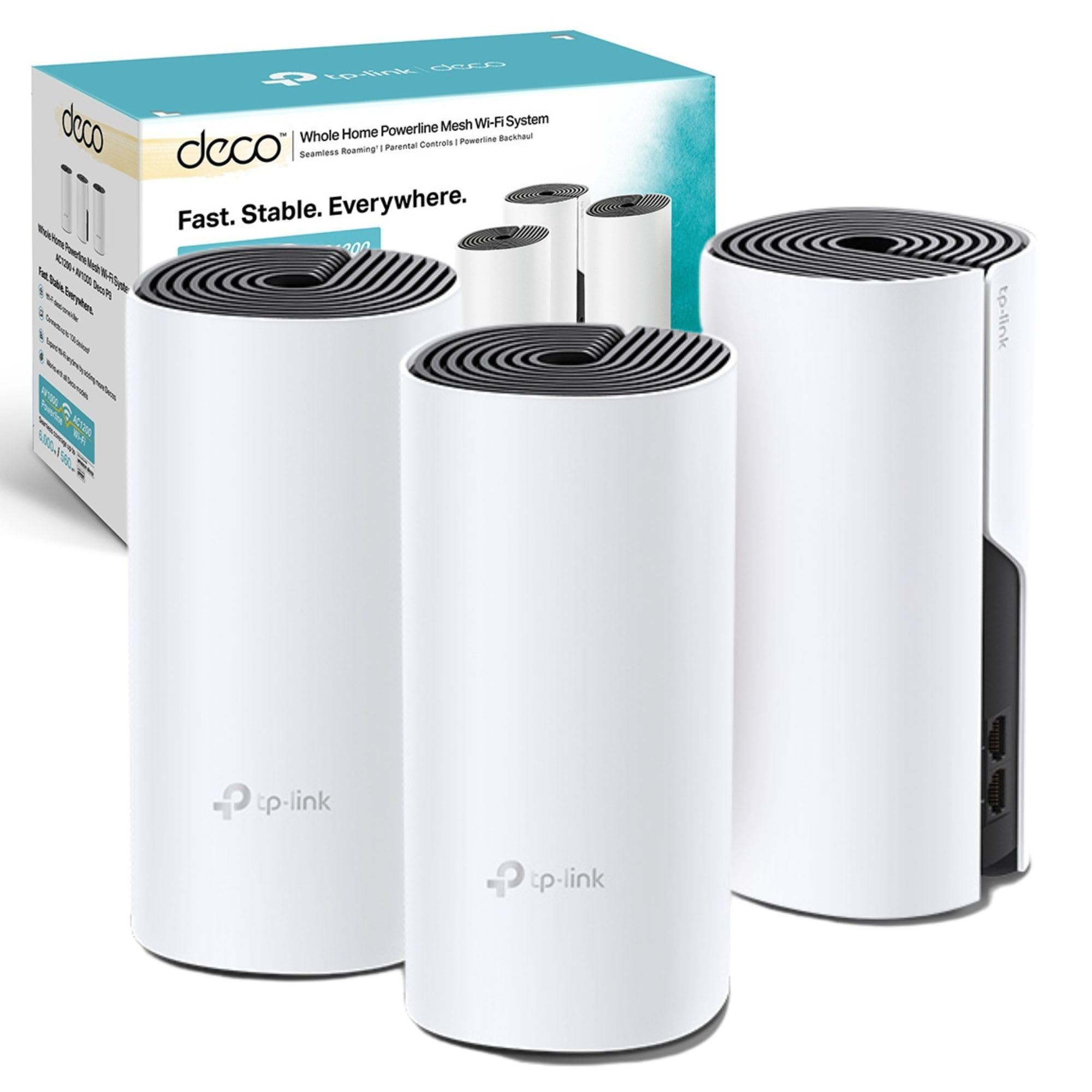
📶 Power your home with the mesh that means business — stay connected, stay ahead!
The TP-Link Deco P9 (3-pack) is a cutting-edge hybrid mesh WiFi system that merges dual-band AC1200 wireless with HomePlug AV1000 powerline technology to deliver seamless, high-speed internet coverage up to 6000 sq ft. Powered by a Qualcomm quad-core CPU, it ensures stable, fast connections across multiple devices. Easy to set up via the Deco app, it supports both wireless and wired connections through dual Gigabit Ethernet ports, making it ideal for modern smart homes craving reliable, whole-home WiFi without dead zones.


| ASIN | B07XSBGP7G |
| Are Batteries Included | No |
| Best Sellers Rank | 1,062 in Computers & Accessories ( See Top 100 in Computers & Accessories ) 6 in Whole Home & Mesh Wi-Fi Systems |
| Brand | TP-Link |
| Colour | White |
| Connectivity Type | Wi-Fi |
| Customer Reviews | 4.4 4.4 out of 5 stars (5,923) |
| Date First Available | 11 Sept. 2019 |
| Guaranteed software updates until | unknown |
| Item Weight | 2.24 kg |
| Item model number | Deco P9(3-pack) |
| Lithium Battery Weight | 2 Kilograms |
| Manufacturer | TP-Link |
| Operating System | Linux |
| Product Dimensions | 9.1 x 9.1 x 19 cm; 2.24 kg |
| Series | Deco P9 |
| Voltage | 100 Volts |
| Wireless Type | 802.11ac |
R**2
Great hardware and highly recommended .
⸻ Exceptional Wi-Fi Performance with TP-Link Deco After experiencing poor Wi-Fi signals throughout my home and facing limitations with conventional routers, I decided to take control of my home network. The TP-Link Deco system offers flexibility with both Access Point (AP) and Router modes. Opting for Router Mode, I strategically placed three Deco units in a triangular formation, ensuring comprehensive coverage across my entire house. Easy Setup Process The setup was straightforward and user-friendly. I connected the primary Deco unit to my ISP’s router using the provided Ethernet cable and followed the instructions in the included leaflet. The Deco app guided me through the process, making it accessible even for those with minimal technical expertise.  Enhanced Wi-Fi Performance With this configuration, my home now enjoys robust Wi-Fi coverage, eliminating dead zones and providing consistent speeds throughout. The Deco system intelligently manages connections, ensuring optimal performance as I move between rooms.
S**Y
Reliable, Fast, and Simple to Set Up
This mesh system has significantly improved my home Wi-Fi. I’ve seen much stronger coverage throughout the house and faster speeds overall. Where I used to struggle with weak signal upstairs, I now get consistent and reliable performance. The Deco units are easy to set up using the companion app, and the process only took a few minutes from unboxing to full connection. The design is modern, and each unit includes two Ethernet ports, which has been helpful for wired connections in different rooms. Performance has been very stable. Speeds have remained strong both wirelessly and over Ethernet, and the system handles multiple devices well. It also supports the latest Wi-Fi 7 standard, which adds a level of future-readiness. ⸻ Pros • Consistent, high-speed coverage across the home • Simple, guided setup process, personally took me under 10 minutes. • Useful dual Ethernet ports on each unit ⸻ Things to Improve • Slightly bulky design • A wall-mounting option would enhance flexibility
M**R
Very Good Mesh System, lacks some Advanced and Normally Accessible Features
I've previously used Powerline Adapter successfully throughout the house, but have now moved to the TP-Link Deco BE25 (3-pack) and I've so far had a positive experience - though there are some things to consider when purchasing. First my setup which is Fibre coming into the house - the Mesh has been connected via Ethernet cable and placed into AP mode (switching of the Mesh DHCP). 1. WiFi signal strength is highly dependent on router placement but I've consistently got about 60% (600 Mbps) out of my 1GBps connection which is connected to the Fibre router. This is for routers and devices place near the satellite Mesh nodes. But this is key to ensuring you can max out the performance. Signal pollution may also be an issue. As I live in an urban area - there is a lot of traffic on the 2.4GHz range (ordinary Wifi standard) and on the 5GHz radio range there is a bit more space. The Mesh predominantly operates here and at least in my lucky situation I don't have as much traffic. Suggest using your mobile phone with WiFi Analyzer to check your radio spectrum available. 2. WiFi 7 (maybe). Monitoring the WiFi 7 space I don't see any traffic on the 6GHz spectrum. The mesh is merging 2.4Ghz and 5Ghz bands together to increase throughput. You should expect fluctuation in latency or ping as communications are over radio vs wire (Ethernet). It would be great if you could manually select the Mesh radio channels to use rather than using the "optimization" option. 3. The app is good, but somewhat limiting in terms of some features found on other TP Link products. There is reduced ability for instance to disable WPS. The WebUI is also limited in comparison with other TP Link products I own. Overall, I'd recommend this Mesh system if you have a 1 Gigabit fibre line. The Mesh is doing some pretty complex things radio wise to wrap signal over an area and these units are good value for money, easy to setup and quite easy to use. I'd recommend if you're in the predicament I'm in where I can't run internal fibre, ethernet or find more performance from Powerline plugs.
N**A
Complete overkill, but my dead zones are finally gone
I honestly bought this system knowing it was total overkill for my 1 Gig connection, but I was tired of the constant buffering in the back bedroom. I upgraded from an older Google Nest setup to this BE85 pack, and the difference is night and day. Setup was surprisingly painless via the app, though I do find it annoying that I can’t manage advanced settings through a web browser like on my old traditional routers. The range is ridiculous; I’m getting full signal in the garage and even halfway down the driveway now. I wired the units together with an ethernet backhaul since my house is pre-wired, and the speed tests are basically maxing out my ISP line in every single room. The 10G ports are great for future-proofing, even if I’m not using them to their full potential yet. My only real gripe is the size of these things—they are massive and run a little warm, so don't plan on hiding them easily behind a picture frame. Also, make sure you turn off the "mesh technology" toggle for stationary devices like your TV or desktop, otherwise they sometimes try to hop between nodes unnecessarily. But if you have a lot of smart home devices and want a "set it and forget it" system that just powers through interference, this is expensive but worth it.
C**E
Great extender, essential to who has a multi-storey house, extends the signal very well.
R**I
Bom
A**R
Łączony przewodowo I bezprzewodowo. Daje radę!
G**K
Didn't realise it came with uk plugs
C**N
He tenido ya varios amplificadores ya que vivo en una casa grande de 3 plantas, normalmente siempre tenia problemas con la cobertura, eran muy engorrosos de instalar o muchas veces perdian la señal, tenia que desenchufarlos de la luz y volver a conectarlos, la ultima vez que me cambie de compañia de telefono, el instalador me recomendo estos amplificadores y estoy super contento con ellos, ademas de un diseño super futurista y bonito, son muy faciles de instalar mediante la apliacion movil y de momento ningun fallo, ademas de que el WIFI llega perfecto a todas partes, me han sorprendido para bien.
Trustpilot
5 days ago
1 month ago