Some deliveries may take a little longer than usual due to regional shipping conditions.

DOWNLOAD THE APP


Customer Services
Copyright © 2025 Desertcart Holdings Limited
DOWNLOAD THE APP

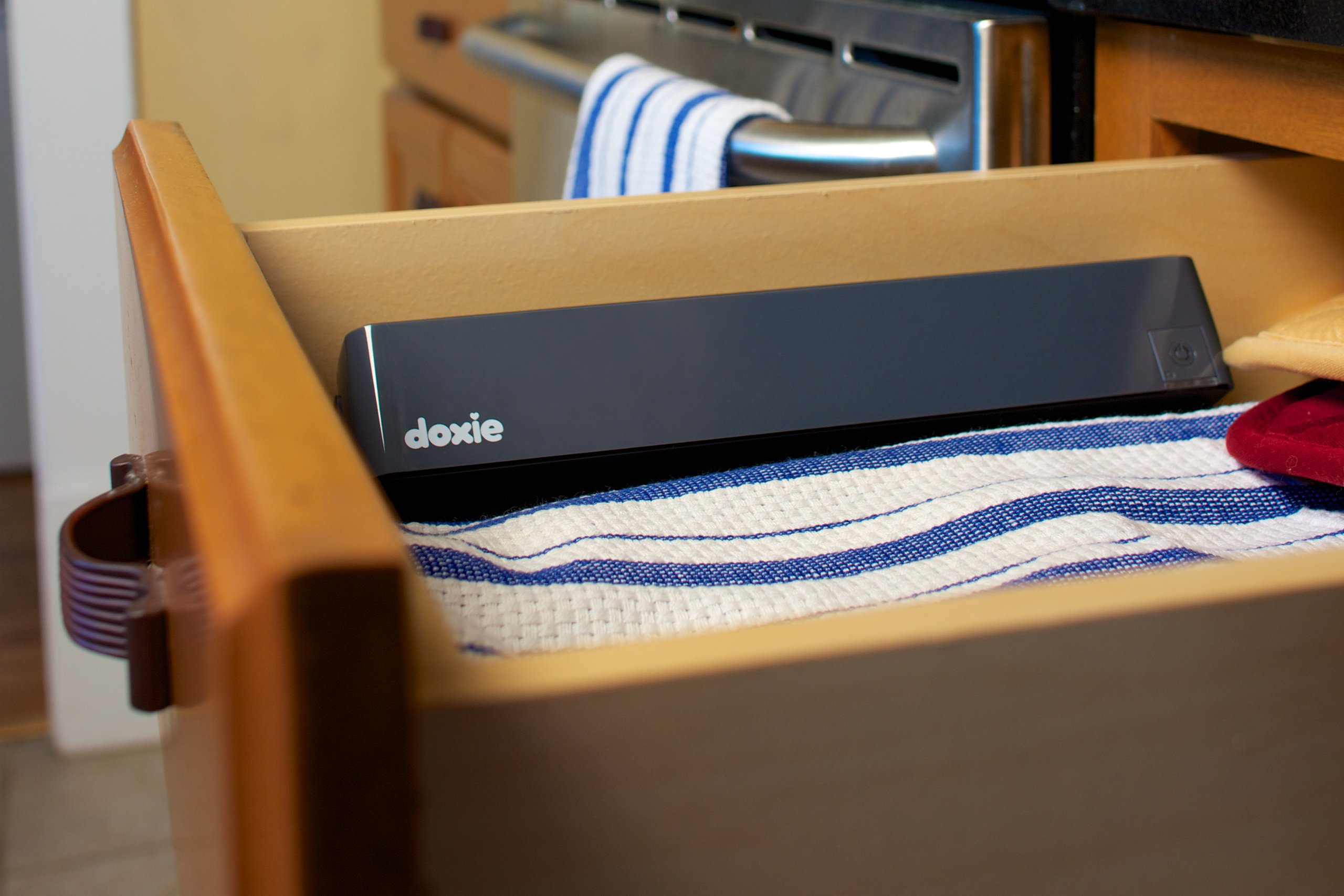


📸 Scan Smart, Scan Anywhere — Your Portable Productivity Powerhouse
The Doxie One is a lightweight, standalone portable scanner designed for professionals who demand high-quality 300 DPI scans of documents and photos. With a 10-sheet capacity and direct memory card storage, it offers efficient batch scanning without the need for a computer, making it ideal for on-the-go productivity.
| Item Weight | 13.6 Ounces |
| Minimum System Requirements | Windows 7 |
| Standard Sheet Capacity | 10 |
| Connection Type | Memory Card |
| Resolution | 300 |
| Supported Media Type | SD Card |
| Scanner Type | Photo, Document |
D**H
The gold standard for customer service.
UPDATE - I changed my rating from 3 stars to 5 based on a pleasantly surprising follow up by the company. The same day that I posted the original review, I received a call from one of Doxie's customer service reps. She went through my concerns one by one, including items that were not covered in the review. Some things from that conversation that would be good to share:If you have a problem, call Doxie directly and they will do a product swap. Amazon will only do a return.Alkaline batteries will not work, you need to use Ni-MH rechargeable ones. She ended up sending me a set of the recommended Sanyo eneloops and the Doxie works great with them. Apparently it does say to use Ni-MH batteries on the battery cover underside but admittedly I didn't look at that (just took cover off, set aside, and re-installed) - might be better to put this on the bottom of the Doxie and not (only) the underside of the battery cover.Doxie went above and beyond! I appreciate that they ready the review and followed up to address my concerns - an EXTREMELY rare thing. But sending me the batteries, and addressing all of my concerns step by step left me absolutely dumbfounded. It would be safe to say that I'm a customer for life and I've shared this positive experience with anyone that will listen.Thanks Doxie - 5+ gold stars.ORIGINAL REVIEW:Fine scanner for this price point but unreliable with batteries - only somewhat portableThis is my second Doxie One purchase. The first had to be returned because the connectors in the battery compartment were damaged and the unit could not be used with the batteries. On the plus side, customer service was great and there was no problem returning the defective unit even though I didn't attempt to use the batteries until I had the unit for a couple of weeks. Since they would not replace the unit, only allow a return, I purchased a second one.Based on my previous unit, I tried the batteries immediately and everything worked fine.....for 1 page. Then the unit seemed to not have adequate power to push the paper through the rollers. I tried installing new batteries and the unit could not even get 1 page entirely through the Doxie One. Frustrated, I plugged it in and the unit works fine - just not with batteries.I decided to keep the scanner and it works fine for my purposes. While I would like to be able to use it with batteries it is only mildly inconvenient that this is not a good option. The software is easy to use and I do like the staple feature. If you have a lot of things to scan, a big document, or pages that are 2 sided this is not a good option. I'm also a disappointed on how it handles receipts that are long and narrow - something I have yet to find a good solution to handle - which is a major disappointment for me about the Doxie because it is one of the reasons I purchased
B**D
Great little tool
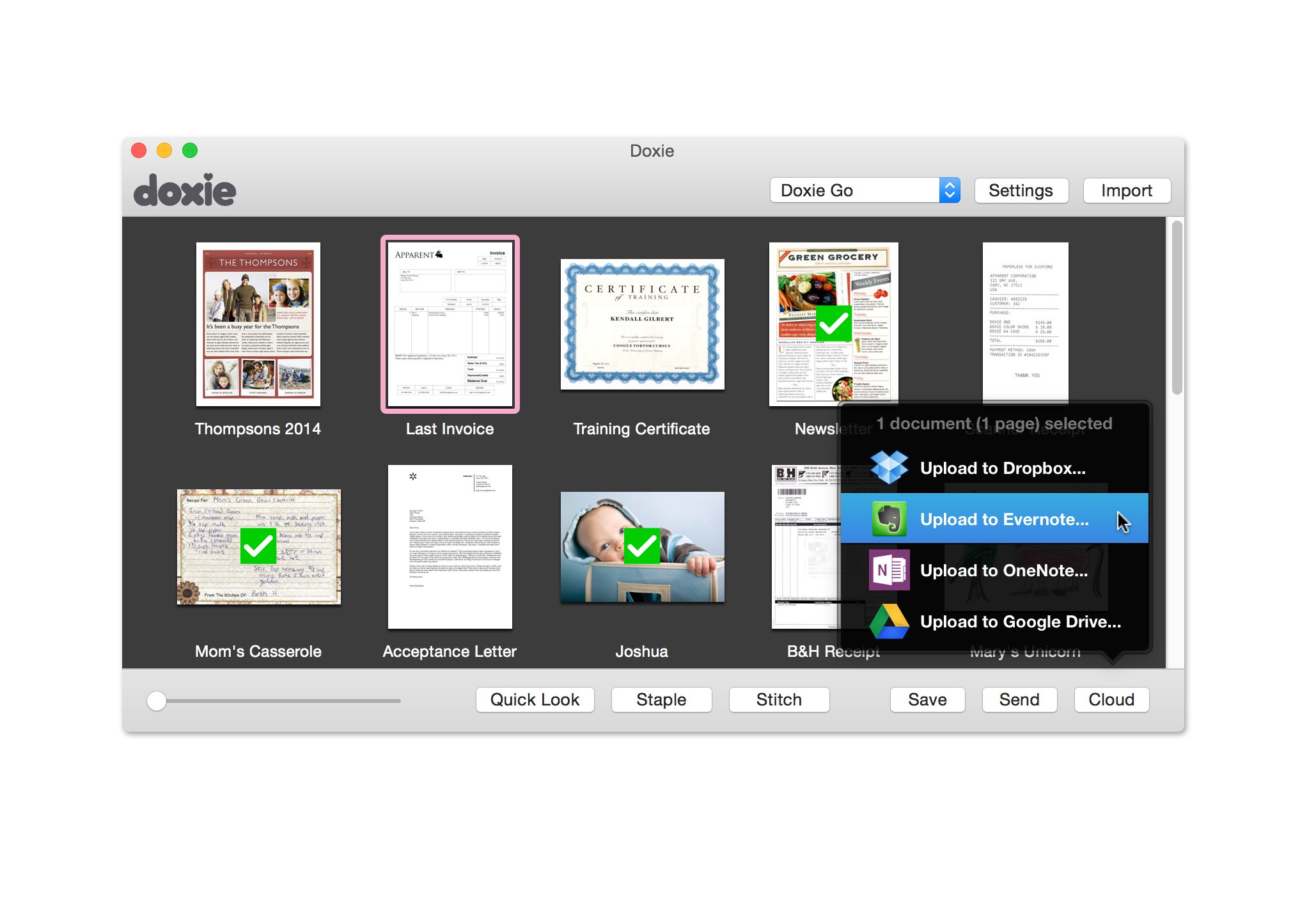
I got this for myself to help reduce home paperwork. I initially hesitated because of some of the reviews and the fact that Doxie implies that only their more expensive scanners can do legal sheets, but decided to evaluate it anyway.Using it on a flat surface, it worked well. Legal and longer sheets work just fineMaybe one out of 50 pages generated a misfeed, usually when the paper had a sharp wrinkle near the end. I also use a desktop Snapscan at work and a large scale copier/scanner. I found misfeeds pretty even across all products. Image is crisp and clear with little to no smearing. Battery usage is fine for 5-10 sheets at a time, but when I tried doing it in large bulks, it had a propensity to act as if the battery was dead. Taking them out and putting them back solved this. With the AC adapter, no such problems.The scans go onto an included 2GB SD card as individual JPGs at a decent resolution in a DCIM folder, like a digital camera. You have to use the downloadable software package to save to other formats and combine pages into multipage PDFs. It will save PDFs with OCR if desired and this worked very accurately on the statements I scanned. I found ithe whole process pretty slow, however. This is an idea of the process involved:- Load SD card- Startup Doxie software and import scans (approx 5 secs per image)- Group scans together and "staple" (just a logical grouping in the software, takes no time)- Export each group to PDF with OCR (approx 8 secs per image)- Delete scans in software to save space (1 sec per group)My biggest gripe with the software is that it doesn't let you magnify or preview the scans large enough to see things like dates on statements. I would often have to export the image as a JPG to see what the date on the statement was in order to staple like documents. That area could be greatly improved.Otherwise, great product. I wouldn't recommend it for bulk scans, as it's tedious and slow.=================Update 2014.01.31=================Doxie actually contacted me via email and pointed out that I was probably using regular alkaline batteries (I was) and should use a quality set of rechargeable batteries, which they offered to provide to me for free. Getting these in place definitely improved the battery situation mentioned above. Very nice touch of customer service there that I must applaud them for.They also asked me if I knew about the "Quick Look" feature in the software per my comments about not being able to preview. The software does include a button that does a simple zoom of the page, but to me, it's still insufficient. I can't read the date or account number off a scanned statement with this preview, which is critical to knowing which pages need to be grouped together - particularly if you're scanning a lot of statements in batch.
K**U
Good until it’s not…
I have purchased several of these over the years and have been increasingly careful with them. I use this mostly for scanning receipts and it’s very handy for doing that while bingeing a favorite show. I can mindlessly scan one right after another and before you know it…I’m done. Here’s where things go bad. I really don’t want to use batteries so the plug in adapter is my go to. The connection to the scanner itself is so flimsy that it is inevitable that it will break. Within a month or so of regular use you will notice that the connection will begin to wobble. Since mine 3rd and likely last one isn’t working I thought I would open it up and see why it keeps failing. After I disassembled to see how it’s connected I discovered it’s designed to fail. Seriously, 4 point soldering is all that holds it in place. There is nothing holding or supporting the receiver except 4 tiny points of solder. This connection design is completely ineffective. Unless you are planning to use batteries this little guy will not last long enough to make it worth your money. Beware one kid trips on the cord and it’s done for…that was doxie #2’s undoing.
Trustpilot
3 days ago
1 month ago