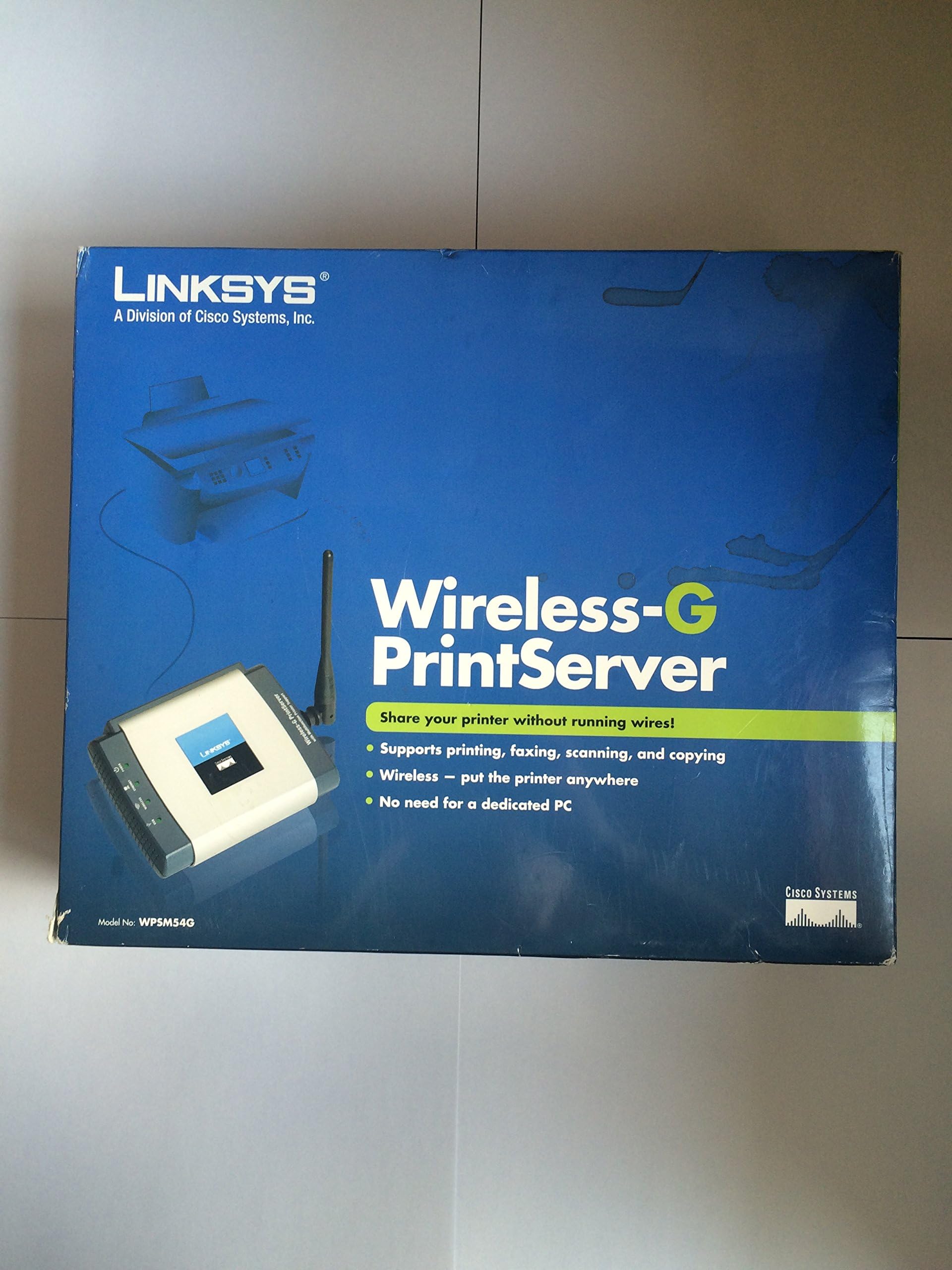


Cisco-Linksys WPSM54G Wireless-G Print Server with Multifunction Printer Support
Product ID: 7724180
⚡Fast Data Transfer
📡Wireless Connectivity
🖨️Multifunction Support
Buy anything from 5,000+ international stores. One checkout price. No surprise fees. Join 2M+ shoppers on Desertcart.
Desertcart purchases this item on your behalf and handles shipping, customs, and support to Israel.
🚀 Print Smart, Live Free!
The Cisco-Linksys WPSM54G Wireless-G Print Server allows you to wirelessly connect your multifunction printer to your network, enabling seamless printing from multiple devices. With fast data transfer rates and robust security features, this print server is designed for the modern professional seeking efficiency and convenience.
D**B
Works great
In my home, I had a very old PC that we used as a print server. It also had a large disk drive that we used for backups. This old computer was never used as a PC. It was big, ugly, and in the way. I bought a new Linksys router (WRT-600) with a USB disk connection, and connected the backup disk to the router. If I could find a wireless print server, I could ditch the old computer.After reading all the reviews, I was skeptical that a good unit was even available. But after several months of successful use, I must say this unit works flawlessly with my HP Laserjet 1022 and the 3 laptop PCs in my house. Unlike many home wireless products, the Wireless-G Print Server runs very cool.As several reviewers have pointed out, you must make the printer work on your PC before installing the Print Server. Since all the PCs in the house are laptops, bringing the PCs to the printer to install the driver was quite easy.I have worked with several Linksys and Netgear wireless products. This was the first product for which the "Easy Install" program actually worked. The program found my router and connected the Print Server. Then it installed a server program to my PCs. The server program sits in my task bar. I really don't know very much about it, because it's always green. Installation was flawless for one Vista PC and two XP PCs. Linksys includes every cable you need, even the Ethernet cable that you use just once for a few minutes while configuring the Print Server to the router. That's a nice touch.Here's my caveats.* I don't have a scanner or fax, so I don't use those features. I can't say how they work.* The USB driver for the LaserJet 1022 is very simple. It doesn't, for example, try to tell me how much ink I have left.* I didn't have any problems with the Easy Install. I have no idea how well the manual installation would work or how good tech support would be. I can say, though, that I had a good experience with tech support for my Linksys WRT-600 when the auto-install progam didn't work.* Finally, I am in a semi-rural location. I don't use WEP, or WPA, or MAC filtering; and I do broadcast my SSID. So I can't say from personal experience how using these security features would affect operation or installation. I did change the router's IP address from the default value. That did not create any problems at all.I can't address all the issues others have raised in these reviews. But I can say that the unit works well for me. The printer is always available from all my PCs.
A**G
You'll Need Hair Replacement Surgery If You Plan to Try Running This Device with Windows7
I would strongly suggest that the description of this product on Amazon should state prominently that "according to the manufacturer, Linksys, the WPSM54G is not compatible with Windows7," because that is exactly what Linksys tech support will tell you if you contact them for assistance.Two Questions:1. Are you planning to install this device on a machine running Windows7?2. Is your time worth more than five dollars per hour?If the answer to both those questions is yes, then I advise you not to purchase this product.Yes, there is plenty of chatter out there that says you can get this print server to run under Windows7, and maybe you can, if you are an experienced IT professional. But even if you are an experienced IT professional, the dollar value of the time you will waste tweaking everything to make the thing work with Windows7 would buy you about three wireless print servers that will run as Plug and Play under Windows7.And, yes, if you are only an average reasonably tech-savvy consumer, you might get lucky and stumble upon the magic order of things within the first three hours after you open the box. But the more likely scenario is that, like me, after four hours, you will be starting back at square one for the umpteenth time, surrounded by the piles of the clumps of hair you will have pulled from your own head, hoping against hope that this time, maybe this time, please lord, maybe this time, you will get it to work.I do think that eventually my stubborn persistence will "pay off," and I will get this thing to run under Windows7. But before that magic moment arrives--if it ever does arrive--the value of my lost time will have been sufficient to have paid for several wireless print servers that will run under Windows7. Really, if I weren't so stubborn, I would be money ahead just to buy a different device and toss this one in the trash right now with the other Linksys devices I've foolishly purchased in the past.(Oh, by the way, even if you do get the printer to print off this device running under Windows7, the fax and scanner functions will not work under Windows7, so your "multifunction" device will be, at best, only a "unifunction" device.)Did I mention that Linksys support on this device is pretty much worthless, which is quite consistent with my experience with Linksys in the past.Bottom line. Do not purchase the WPSM54G if you are planning to run it under Windows7! The money you "save" will not be enough to cover the cost of your hair-replacement surgery.UPDATE: Okay folks, after many, many tries, and retries, after about 6 hours of struggle, I was finally able to get this device to work running under Windows7. Unfortunately, because all my attempts were totally based on repetitive trial and error, I simply cannot say exactly what I did that made it work. Here's what I think worked: First, make sure you have the print driver for your printer installed on your computer. If you have made any previous attempts to install the print server software, make sure to disinstall the print server software from your machine. Reset the print server, by holding in the reset button with an unbent paperclip, while powering on the print server device. Continue to hold down the reset button for 10 seconds after power up, which will reset the print server. Unplug the print server. Unplug your printer. Download the firmware update and setup update from the Linksys website. With the print server still tunred off, connect the CAT5 network cable to the print server on one end and your router on the other end. With your printer off and with the print server still off, connect the USB cable from your printer to the print server. Power on the print server. Power on your printer. Open a browser window on your networked computer. Type in the IP address 192.168.1.70, which will bring up a login box for web based admin page for managing the print server. A popup asks for a login name and password. Leave the login name blank and enter "admin" without quotes, in the password. Hit enter, and the web based application for managing the print server should open. Click the "wireless" then the "security" tab and enter your network name and security details. Save. Next click the "status tab." And click the button to upgrade the firmware to the new version you downloaded. Exit the web based print server application, close your browser window. Next install the setup software that you downloaded, and when doing so, be sure to run the verions of setup.exe that is located in the "utility" folder of the download setup files. Follow the prompts. I believe this is the process that worked for me. If you get hung up and need to restart, be sure to reset the print server and uninstall the software with each new attempt. After a few attempts, you might get lucky like I did. But if you haven't already bought this device, save yourself some trouble and just buy something else.ADDITIONALL INFO:In case you require confirmation that Linksys position is that is not compatible with Windows7, here's the transcript from my Live Chat session with Linksys online support, wherein the Linksys techrep confirms that the WPSM54G "is not compatible with win 7 and will not work with it as no drivers are available for win 7":[2010-06-10 09:56:24] Please wait... Your number in the queue: 1[2010-06-10 09:56:24] A representative will be joining you shortly.[2010-06-10 09:56:36] Jasvinder (41927) has joined this session.[2010-06-10 09:57:31] Jasvinder (41927): Hello!! Welcome to Live Chat Cisco Support for Linksys Products.[2010-06-10 09:57:46] Jasvinder (41927): How may I help you?[2010-06-10 09:59:10] Herman Jacobs: Have new WPSM54G, trying to install on Dell laptop running Windows7. Have downloaded Setup Update and new firmware 1019, and have attempted to install these, but can't seem to figure out the magic order to get things up and running.[2010-06-10 10:00:02] Jasvinder (41927): I will surely assist you with this.[2010-06-10 10:00:05] Jasvinder (41927): Please confirm the serial number of your Linksys Device.[2010-06-10 10:01:07] Herman Jacobs: SP8*********[2010-06-10 10:02:20] Jasvinder (41927): This product is not compatible with win 7 and will not work with it as no drivers are available for win 7 .
Trustpilot
1 day ago
2 months ago