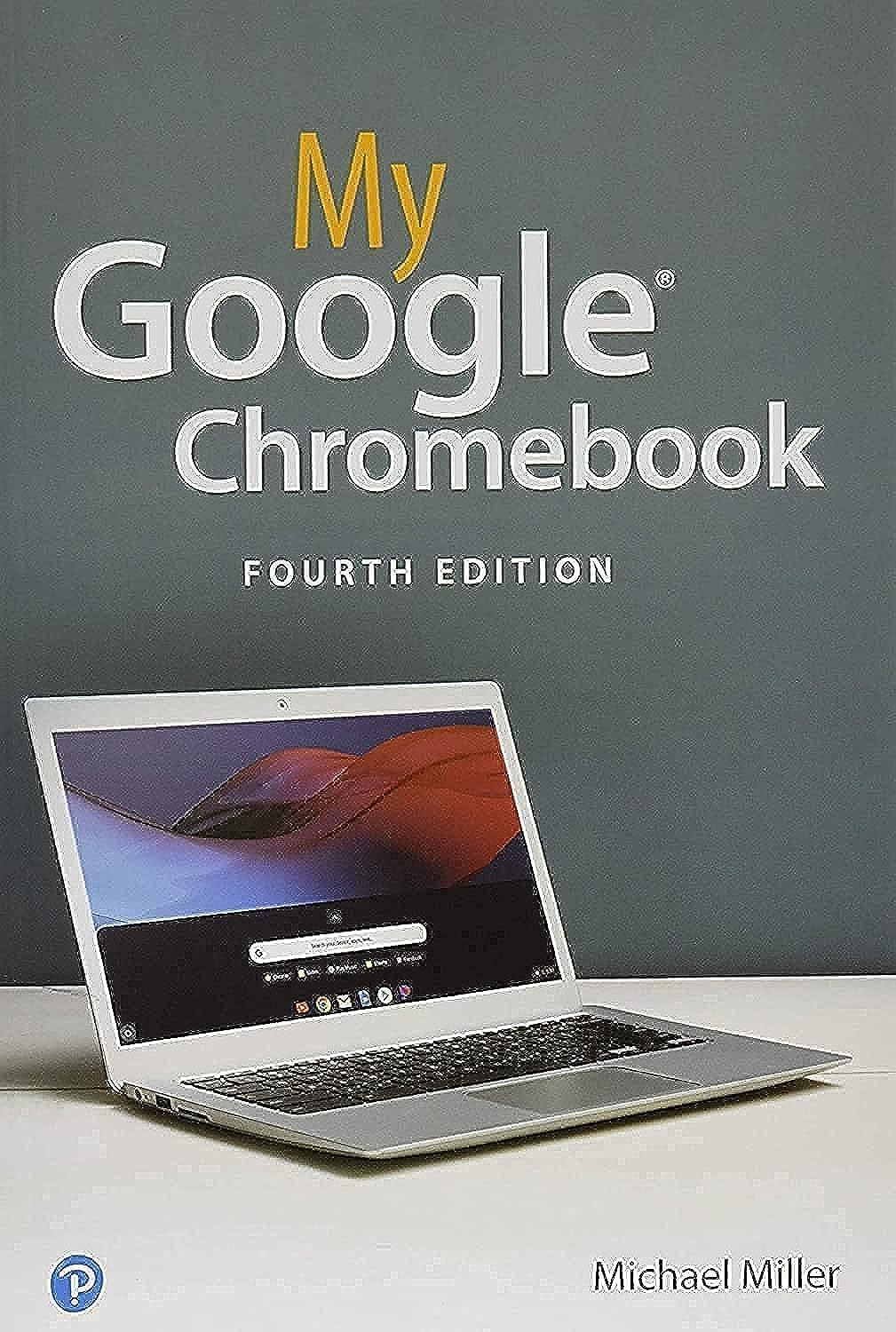
My Google Chromebook
Product ID: 159191128
Buy anything from 5,000+ international stores. One checkout price. No surprise fees. Join 2M+ shoppers on Desertcart.
Desertcart purchases this item on your behalf and handles shipping, customs, and support to Israel.
My Google Chromebook [Miller, Michael] on desertcart.com. *FREE* shipping on qualifying offers. My Google Chromebook Review: Very clear instructions and illustrations -- great for Chromebook novice - I am a novice with Chromebook, which was a 2020 Christmas present. For those who are used to Windows PC, it requires doing things a little differently. My Google Chromebook Fourth Edition is by far more helpful than the other two instruction manuals I purchased. It doesn't assume we know what we're doing, so starts at the very beginning with instructions on how to turn Chromebook on and how to sign out and shut it down (which is not obvious). It then takes the reader on to set up Chromebook and how to use it. The book is printed on heavy, glossy stock with plenty of illustrations. Instructions are clear and easy to follow. For me, the best part is the photographs of the various screens. They are easy to read because they are in color and large enough to be quickly understood. The book goes on to more sophisticated "how to" instructions. I would give this book more stars if more were available because I had experienced a fair amount of frustration until I purchased this book (4th edition). I'm much happier with my Chromebook since I purchased My Google Chromebook. Review: What a great guide to Chromebook - After returning another book that was not helpful in the least, I am so glad I purchased this one. Easy to understand and right to the point. This one did not insult my intelligence but explains the operating system and features in a way anyone who has used a laptop can understand. Cheers!!
| Best Sellers Rank | #2,397,964 in Books ( See Top 100 in Books ) #158 in PC Hardware #1,413 in Cloud Computing (Books) #3,087 in Digital Audio, Video & Photography |
| Customer Reviews | 4.4 4.4 out of 5 stars (210) |
| Dimensions | 6 x 0.65 x 8.95 inches |
| Edition | 4th |
| ISBN-10 | 0135911826 |
| ISBN-13 | 978-0135911822 |
| Item Weight | 2.31 pounds |
| Language | English |
| Part of series | My... |
| Print length | 272 pages |
| Publication date | August 12, 2019 |
| Publisher | Que Publishing |
S**A
Very clear instructions and illustrations -- great for Chromebook novice
I am a novice with Chromebook, which was a 2020 Christmas present. For those who are used to Windows PC, it requires doing things a little differently. My Google Chromebook Fourth Edition is by far more helpful than the other two instruction manuals I purchased. It doesn't assume we know what we're doing, so starts at the very beginning with instructions on how to turn Chromebook on and how to sign out and shut it down (which is not obvious). It then takes the reader on to set up Chromebook and how to use it. The book is printed on heavy, glossy stock with plenty of illustrations. Instructions are clear and easy to follow. For me, the best part is the photographs of the various screens. They are easy to read because they are in color and large enough to be quickly understood. The book goes on to more sophisticated "how to" instructions. I would give this book more stars if more were available because I had experienced a fair amount of frustration until I purchased this book (4th edition). I'm much happier with my Chromebook since I purchased My Google Chromebook.
J**N
What a great guide to Chromebook
After returning another book that was not helpful in the least, I am so glad I purchased this one. Easy to understand and right to the point. This one did not insult my intelligence but explains the operating system and features in a way anyone who has used a laptop can understand. Cheers!!
M**R
Good Chrome Deluxe Information
Like most manuals, I read the intro and basic outline. After that I go to what I want. I looks good so far.
J**B
Excellent book
This book is well illustrated and formatted. It is as accurate as any technical book can be. Que is the best of computer book publishers.
M**E
Easy to Understand, Incredible Details
I love this book. I am a first time Chromebook user and I found this book to be a wonderful reference. Easy to read, the writing voice is excellent, and it detailed everything I needed to know.
H**9
Great book for beginner chromebook users
This book is perfect for new Chromebook users. It explains processes and features in easy to understand steps and doesn't get too complicated.
R**R
Six stars!
One of the best written computer related books I've ever read. For the beginner a helpful guide. For the pro a fine reference. Would give it six stars if that option were available
P**Z
Excellent book for Chromebook beginners!
Bought this for a friend with a new Chromebook who had never used any computer nor smart phone. She said this book saved her sanity! It saved mine too since she was driving me crazy with questions. Well organized book that’s easy to follow for beginners. And good launch pad for someone who wants to further their knowledge.
K**D
A very useful handbook as there is not a great deal of written info on the google OS. Very useful to have on hand.
B**N
This is the best book I could wish for getting to know the Chromebook world. It has lots of very informative and crystal clear colour photos. Font is just right and step by step descriptions are second to none. If you are getting a new Chromebook for the first time you can't go wrong.
J**L
Easy to read . Senior friendly.
A**R
This book covers the basics but it is weak on security, eg how the requirements if you forget your password. This includes setting up a recovery email account and accessing it. This topic is completely ignored.
M**Y
Useful reference book for chrome laptops
Trustpilot
2 months ago
1 month ago