Desertcart purchases this item on your behalf and handles shipping, customs, and support to Israel.
🚀 Upgrade your workflow with speed and reliability that keeps you ahead!
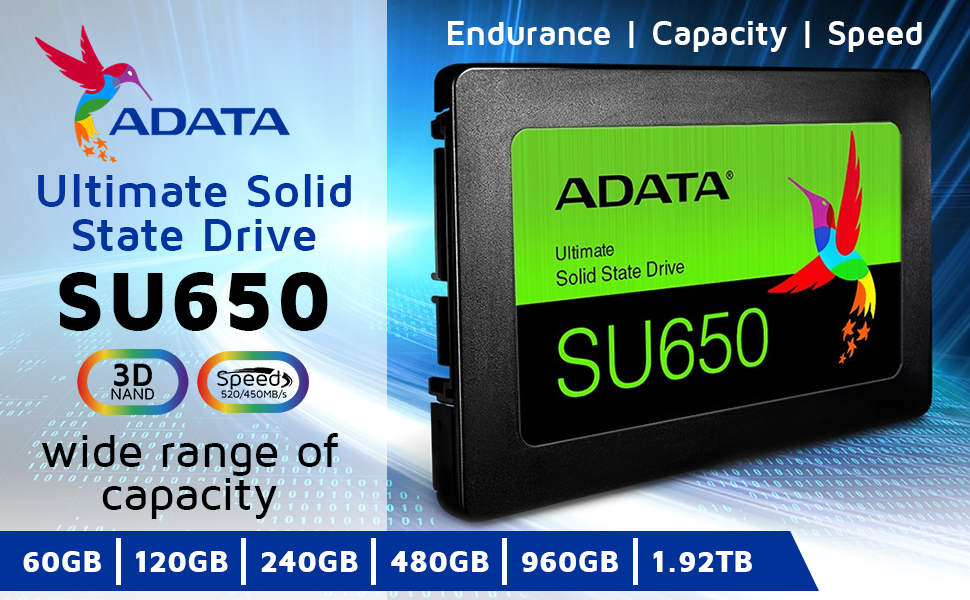
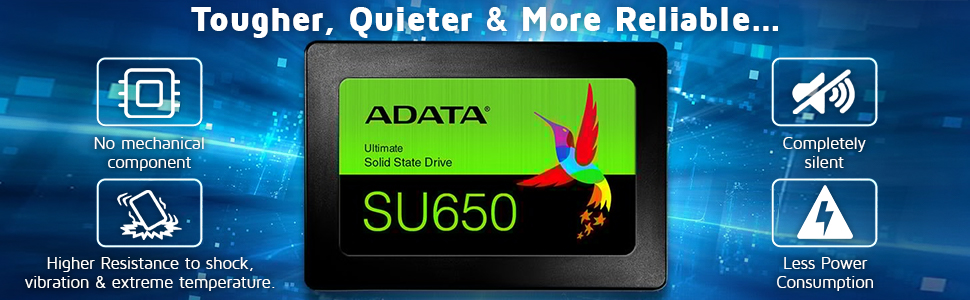
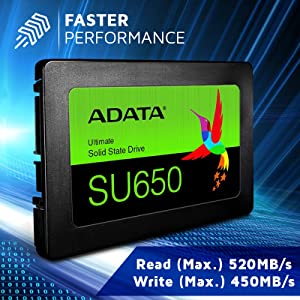
The ADATA SU650 240GB SSD leverages 3D NAND Flash and a high-speed SATA III interface to deliver up to 520MB/s read and 450MB/s write speeds. Designed for both desktops and laptops, it offers a durable, silent upgrade with advanced caching and error correction technologies, making it an ideal choice for professionals seeking a reliable, fast, and cost-effective storage solution.


| ASIN | B07HCN5MRN |
| Additional Features | Fast Speed |
| Best Sellers Rank | #149 in Internal Solid State Drives |
| Brand | ADATA |
| Built-In Media | SSD |
| Cache Memory Installed Size | 240 |
| Color | black / black |
| Compatible Devices | Desktop |
| Connectivity Technology | SATA |
| Customer Package Type | FFP |
| Customer Reviews | 4.7 out of 5 stars 5,797 Reviews |
| Data Transfer Rate | 6 gigabits_per_second |
| Digital Storage Capacity | 240 GB |
| Enclosure Material | Solid-state material (plastic or metal casing, 3D NAND Flash memory) |
| Form Factor | 2.5-inch |
| Global Trade Identification Number | 04713218461162 |
| Hard Disk Description | Solid State Drive |
| Hard Disk Form Factor | 2.5 inches |
| Hard Disk Interface | Solid State |
| Hard-Drive Size | 240 GB |
| Hardware Connectivity | SATA 6.0 Gb/s |
| Hardware Platform | laptop |
| Installation Type | Internal Hard Drive |
| Item Type Name | SATA III 2.5 SSD |
| Manufacturer | ADATA |
| Media Speed | 450 megabytes_per_second |
| Mfr Part Number | SU650 |
| Model Name | Ultimate SU650 |
| Model Number | ASU650SS-240GT-C |
| Number of Items | 1 |
| Read Speed | 520 megabytes_per_second |
| Special Feature | Fast Speed |
| Specific Uses For Product | storage |
P**S
Works very well, I am satisfied with this purchase.
It was easy to install and format. It is a plastic case, like the majority of what's in the market now. In my use case, I bought it to replace a failed SSD on a Windows 10 PC. The PC recognized it quickly, and I was able to restore the system image to it with no problems. It performs just like the original did, I would say a bit faster on the read speed. I was not purchasing by brand, but I know for a fact that many more popular brands out there use ADATA memory chips internally, so why not purchase direct from the manufacturer? I feel that this is as good quality as others priced much higher. For day-to-day productivity PC usage, this purchase is one I can recommend. It is a great bang for your buck. I am very satisfied with this purchase.
J**N
Incredible
Super fast for my needs as a basic gaming PC. Massive upgrade from my old hard drive. Took me awhile to find the right software to clone over, but once I did, worked like a charm.
A**W
Good Value
Been buying these for builds for quite some time, fast , solid and reliable. Easy installation. Normally use as game drive with M.2 for operating system.
J**8
Installed and fired up without issues
Installed and fired up without issues. I purchased this for reliability, not speed, so it'll be awhile until I know for sure whether I get that long-term. However, for now I'm happy with it.
R**N
Bought to test lifespan of SSD for my use.
ADATA SU650 SSD 240GB BACKGROUND: SSD's are made with solid state memory. As spinning HHD's have their negatives, so do SSD's. PLUS SIDE: SSD's move data faster because they dont have to move a mechanical device to read it on a platter position. They give the suggestion that your computer is running faster, it's not. The processor only runs as fast as it is made to run. Once your info is loaded from the drive, the computer runs as usual, the same speed. The Operating system loads faster at start up, some think this is crucial, it is a gimmick to what really is going on. CONCERNING SIDE: is the lifespan of the SSD. All memory drives have this concern but using the SSD as the main drive, the memory is accessed all the time making the problem more important to know about. When memory is written to, it uses a electronic zap with marks a 0 or 1 in the memory. EACH TIME this is done, the memory begins to create resistance to the next write in that spot. So many writes and the memory will not write anymore. This can take years, but it will happen. manufactures have tried to lessen the problem of "write wear" by moving the writes to different positions on the memory chip. This helps extend the life of the memory. One example, some server companies had installed SSD's, thinking they would be lightening fast, and they were. But they access the drives on 24/7 basis and a little over a year, they started having SSD failures. SSD's do not warn you that they are going to fail, it just happens. Most of the time when they do fail, you cannot retrieve your data, it is lost. THIS IS WHY you make back ups on HHD's. That server company replaced all the SSD's with HHD's as HHD's use magnetic technology and do not suffer from write wear. Though they can have other problems much further down the span of its lifetime. HHD's will write to any open space on the disk, which is why sometimes they need to be defragged. SSD's write in blocks of memory. IF they do not fil that block, they will remove that block and REWRITE IT filling in that open portion of space on a new block. This is increased writes on the memory also. I urge you to look up how the SSD's work, how they increased sizes in memory and how it affects the memory and speeds of the drives. You may be surprised. PACKAGING: was in a bag, brand new. The SSD is light and plug and play basically. Sometimes you need to initialize them before you can use them. MY PURPOSE was to see what difference I would see in using them and how long the life would span to. for my use, it sped up start up a bit, everything else was as usual. I dont put a lot of writes on the main drive so we will see how this works out over time. It functions much like the old standard HDD. You will hardly notice any operational difference. YOUR USE MAY VARY If you use a drive for a server where everyone accesses it everyday, you may see a few years life before the write wear takes it out. If you use a drive for film or picture editing, and chose an SSD for speed of writing and reading to/from disk, it would behoove you to make back ups as in time, write wear may eventually take it out. Make the Backup on HDD's. If you use the SSD for home or office where you dont use it much or dont write to it a lot, it will do well, but I still advise strongly to make back ups, at least weekly on a HHD. I do not know the seller nor did I get any money or product for my random review. 240423 1513
T**L
Great SSD.
All my ssds are adata. This one was a good price too.
H**!
Bought FOR $181 jun 3rd, now $373 on Jun 9th ???? Anyway, It seems to be very speedy
I transferred about 1.5 Tb to it from another (dying HDD) drive at one time and it kept a reasonably constant speed of about 113mbs. Didn't slow to a crawl like others have said. Also didn't have any glitches or anything. It just does whatI was hoping it would do, work nicely for me. Definitely would NOT recommend it at its current price. I would at the price I paid for it a week ago.
V**A
Fast, Reliable, Affordable SSD
I installed this SSD as an additional in my new gaming PC. It's been installed several months now with no issues. I've also got an ADATA NVMe drive in my gaming PC as the primary for my OS and they've worked flawlessly since I got them. I've used ADATA drives for 4-5+ years now and I've never had an issue with them. The data transfer speed is very fast. There are faster SSDs available, but I've put mine to the test doing IT work and they've never let me down getting files moved quickly. They're very affordable for the size, speed, and quality, so definitely a smart buy if you're looking for a good SSD.
D**O
Faz o necessário por um preço bom.
Tudo ok, passou no teste do tempo e funciona direitinho.
J**S
Great improvement in speed over spinning disk.
Really easy to replace old laptop drive. Has made a difference to boot speed. Cloned drive with Macrium Reflect, make sure you have a WinRE recovery USB stick (made with Macrium) to reinstate boot status on the replacement cloned drive. Not left review of longevity because I don't know yet. The drive is physically lighter than older disk drive. No screw threads on bottom of unit though only holes. So fitting was a bit tricker had to put some sticky pads in to stop the drive moving about (...may break connector, hence sticky pads).
A**A
Exatamente o que procurava.
め**ー
メーカー提供のクローンソフトで簡単でした
WIN10容量1TのHDDでCドライブを400Gに縮小し普通にクローンしました。その後Cドライブを300Gに縮小し、残りをDドライブにし使っています。起動時間が10秒以下で快適です。
G**S
Excelente calidad
Fue justo lo que pedí
Trustpilot
2 months ago
1 month ago