We remain fully operational. Our teams are working around the clock to ensure your deliveries continue safely.

قم بتنزيل التطبيق


معلومات عنا
حقوق الطبع والنشر © 2024 Desertcart Holdings Limited
قم بتنزيل التطبيق
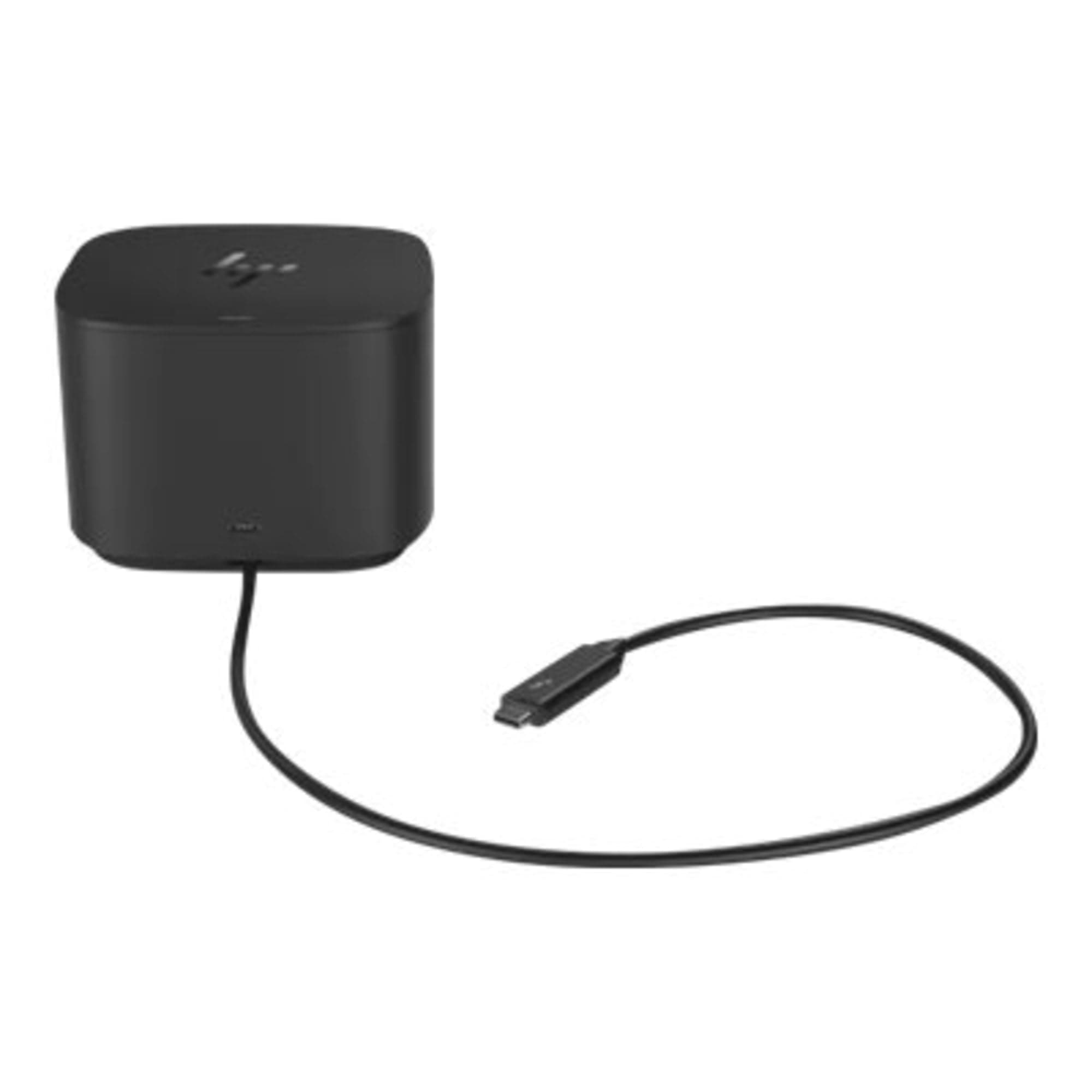
⚡ Power your productivity, connect your world.
The HP Thunderbolt Dock G2 (120W) is a premium docking station designed for professionals who demand high-speed connectivity and reliable power delivery. Featuring 8 versatile ports including Thunderbolt 3, USB-C, USB 3.1, DisplayPort, VGA, and Gigabit Ethernet, it supports 4K Ultra HD video output and up to 120 watts of charging power. Compatible with select Windows, Mac, and Chrome OS devices, this dock streamlines your workspace with secure, multi-device connectivity and crisp visuals, making it an essential hub for the modern manager on the go.
| ASIN | B07F2P4CQS |
| Best Sellers Rank | #74,769 in Electronics ( See Top 100 in Electronics ) #844 in Laptop Docking Stations |
| Brand | HP |
| Built-In Media | Docking Station |
| Color | Black |
| Compatible Devices | HP Workstation Notebooks: ZBook x2, ZBook 15u G4, ZBook 14u G5 |
| Customer Reviews | 4.3 4.3 out of 5 stars (90) |
| Global Trade Identification Number | 00192018810068 |
| Hardware Interface | Thunderbolt 3 |
| Item Dimensions L x W x H | 11"L x 7.6"W x 3.45"H |
| Item Type Name | Docking Station |
| Item Weight | 1.8 Pounds |
| Manufacturer | HP |
| Number of Ports | 8 |
| Total Usb Ports | 5 |
| UPC | 192018810068 |
| Unit Count | 1.0 Count |
| Warranty Description | Limited Warranty |
| Wattage | 120 |
T**E
Excellent Thunderbolt option and USB C - but UPDATE THE FIRMWARE!
Using this with a Microsoft Surface Book 2 and a Microsoft Surface Laptop 3 as well as a Dell XPS 13 2-in-1 7390. I had trouble at first with the Surface Book 2 locking up and going to a black screen when I would bring it back from sleep, but I found the latest HP firmware on the HP support site, I actually installed it from the Surface Book 2 and the dock updated appropriately. Once the firmware was updated, all works flawlessly - it is connected to a USB headset, a Logitech Unifying adapter for wireless keyboard and mouse and a DisplayPort LG 4k monitor. The dock switches nicely to the next PC when I change plugs and it comes back from sleep while charging all devices exactly as expected. The 100W is nice for the Surface Book 2 since it has a large power draw and even it's own charging adapter can't keep up when the Dgpu is running at full capability.
R**N
Meets expectations
I purchase quite a few of these for our business. Work great best price on the market is on Amazon if they have stock. Product works as expected.
M**S
great docking station
love the management of all of my attachments. easy to setup. just had a hard time finding an HDMI to display port adapter. otherwise a good product.
J**Y
Works with Spectre 360
This works great to charge and add extra displays to my Spectre 360 laptop. No complaints.
J**.
Perfect
Exactly what I needed to set up my home office. Shipped fast too.
R**.
This thing is the Cat's Meow.
I love it. Hooked it up and worked right out the box. Highly recommended! High Priced, though.
V**I
Nice physical design but too many issues
I'm using the docking station with a new HP Spectre 15". When plugged into the station the computer will regularly wake up from sleep on it's own. I had to enable hibernate in Windows and start using that instead of sleep as a workaround. When the computer wakes up from either hibernate or sleep there are intermittent BSODs and the docking station will often start glitching (the mouse will start lagging and the audio out of the station's headphone jack will have static). The workaround I have found for that is to unplug the laptop from the docking station before bringing it out of hibernate/sleep and then plugging it back in once the computer is active. When I bought this thing I thought I'd be able to just tap the top of the dock to kick everything on but no such luck because of these issues. HP support said the G2 wasn't designed for Spectre laptops and suggested the HP Y0K80AA docking station. That one would charge way more slowly though as it is only 65W.
D**R
Worked for a while
After about 18 months it started dropping the connection to my HP EliteBook x360 1030 G3 laptop. It seemed like the USB-C main connector was loose but it was not clear if it was the plug on the dock side or both of the sockets in the computer. I have since read of others with that complaint. I upgraded all the firmware for the dock and the laptop, as demanded by HP before getting any help. After that, the audio feed through the dock stopped working. Then it started occasionally refusing to connect unless the computer was rebooted. Finally I replaced it with a CalDigit TS3 Plus Thunderbolt 3 Dock and my problems went away. The one-year warrenty on the HP dock had expired. I never attempted getting help from HP after reading many posts from frustrated owners. The good news is that the HP laptop still seems as great as ever.
P**E
This is an amazing product. This is really useful for me and I can now work really easily from home with that
S**E
Livraison rapide, produit exact et prix résonable
J**T
Three USB 3.1 gen 2 ports (four if you include the Thunderbolt 3 port). A built-in three port DisplayPort 1.4 MST hub. This adds features but doesn't work in every situation. A built-in DisplayPort to VGA adapter (195 MHz pixel clock max). A built-in USB 3.0 Gigabit Ethernet adapter (only works with Thunderbolt computers). Two USB-C ports capable of connecting USB-C with DisplayPort alt mode displays or docks (one of those ports is the Thunderbolt port which only works with Thunderbolt computers).
S**V
After a long wait, I finally got the item. However, it doesn't even turn ON. If it would have worked, this seems an awesome device. Nice build quality, heavy base and lot of ports to connect many devices. Amazon offered me two options: 1) Keep the defective device and get some amount back as discount. Order a new one. 2) Get a replacement, but wait for 8 days. In addition, risk you life to have an unwanted visit to Canada post to return the defective item. This is on top of spending 1 hr with customer care. I picked option 1, I thought that Amazon is refunding the amount is full and offering a discount for all the inconvenience. It turned out that is not the case. Basically this option meant that no refund. Just keep the defective device which is worth $0 and get some amount back. So, I took option#2. When asked for it, customer service agent did offer a very small amount for next order. It was so small that I decided not to take that. Overall, disappointed with this purchase. Less disappointed about the item more about the way Amazon's customer service is changing, In past, Amazon at-least made sure that Customer is happy even even in those odd cases where online shopping turns out to be disaster.
4**R
Not enough ports for what I needed.
ترست بايلوت
منذ أسبوعين
منذ أسبوعين