Some deliveries may take a little longer than usual due to regional shipping conditions.

قم بتنزيل التطبيق


معلومات عنا
حقوق الطبع والنشر © 2024 Desertcart Holdings Limited
قم بتنزيل التطبيق

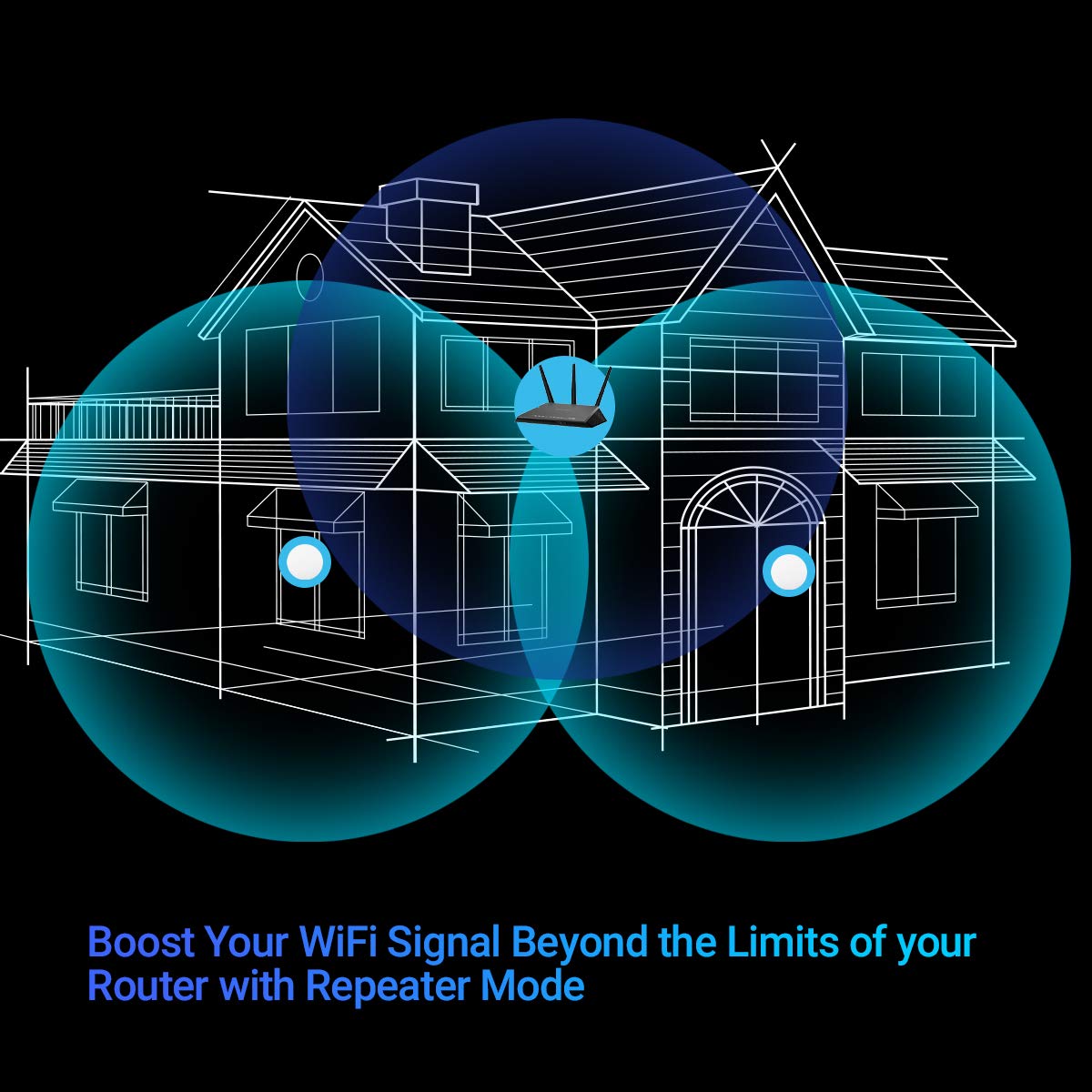

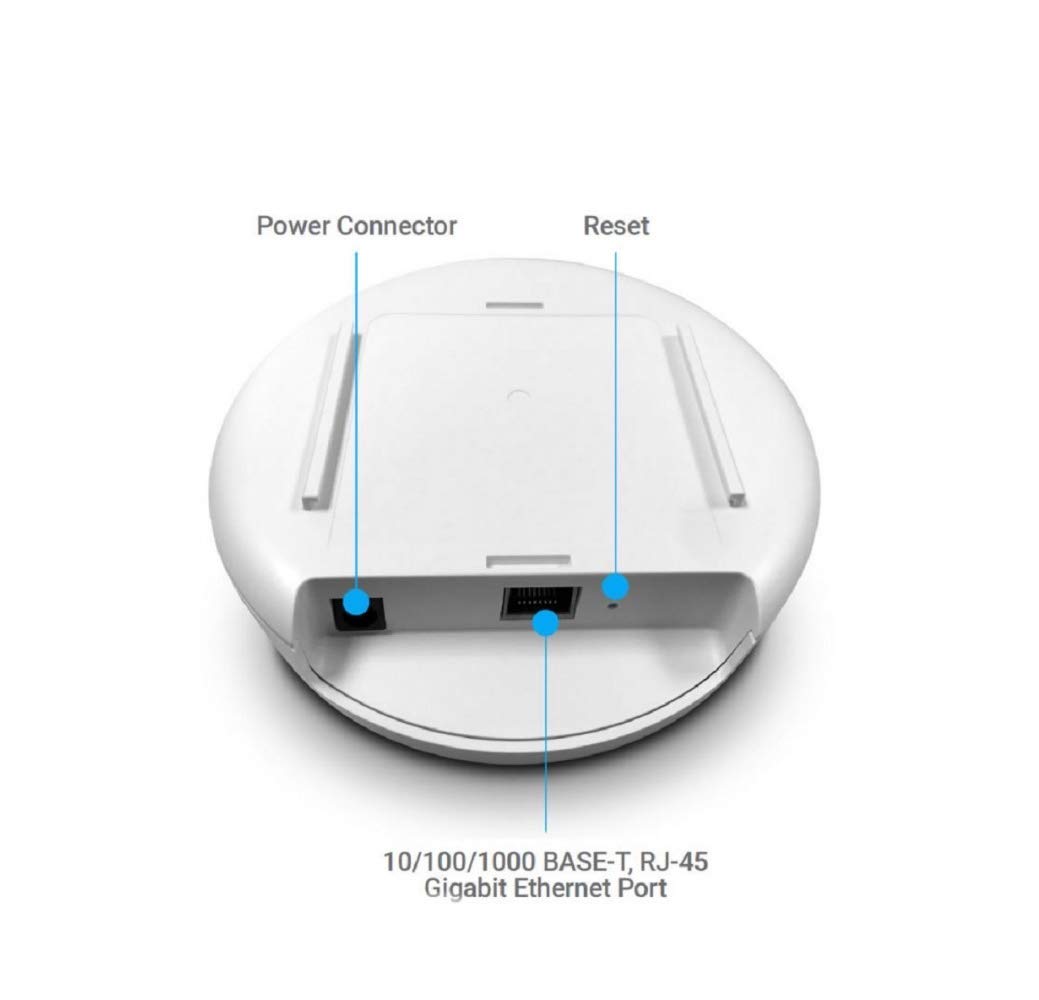
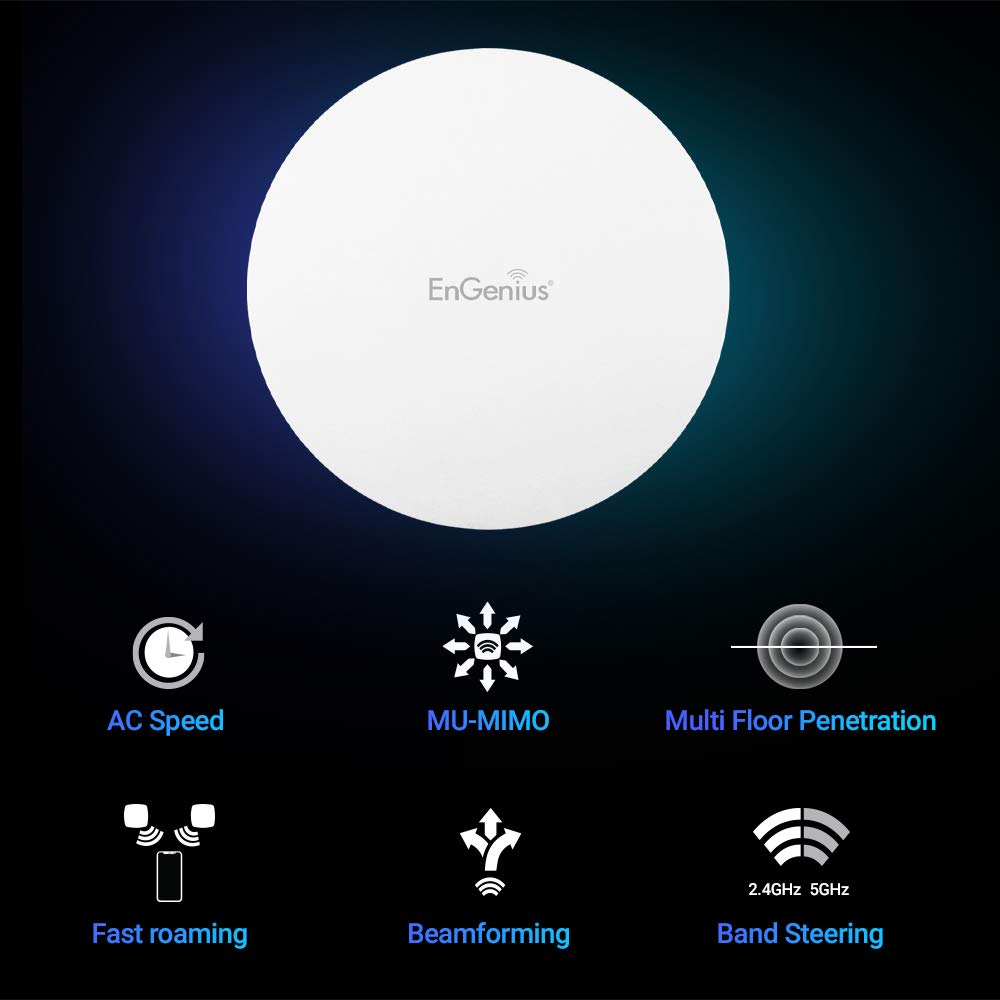
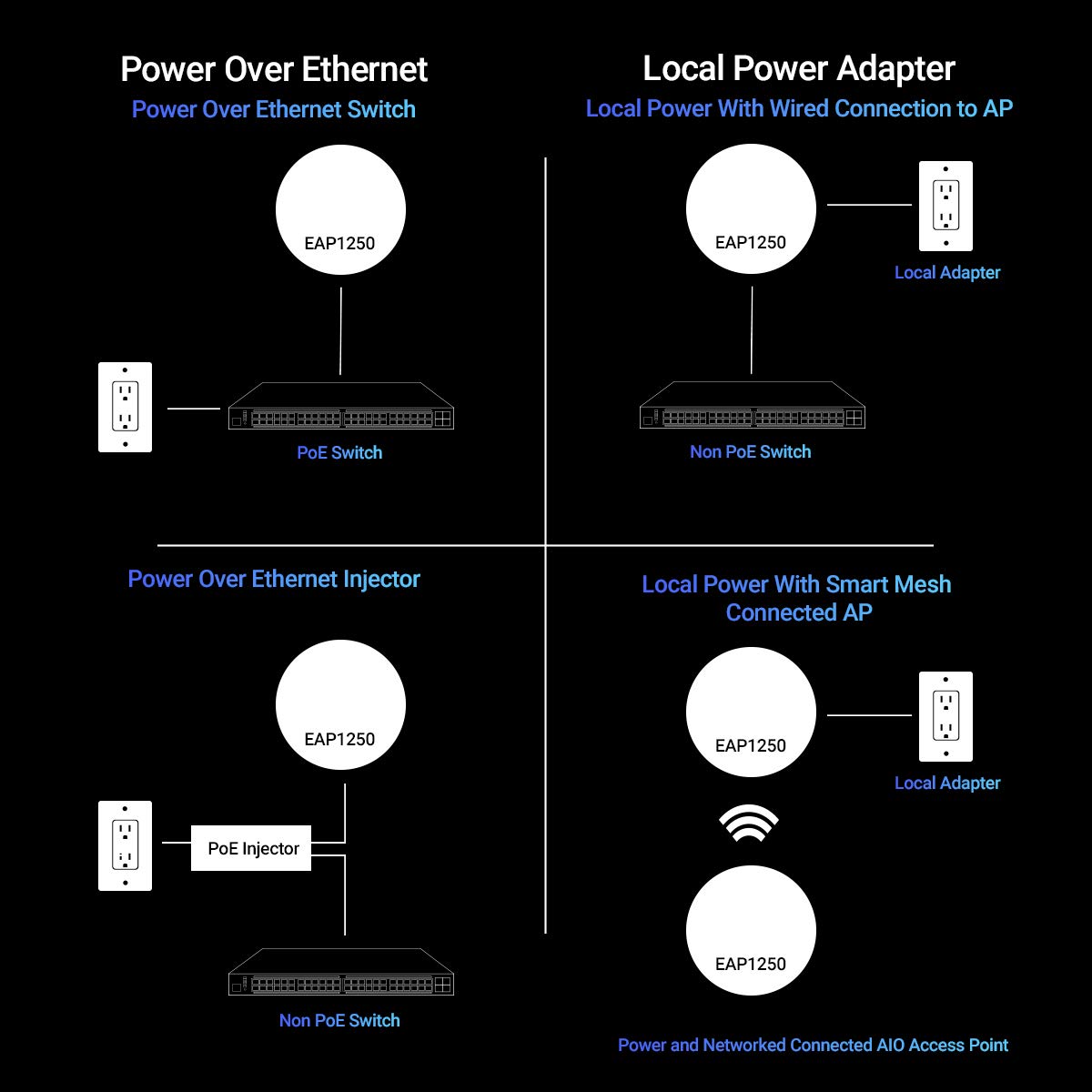

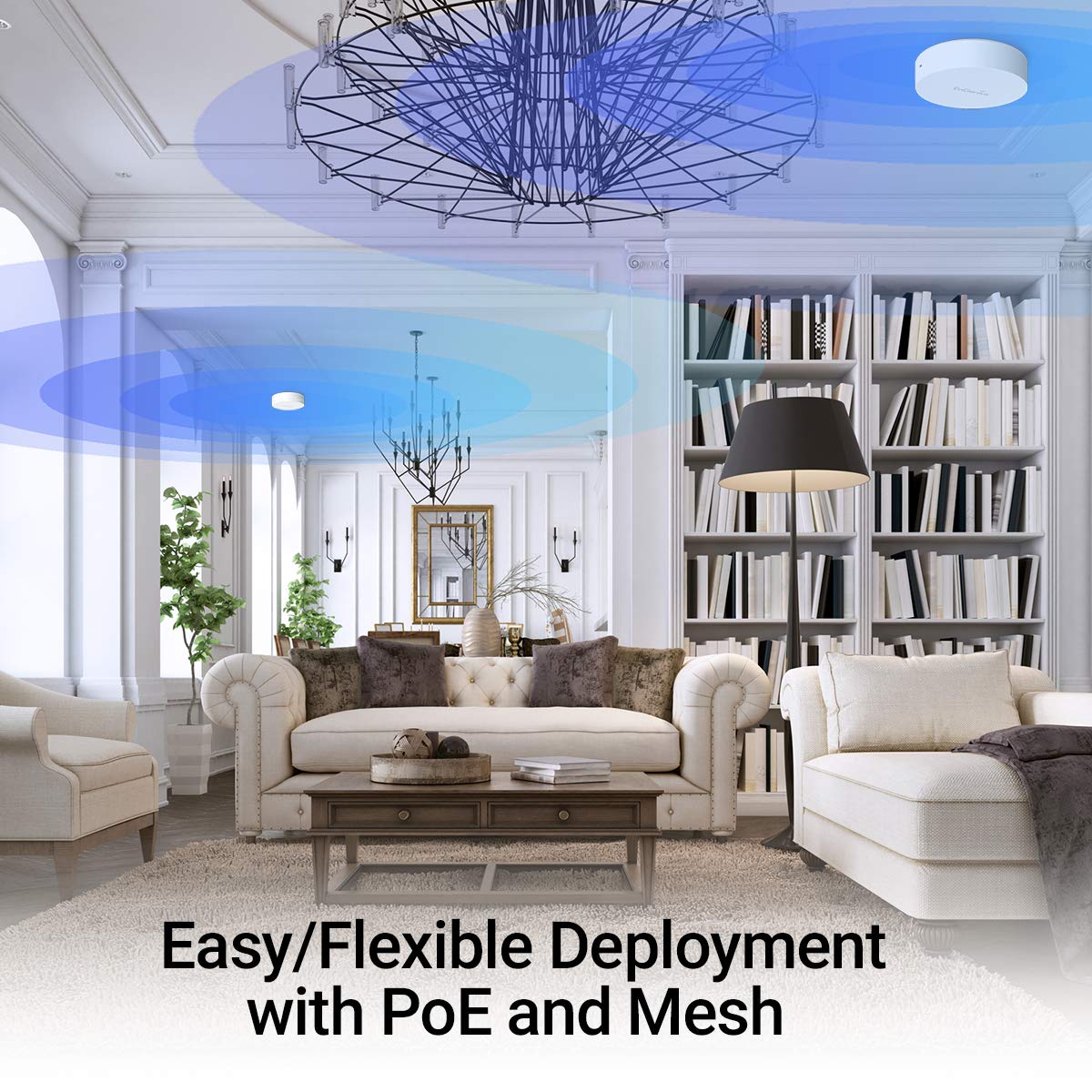
🚀 Elevate your workspace Wi-Fi game with power, range, and control!
The EnGenius EAP1250 is a compact, high-performance indoor Wi-Fi 5 access point featuring 802.11AC Wave 2 speeds up to 867 Mbps, MU-MIMO for up to 256 clients, and versatile operation modes including mesh and repeater. Powered by a quad-core 717 MHz processor and beamforming antennas, it delivers expansive coverage over 2500 sq ft. Designed for business-class reliability, it supports remote management via SkyKey or EzMaster without lifetime fees, making it an affordable, scalable solution for professional environments.


| ASIN | B078R4HWJY |
| Best Sellers Rank | #62 in Computer Networking Wireless Access Points |
| Customer Reviews | 4.0 4.0 out of 5 stars (176) |
| Date First Available | January 1, 2018 |
| Is Discontinued By Manufacturer | No |
| Item Weight | 6.6 ounces |
| Item model number | EAP1250 |
| Manufacturer | EnGenius Technologies |
| Product Dimensions | 5.2 x 5.2 x 1.47 inches |
A**R
Great performance from this little access point. Easy to setup and use, even with Macs.
I had been looking for a wireless access point for some time to extend the range of my Apple Airport Extreme base station, so when my friend recommended I look into the AP that his office uses, I figured if it was good enough for a Fortune 100, it would be more than good enough for my needs. It has more than met my expectations! We primarily use Apple devices in our house, so I was worried that this device would be difficult to setup on a Mac. However, it was intuitive and easy. I followed the instructions and connected the AP to my MacBook Pro via ethernet. Then, I went through the setup screen and changed the SSID and password to what I wanted. I also setup the Band Steering feature, which lets the AP automatically assign the frequency (2.4Ghz or 5.0Ghz) that works best for your device when you log in. EnGenius did a good job of making the setup straightforward for even for a semi non-techie like me. My only stumble was when I found that clicking on "Save" did not save the edited settings. Instead, you have to click on "Changes" on the menu screen, then select "Apply". It took a little while to find this in the manual, so I hope this helps any readers in their setup. After setting up the AP, I just unplugged the ethernet cable from my laptop and connected it to the router and it was set to go. Physically, the unit was nice and small, so it was very easy to place on my ceiling. After connecting to the AP, I noticed an immediate speed and range boost. I am now finally able to connect to the internet from all over my house with no signal or speed degradation. It's a great product and I'm glad I bought it!
C**G
Great little APs!
These access points are pretty great. I have 4 of the installed in my home (one on each floor, one in detached garage). The reason I went with these is because of the ezMaster management software, and having the ability to manage all APs together. After some trial and error (support is mediocre), I got all APs set up with multiple SSIDs on both 2.4/5 spectra, as well as a guest network with captive portal. It's nice to be able to separate different SSIDs into different VLANs. I'm running the ezMaster on a little cube pc running Windows 10 ($99). Now that my config is finalized, the whole system has been stable and we get perfect WiFi throughout house, backyard, garage, etc. I have several WiFi security cameras streaming over WiFi, and these can handle the constant traffic and still deliver 100+Mbps I get from my cable provider. The PoE is great - I have them wired to a central PoE switch and can reboot them via this switch by cycling power on the port. Also a great value - other APs are much more expensive for the same feature set. What makes these so valuable is definitely the management software - ezMaster.
R**A
fairly good, but quirky; chooses to heartbeat with Google
For the price and capabilities, it's a good access point. However, the Web interface is a tad clunky; at one point I thought it was defective because it not seem to retain the name (SSID) I gave it and reverted back to the software generated SSID. It turns out I was not clicking "Save" where it was expecting me to in one place. After I figured that out, it was better. Also, despite this supporting IPV6 fairly well, another quirk is that the blank to enter an NTP server only accepts a hostname or a dotted quad, not a numerical IPv6 address (e.g. 2001:db8:2010:4716::beef) The factory defaults are fairly good, so although it is very flexible, you don't necessarily have to go poking around too much because the defaults are adequate for most people, and you can tweak from the defaults. For example, it is fairly easy to set up a guest network on its own VLAN. Although this will let you turn on TLS, I could not find a way to upload a certificate so that you don't have to add a certificate validation exception to your browser. One thing to be aware of, depending on your level of comfort with Google, is that the OS determines its network viability by pinging and "ping6ing" the Google Public DNS ("GPDNS") servers (8.8.8.8 or 2001:4860:4860::8888), and attempting to fetch http://google.com . I tried firewalling this off, but as a result, the AP started flashing its LED red. Minimally, you must allow ICMP or ICMPv6 to GPDNS (e.g. 2001:4860:4860::8800/120) to avoid that warning. If there is a way to disable this test, it is not obvious. This also would make this AP unsuitable for a general, non-Internet-accessible network.
G**R
Best AP for the price on the market.
I have been using Engenius, for about 12 years now. The company makes extremely solid and staple equipment. However you need to know what you are doing. if you are looking for plug and play, this is probably not your device. If you have some networking experience, that is more then PNP, you know how to configure Point to Point, can mange 3 layers on a network. This this company is your best bet for almost anything. I have used there equipment for point to point on buildings 2 miles away from each other, I have used this particular product for a 16,000 ft2 gaming facility. my experience is once you get it dialed in that is it! there is no down time unless someone messes with it. it is a high quality product. That I use. Tech support is limited to business hours, because its a commercial product. Do i use them at my house? YES. Would i recommend it to someone that is the standard user, yes as long as a IT guy is installing it and setting it up for you. if your one of those people that do not have networking experience. Still buy it and call a friend or spend the 75$ to have a IT guy dial it in for you. Unless your one of those people that dont mind unpluging and repluging in equipment every month. then go to BB or NE and get a off the shelf AP.
S**C
I gave these a 3 for "Easy to install" because they're not just plug-and-play. You need to connect them directly to a computer with a LAN cable and static IP in the same range to access the web admin console and configure them, which takes some I.T. or computer knowledge, and you also need an external power adapter when doing this...and they don't come with one. I have one from a Western Digital external USB drive that works and I use that. Once the WAP is configured with your desired IP and network settings, disconnect it from your computer and it gets power over the Ethernet connection (PoE) if your switch is PoE...or else you'll need that external power adapter. At any rate, I have about a dozen of these throughout my company's 6 branches around western Canada and once configured, they work great. Strong signals, rarely need a reboot, and no disconnections.
P**B
Each country has different rules for how wireless works. Generally the manufacturer deals with this by allowing you to select your country. This access point doesn't list Australia so it can't be configured to be legal in Australia.
T**E
Initially I used it on the wall and was disappointed. However on the ceiling it works well. I just wish it installed flush against ceiling instead of holder system
N**Z
El producto es bueno, me costó un poco al principio para instalar y configurar pero todo muy bien, lo uso para extender la señal a otro piso y funciona bien nunca se nos ha caído la señal por tantos dispositivos a la vez y lo mejor el dual band
V**.
Fácil de instalar y estético
ترست بايلوت
منذ شهرين
منذ شهرين