
قم بتنزيل التطبيق



Desert Online General Trading LLC
Warehouse # 7, 4th Street, Umm Ramool, Dubai, 30183, Dubai
قم بتنزيل التطبيق
Desert Online General Trading LLC
Warehouse # 7, 4th Street, Umm Ramool, Dubai, 30183, Dubai

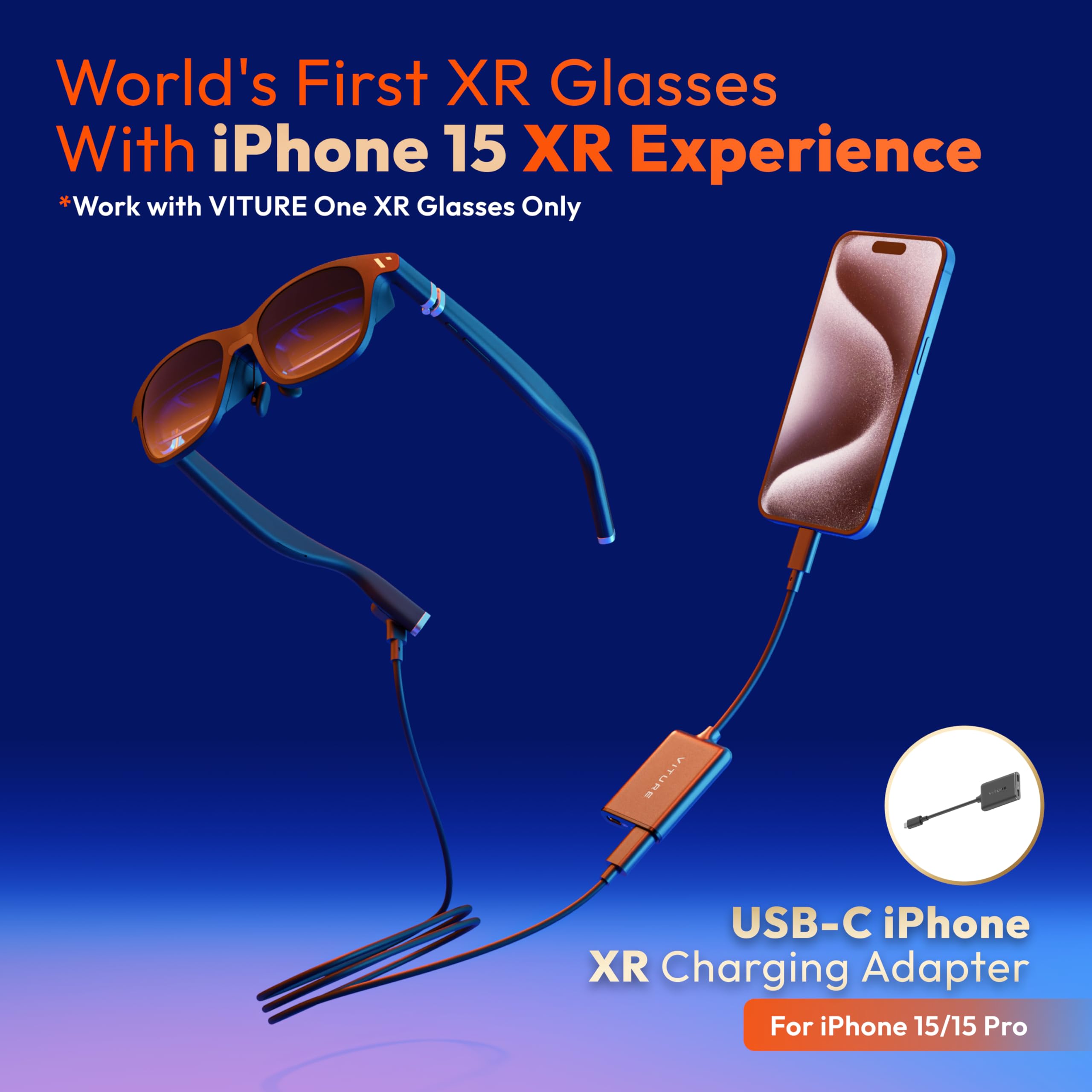
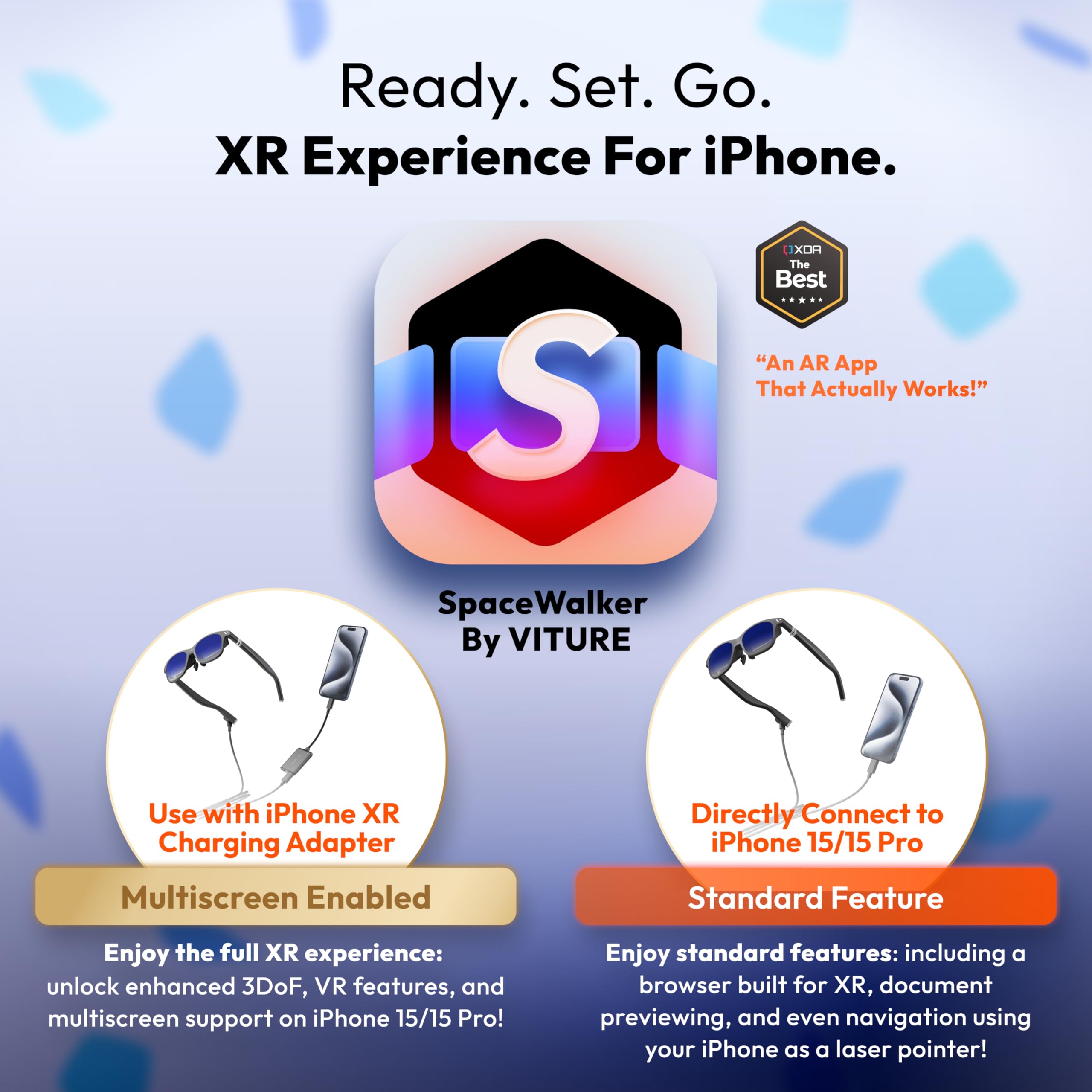


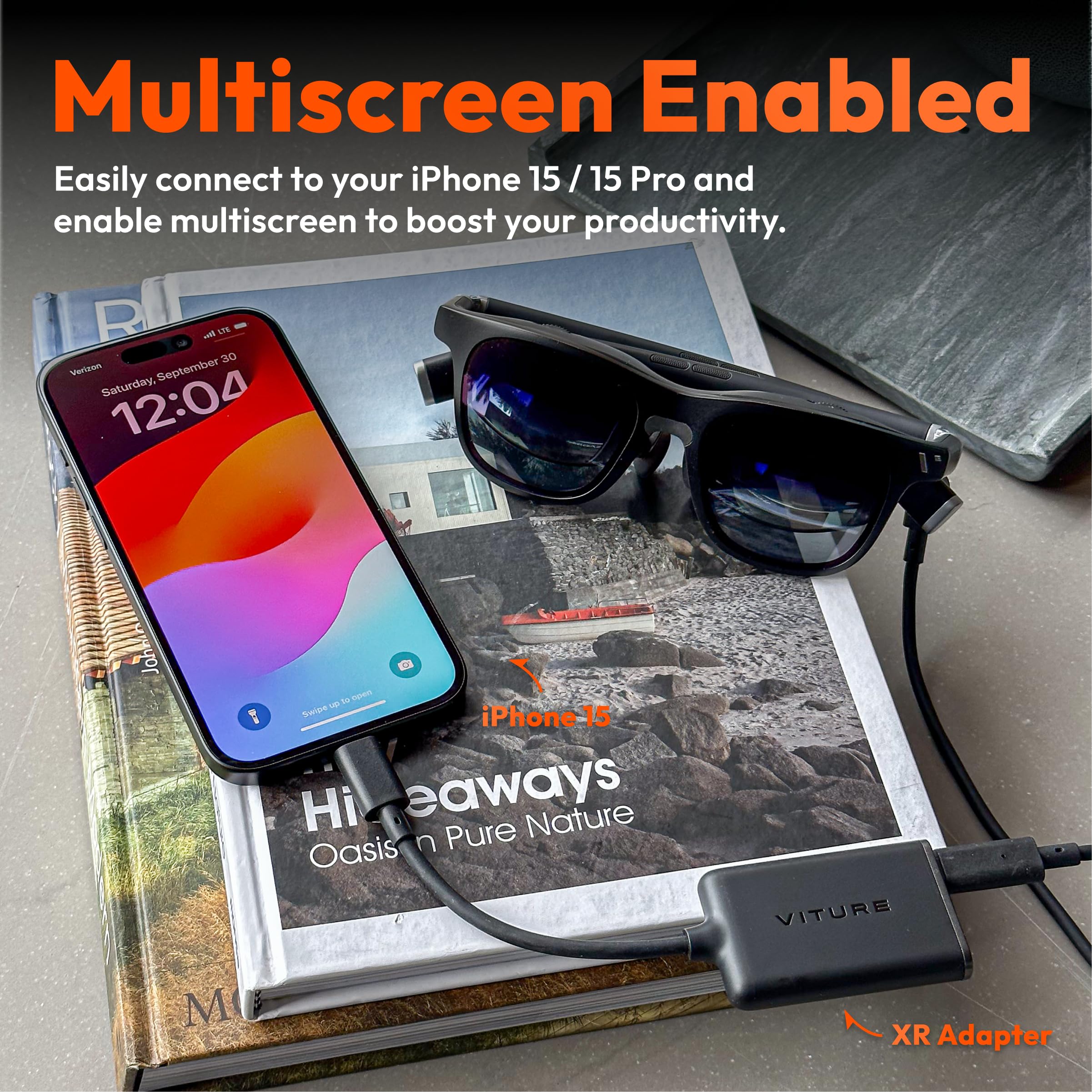

🚀 Elevate Your Reality with VITURE One XR Glasses!
The VITURE One USB-C iPhone Pack combines cutting-edge XR glasses with a USB-C charging adapter, delivering an unparalleled immersive experience. Compatible with iPhone 15/16 and various USB-C devices, it features adjustable electrochromic film for optimal viewing, a 55 PPD virtual screen at 1080p, and advanced 3D spatial audio technology, making it the ultimate accessory for tech-savvy professionals.
| Color | XR Lighting iPhone Pack in Matte Blue |
| Platform | iOS, Android |
| Resolution | 1920 × 1080 |
| Screen Size | 5.2 Inches |
| Controller Type | Button Control |
| Connector Type Used on Cable | USB Type C |
| Additional Features | 3D Spatial Audio |
| Connectivity Technology | USB |
| Compatible Devices | Smartphone |
W**R
Learn to use them
You HAVE to read the directions. Step 1 READ the directions that come with it, step 2: download the space walker app Step 3: use dials to adjust one eye at a time step 4: use your phone as an aimer/pointer and the middle to tap ok. Tip: if one eye goes black or you see double, click the middle button on the left and it fixes it. Step 5: buy the iPhone 15 to take movies to watch in 3d. Your buttons on the left have multiple purposes so you have to read the instructions
ترست بايلوت
منذ شهر
منذ يومين