We remain fully operational. Our teams are working around the clock to ensure your deliveries continue safely.

قم بتنزيل التطبيق


معلومات عنا
حقوق الطبع والنشر © 2024 Desertcart Holdings Limited
قم بتنزيل التطبيق
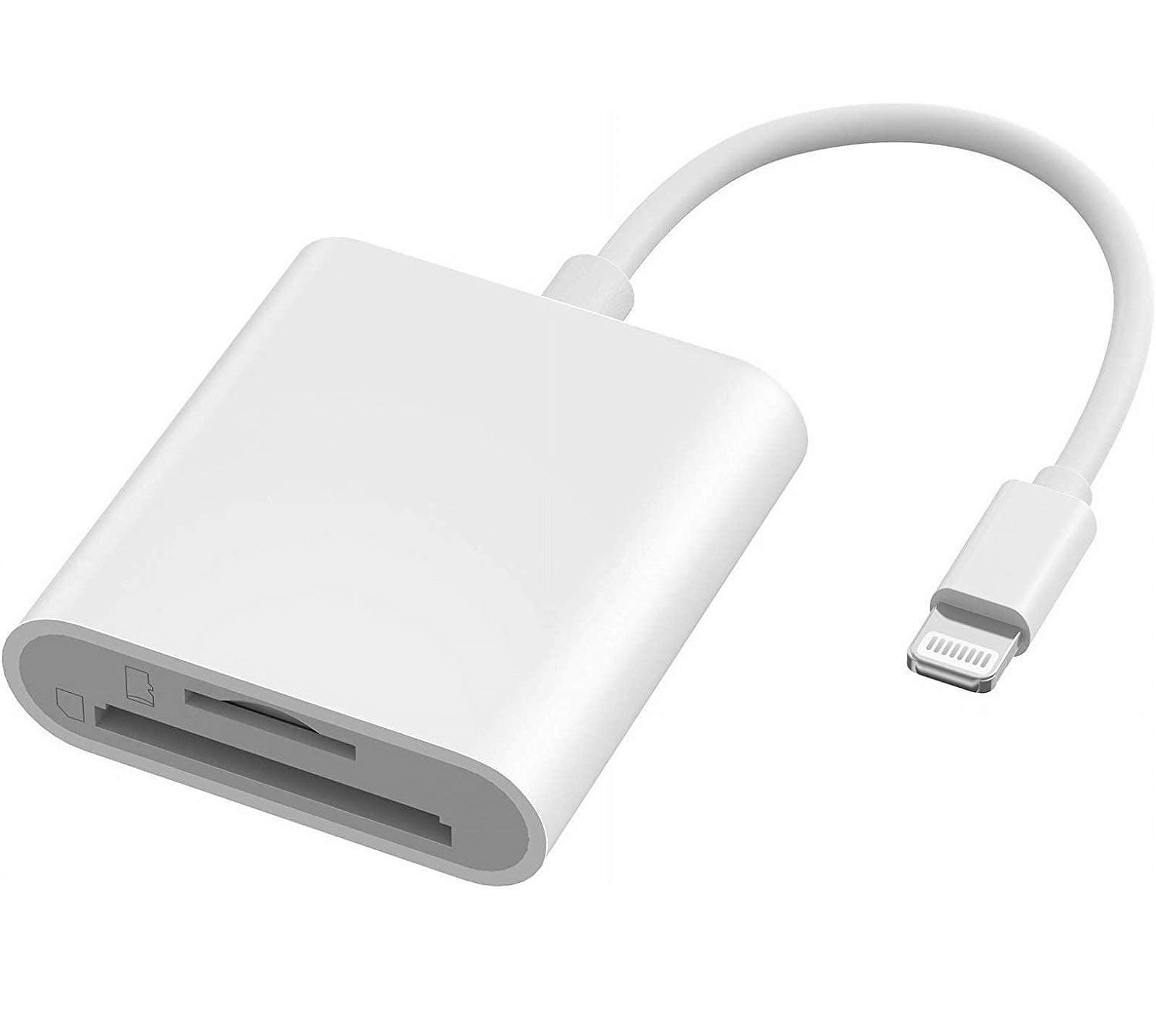

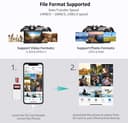
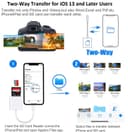
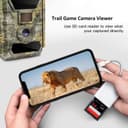
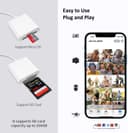
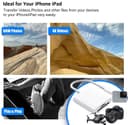
📸 Capture. Connect. Share. Instantly.
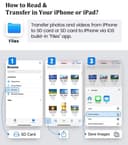
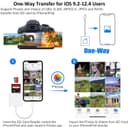
The Veetone Lightning to SD Card Camera Reader is an Apple MFi certified adapter designed for iPhone and iPad users who demand quick, reliable access to their SD and MicroSD cards. Supporting up to 256GB capacity and high-speed transfers of up to 30MB/s, it offers universal compatibility with iOS devices running iOS 9.2 and above. Its plug-and-play design requires no additional apps or internet connection, ensuring privacy and ease of use. With dual card slots and a robust 36-month warranty, it’s the perfect tool for photographers and content creators on the go.
| ASIN | B092J46XL2 |
| Best Sellers Rank | 13,290 in Computers & Accessories ( See Top 100 in Computers & Accessories ) 173 in External Memory Card Readers |
| Guaranteed software updates until | unknown |
| Item model number | AKUSFBA-141 |
| Manufacturer | Veetone |
| Package Dimensions | 16.51 x 10.79 x 1.09 cm; 18 g |
A**R
Good quality
Good, function as described
J**J
Doesn’t work
Terrible item, doesn’t work and probably gave me a virus. Not 100% on that virus thing but yeah it fr doesn’t work
R**D
Ok
After many tries at getting this to work on my dash cams I found out that it requires power to download the footage from the dash cams.
S**U
Maybe it does for some but I can’t get it to work on my iPhone 13 Pro plus
Should but doesn’t
L**D
Doesn’t work
Received card reader and my SD card won’t even insert into the slot.
S**Z
Me gustó poder tener las fotos en mi celular a través de este dispositivo sin tener que esperar a bajarlas en la computadora.
R**E
DOES NOT WORK. I’ve tried to insert my SD card and connect it to my iPhone but NOTHING HAPPENS. Nothing appears on my Photo app and File app. Plus, the actual product, both design and material looks way cheaper than the product images. Attached are both sides of the product.
J**N
I’m not a cloud storage person, so I have to physically download all of my pics to my pc hard drive. To use this with no hiccups, you must have a fully charged iPhone. Change your settings of Autolock to NEVER so your phone screen will not timeout. If it times out, this process won’t work. When you plug in an SD card to this little device and plug it in your iPhone, you must then click on your photos app and select (I had success with about 250 photos at a time) select your photos. Once selected, click the bottom left hand “share” button. Scroll down the options to “Save as file” and select the external SD card file. This may take some minutes. There is no eject button. Wait until this process is over and unplug. Then photos should be on your SD card.
M**H
المنتج لا يعمل ❌
L**A
Reviewed 4th Dec 2024: I purchased this because I didn't mind running the risk of it not working. It's only a $6 product. I read all the reviews and was skeptical, but truth be told- this has worked EVERY TIME for me. I have only owned this for 1 week, and use this every day, multiple times a day (for work and documentation reasons). I snap a few pics, transfer immediately to my camera roll, clear the pics from the SD card, and continue. I use this with an iPhone 14 Pro Max, and a Kodak PIXPRO FZ55 digital camera. The transfer is seamless enough. I use a Sandisk 64Gb MICRO SD card with a Sandisk MICRO SD ADAPTER. Could that be the reason this works so well? The SD card fits snug and I've had no issues with the port being too large/small. The only drawback is that I can't access anything via. the Files app, I can only import via. the Photos app. This is ok as I simply transfer from Photos to Files on my own. We'll see how well this holds up over time. Will update as necessary :-)
ترست بايلوت
منذ 4 أيام
منذ أسبوع