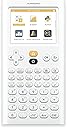
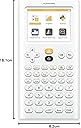
📊 Upgrade your math game with the sleek, smart NumWorks calculator!
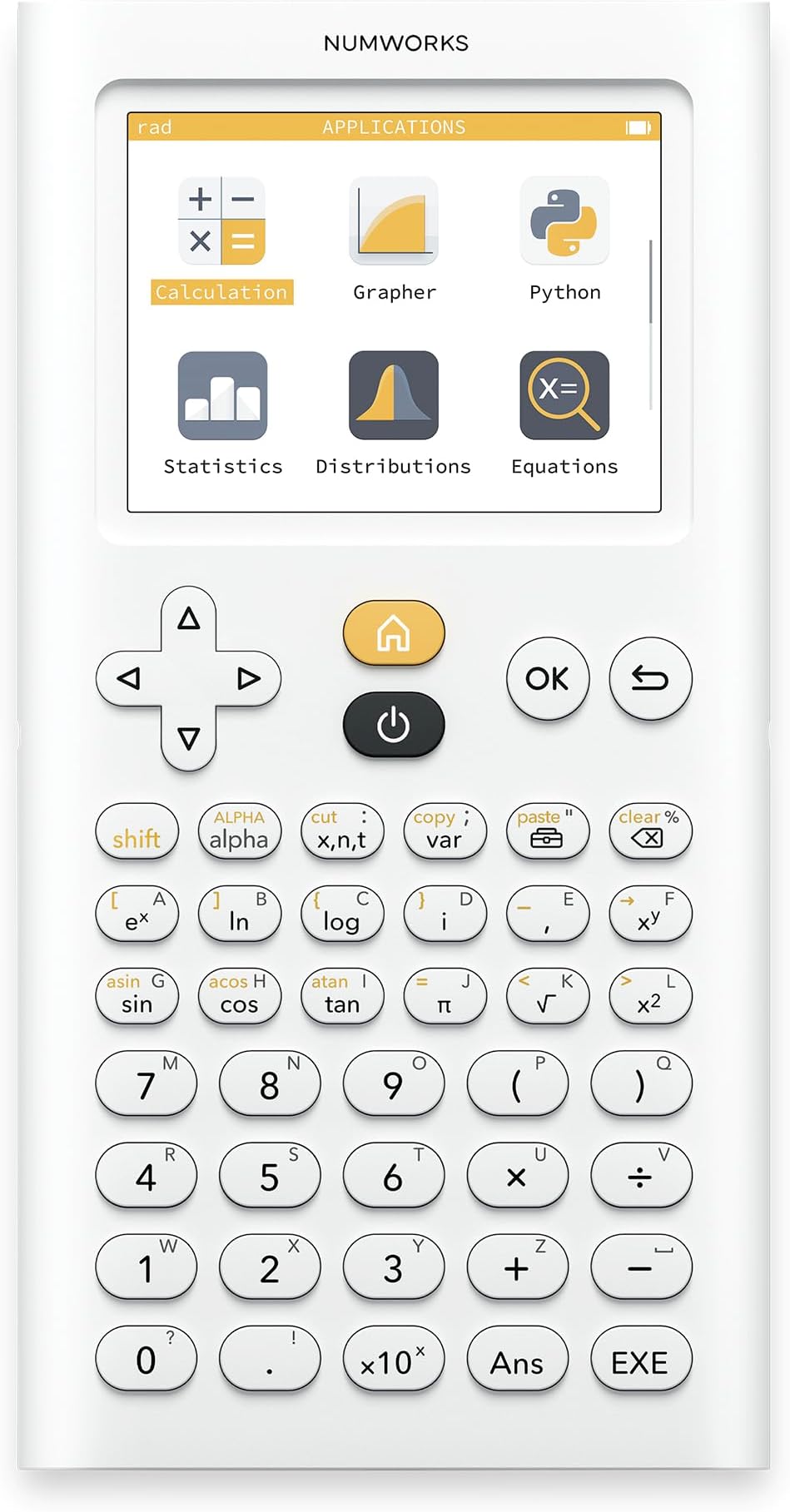
The NumWorks Graphing Calculator is a lightweight, rechargeable device featuring a vibrant 320x240 color display and an intuitive open-source interface. Perfectly suited for all high school math levels, it supports multiple languages and includes exam mode compliance. With free emulator apps available, it offers unmatched flexibility and value compared to traditional graphing calculators.
| ASIN | B0747RQGF5 |
| Batteries | 1 Lithium Ion batteries required. (included) |
| Best Sellers Rank | 20,693 in Stationery & Office Supplies ( See Top 100 in Stationery & Office Supplies ) 2 in Graphing Calculators |
| Brand | NumWorks |
| Colour | White |
| Customer Reviews | 4.7 4.7 out of 5 stars (8,344) |
| Date First Available | 7 Aug. 2017 |
| Delivery information | We cannot deliver certain products outside mainland UK ( Details ). We will only be able to confirm if this product can be delivered to your chosen address when you enter your delivery address at checkout. |
| Item Weight | 167 g |
| Manufacturer | NumWorks |
| Manufacturer Part Number | N0100 |
| Material Type | Plastic |
| Model Number | N0100 |
| Product Dimensions | 16.1 x 1 x 8.2 cm; 167 g |
K**H
Best flesh & bone calculator. Probably the best software one, too.
I ended up switching to this from the awful and overpriced calculator recommended by most UK schools (since for some reason the company beginning with "C" and ending with "asio" has a monopoly on calculators). Anyway, the NumWorks is one of the few well-featured calculators with an intuitive UI, and the only open-source exam calculator. It worked perfectly for my A-levels (it has all required features + exam mode + it behaves as expected). Also a decent price compared to competitors. There's even a free app and an online version if you'd like to test the UI first (and to use as your default phone calculator of couse!). maaaaaaaaath ♥
A**C
The best school graphing calculator available
As a long-time user of graphing calculators and teacher of maths at IB Higher level/AP/A-level I can say without doubt that this is the best calculator for any pre-university maths course. I own and use Ti 84s, Ti Nspires, Casio FX-CG50s and have used the HP Prime in emulator form, and finding this calculator has been a breath of fresh air. It is so much easier to pick up and learn to use, more powerful, more flexible, and overall better thought out than the exam board accepted alternatives. It's lightning fast and significantly cheaper than the Ti/Casio/HP alternatives. Best of all you can try before you buy! There is a free emulator app that you can use on your phone, iPad, or computer. I used it for a good year and a half on my phone before I bought the physical calculator as I could no longer justify being a bad example to my students and constantly getting my phone out in class. If you need a graphing calculator for your maths course then get this one. You'll save at least £30 on the competition and find your life easier. If you currently are using an alternative and possibly finding it tricky to learn (looking at you Ti 84, looking at you...) then download the app to your phone or tablet, and try it for free. Be warned, however, if you do then you will want to purchase a physical copy as it is that much better that you'll end up addicted. The only negative that I can think of to offer in the way of balance is that if you are a student then your teacher is less likely to be familiar with it to help you as it is the new kid on the block. To this I always say Google is your friend, and the online tutorials and help pages are easy to find and follow (again, those of you with Ti's will know that this is a refreshing change).
A**E
Underrated graphing calculator! Now with USB Type C!
This must be one of the most powerful but thinnest and smallest graphing calculators! Performing better than the Ti-Nspire CX II, GC50 and only slightly below the HP Prime, the super intuitive interface and minimalist design makes it the best option for any exam! (allowed for IB and A Level etc) Not to say the amazing value at £89! Only missing a CAS (which has been removed in recent updates and can only be added by a custom OS), and also I can’t not mention the controversy of Numworks locking down custom OS flashing both on software and hardware with the new versions…
Q**R
A revolutionary graphics calculator
This probably has Casio, TI, HP etc. very worried, because it's cheaper, better designed hardware and software, including a clean/fresh look, and will probably continue to add more functionality, via firmware updates, until it more than matches the tired old products from the incumbents. I like that this calculator has easy copy and paste, remembers what you were doing in each of the menu sections, is instant on/off, and has a built-in rechargeable battery. It astonishes me that any graphics calculator still uses disposal batteries, given the short battery life! This may replace all school calculators, not just graphical ones, especially given Casio's WT* idiotic design in recent scientific calculator models! Such limited calculators will continue to be needed until someone produces a far more powerful, approved, mobile-phone-sized like tablet, with no wireless connectivity, which you can sideload existing, approved apps, into it via USB file transfer, and educators/exam-boards recognise that such further revolution needs support. This calculator could be seen as a precursor to that.
B**N
Best calculator ever
Literally the best calculator I’ve ever used, had it for the past 3 years in uni studying engineering and it’s been a life saver
K**C
Excellent
Well worth the money, my son couldn't have been without it for his GCSE and A Levels
F**D
At long last, a modern graphing calculator!
I am a big nostalgic of my TI 92... but at the same time I was not very proud to see that teenagers still use the same repackaged calculator 20 years later! That new calculator is a refreshing change! Thin, light, and with such an easy to use interface. I remember the user guide of my Ti 92, thick as a dictionary. I didn't even bother looking for one, finally a calculator with a user experience of the iPhone era, not from the 80s when the best was the Commodore 64... And this is really a modern device: color screen, rechargeable battery, stunning graph display. And, cherry on the cake, it's an open source device: using the provided USB cable I could very quickly update my device - and they already had built a Python app! Last but not least, it comes with a free simulator on the manufacturer's website which is very cool. So happy to recommend this to all the teenagers and looking forward to a new generation of coders who will have learnt to program on their calculator using Python and ASM or TI-Basic!
A**N
Good Calculator
Intuitive Design and Powerful
K**I
Der Versand erfolgte sehr schnell und der Taschenrechner entspricht genau der Abbildung ; ich bin zu 100 % zufrieden.
A**I
excellent product, fantastic service, fast delivery
A**.
fantastica, facile impiego! dopo tanti anni con Casio, questa non ha paragoni come funzioni, grafica, intuitivita’. Anche aggiornamento immediato. Top
J**E
Updated and reliable
B**N
La calculadora gráfica NumWorks es una herramienta excepcional tanto para estudiantes como para profesionales que necesitan una calculadora avanzada pero fácil de usar. Puntos fuertes: ✅ Diseño moderno y compacto: su pantalla a color de alta resolución y su diseño delgado y ligero la hacen muy cómoda de transportar y usar. Además, su construcción robusta garantiza durabilidad. ✅ Interfaz intuitiva y fácil de usar: a diferencia de otras calculadoras gráficas, NumWorks tiene un menú claro y organizado, lo que facilita el acceso a todas sus funciones sin perderse en opciones complicadas. ✅ Potencia y funcionalidad: es capaz de graficar funciones, resolver ecuaciones, trabajar con matrices, estadísticas avanzadas y hasta programar en Python. Ideal para asignaturas de matemáticas, física, ingeniería y más. ✅ Batería recargable: la batería dura varias semanas con un uso normal, y se recarga fácilmente mediante USB-C, lo que evita el gasto constante en pilas. ✅ Actualizaciones de software: NumWorks permite actualizar el firmware para añadir nuevas funciones o mejorar el rendimiento, algo que muy pocas calculadoras gráficas ofrecen. ✅ Compatibilidad con exámenes: está autorizada en muchos exámenes oficiales, lo que la convierte en una opción segura para estudiantes. ✅ Económica en comparación con otras marcas: ofrece prácticamente las mismas funciones que calculadoras gráficas de marcas más caras, pero a un precio mucho más asequible. Puntos a mejorar: ⚠️ La pantalla, aunque buena, no es táctil: algunas calculadoras de la competencia ofrecen pantallas táctiles, lo que puede ser más intuitivo para algunos usuarios. ⚠️ Algunas funciones avanzadas requieren conocer comandos específicos: aunque es más intuitiva que otras, para sacarle el máximo partido en temas avanzados (como programación), es necesario consultar el manual o tutoriales. Conclusión: La NumWorks es una calculadora gráfica revolucionaria que combina potencia, facilidad de uso y un precio asequible. Es perfecta para estudiantes que necesitan una herramienta fiable para sus estudios, así como para profesionales que buscan una calculadora versátil y actualizable. Si buscas una calculadora gráfica moderna, potente y con un gran soporte, la NumWorks es sin duda una de las mejores opciones del mercado. ¡Totalmente recomendada!
ترست بايلوت
منذ أسبوعين
منذ أسبوع