We remain fully operational. Our teams are working around the clock to ensure your deliveries continue safely.

قم بتنزيل التطبيق


معلومات عنا
حقوق الطبع والنشر © 2024 Desertcart Holdings Limited
قم بتنزيل التطبيق




🌟 Elevate Your Game with Every Keystroke!
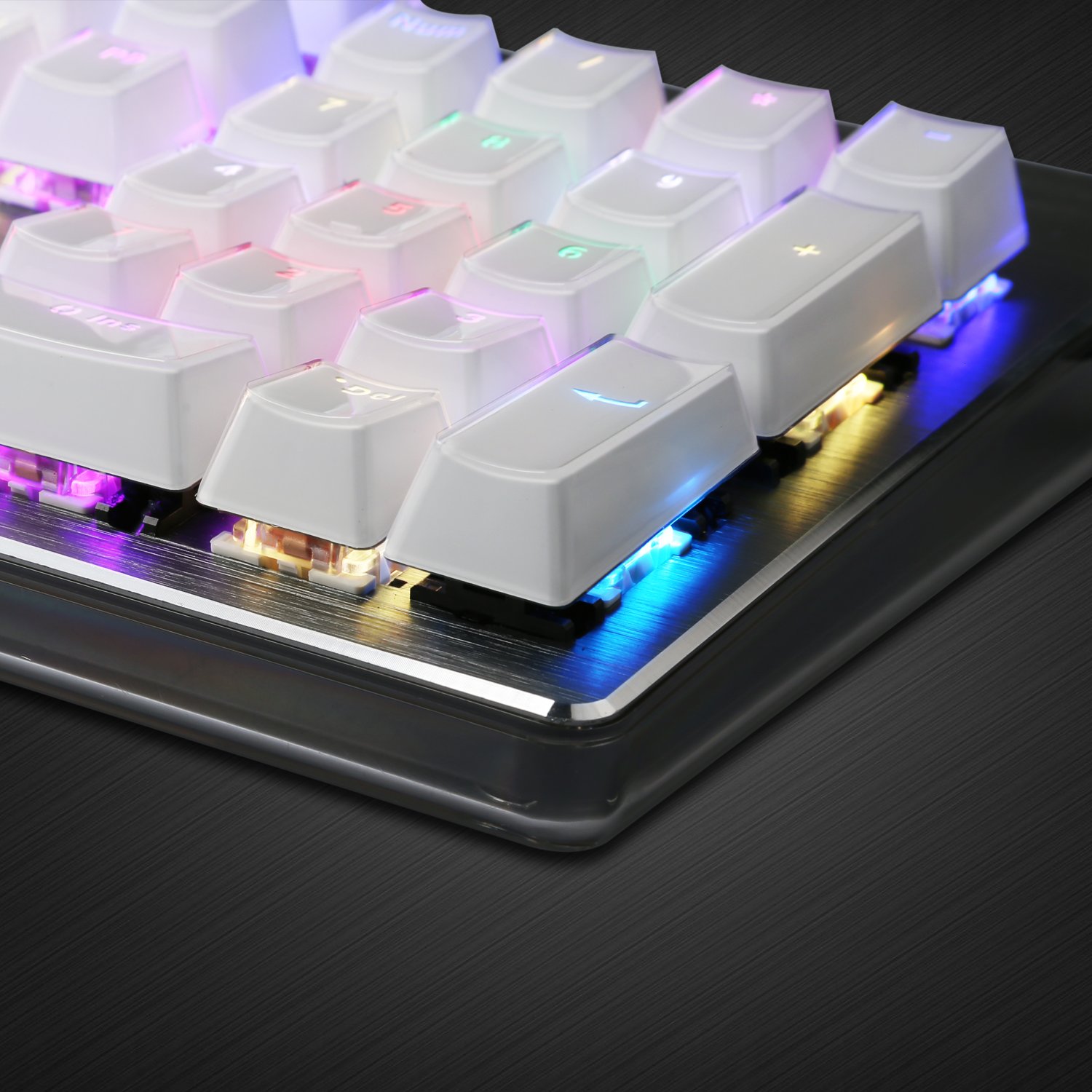
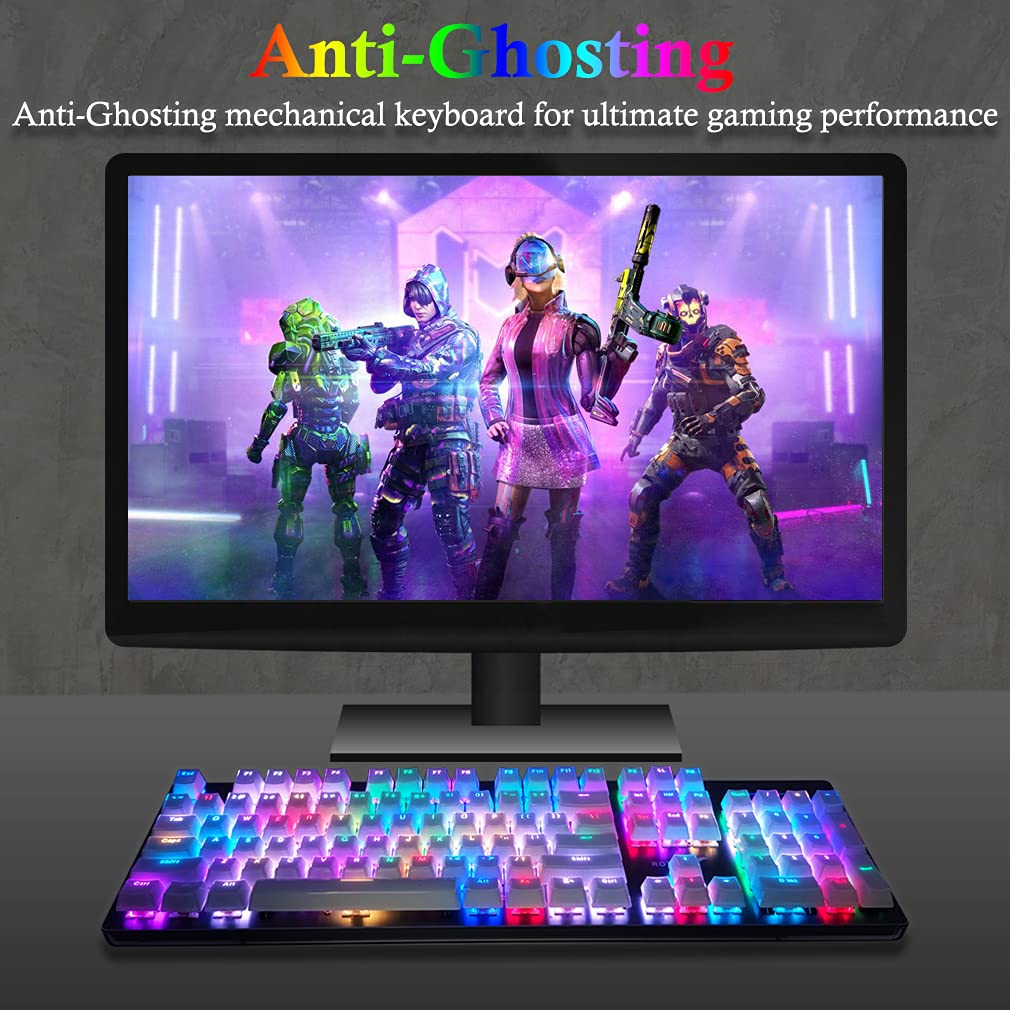
The Rottay Rainbow Backlit Mechanical Keyboard is a wired gaming keyboard featuring 16.8 million RGB colors, anti-ghosting technology, and a durable aluminum panel. With fully programmable keys and customizable lighting modes, it’s designed for both gamers and professionals seeking an immersive typing experience.


| ASIN | B074W1QSV2 |
| Customer Reviews | 4.2 4.2 out of 5 stars (513) |
| Date First Available | August 16, 2017 |
| Is Discontinued By Manufacturer | No |
| Item Weight | 2.3 pounds |
| Item model number | TH-306 |
| Manufacturer | Rottay |
| Product Dimensions | 18.35 x 5.51 x 1.38 inches |
L**N
Perfect keyboard!!!!!
Just GET IT!!!! Omggggg this keyboard is EVERYTHING I wanted. I don't use it for gaming, I just wanted a keyboard to hook up to my work laptop as I'm currently working from home. I searched for days for one that was operated smootgly, was fully functional, cool to look at, and had brown switches that make that perfect soft, satisfying click. FOUND IT & MORE!! This keyboard is GORGEOUS!! It's got a thin, strong clear plastic coating over the keys that looks so unique & awesome and feels so wonderful. The background is brushed metal that looks just amazing under the white keys!! And don't get me started on the color effects & how it does a cool show when it starts up. My fav setting is just the white light tho, it looks so awesome! I LOVEEEEEEE this keyboard!! (I paid full price, not affiliated, just a happy customer!)
Y**M
Good mechanical response and a nice price
Note: At time of review, I have been using this keyboard for about a month, primarily for remote work. If you are looking for an inexpensive keyboard with tactile key switches, this keyboard will probably be fine for your purposes. Key travel is nice with the keycaps physically separated from the base by about 5mm. The switches, while not a prominent manufacturer, are nicely tactile without a click. When compared to non-mechanical keyboards, there is slightly more noise as the keys impacting the metal baseplate produces a louder sound.. Still, people working on the other side of thin walls have informed me that they cannot hear the typing, so there should probably be little concern about noise. Its lighting is quite noticeable, and if you are like me and do not care about this feature, FN+printscreen is your friend; if the lighting gets turned on by mistake, this command will immediately turn it off again.. There are several key commands for accessing lighting settings or multimedia controls. I immediately forgot all of them, but there is a list included in the package. The indicator lights for keys such as caps lock are bright LEDs and can stand out in a dark environment. Removing the keycaps for cleaning or replacement is easy to do even without the included key-remover, and reinstallation is fast and painless. I have not found any difficulty with automatic recognition on Linux or Windows. Mac OS presented the unknown keyboard dialog but quickly recognized it as a standard 104-key keyboard and has not troubled me since. I have not precisely measured the power consumption of the device, but I noticed no problems when a raspberry pi powered it. As with most full-size mechanical keyboards with a numeric keypad, this is large. The keyboard measures 45 cm (17.5 in) wide by 14 cm (5.5 in) high by approximately 5 cm (2 in) deep including the keycaps. In conclusion, this is a basic mechanical keyboard. If you have a preference for specific switches or you need some unusual features, it probably won't do it for you. If you want a nice keyboard and don't want to pay too much, this is worth consideration.
N**I
PRETTY! Good price for low budget gaming keyboard
As someone who values aesthetics for their gaming and work station quite a bit, I am always on the hunt for a keyboard that not only functions well but has a look that really fits my style. I'm far from a newbie when it comes to mechanical keyboard. And let me tell you, for such a cheap keyboard, this actually feels really nice! PROS: (some of these could be pros or cons, depending on your style) - It's absolutely gorgeous. Seriously, I've never seen such a pretty looking keyboard in my life. The back plate and the keycaps all have a clear, plastic casing on them. It sorta reminds me of the old school Mac keyboards with the clear casing on the back part. But I've never seen a keyboard where all of the keys have that casing on it, so it's kinda neat. It might be a con for some, if you're not a fan of "shiny" keys, but I see it as a pro because it means it will be easier to clean and won't smudge from your fingers, like regular matte key caps. The top plate has this brushed aluminum on it with silver engraving. It's a nice touch, because otherwise the entire keyboard would be plastic, and it would look cheap. - You don't need a software. That might also be a con for some, but I like how simple it is. All of the lighting settings are right there on the keyboard. - Brown switches are like an in-between feel of Reds and Blues. It's not super loud, but it still has that satisfying tactile feel. Browns are generally best for typing. CONS: - The key cap casing. Personally, I really like the way it feels and looks, but I suppose it could be a con to some, because it means that if you tried to replace the key caps to customize, it won't look right unless you plan on replacing ALL of the key caps. - Only brown switch. I don't believe this comes in any other switch, so if you're not a fan of Brown switches, you're out of luck there. - Can look sorta cheap. Again, depends on your style, but even with the brushed metal plating on top, the keyboard still looks sorta cheapish because it is mostly plastic. But for $60, you're not getting a premium mechanical keyboard, so you can't expect too much. - Unknown customer service. Since this is not a big brand, you might have to test your luck on the customer service side of things. GAMING EXPERIENCE: Not gonna lie, the keyboard feels sorta weird for gaming. I tested Apex Legends, League of Legends, and Diablo 3 on this so far. Keys register just fine and I didn't experience any kind of input lag. For League, it wasn't too bad, but this was my first brown switch keyboard, and it felt kinda nice. For D3 however, I felt the Browns to be really tiring on my fingers when I'm spamming skills. I don't know if its the fault of the keys or the switch, but I'm going to go ahead and say it's a little bit of both. Because the keys are encased, they are physically heavier, so pressing down on the keys FEEL heavier in general. TYPING EXPERIENCE: Again, the heavier key caps probably contribute to finger fatigue. In fact, as I'm typing this review, I could start to feel typing fatigue pretty quickly. But it's still so cool to type on. The lighting effects make typing really fun, and the brown switches have such a nice sound to them. OVERALL: 4 Stars (on first impression. will update if the keyboard has hardware failure) I think for $60, this is a great budget mechanical keyboard. It's aesthetically pleasing to the eye, feels nice in the hands, and has a Brown switch, which is great for beginners of mechanical keyboards. The gaming experience is a hit or miss, depending on the type of game. The typing experience is great but can easily tire your fingers out because of the heavier encased key caps. Rottay's customer service has not been tested, so I can't really speak on that. There is no software for this keyboard, so all of the lighting presets are in the keyboard directly, which can be accessed with the FN key. For comparison, here are keyboards I own (in case you're interested any of these): Corsair Strafe RGB 104 keys - One of my favorite keyboards actually. Strafe uses Silent Red switches, and they sort of remind me of this keyboard in terms of the typing experience. IMHO, if you enjoy this keyboard but would like an upgrade, I would look up the Strafe RGB. It's about $130 I believe. It's def more expensive, but the silent reds are imo, a better version of these Brown switches. Similar feel and sound, but less fatigue. Qisan Magicforce 68 keys - This one is probably the most comparable keyboard since it is also a budget keyboard around the same price range. However, I'd say this is a better option for those who want to try different switches other than brown. They offer reds, blues, browns, and silvers. I have the Silver switch version and it's really nice and light to type on and game with. Other keyboards: Razer BlackWidow TE Chroma (keys stopped working after 6 months, but is backed by Razer's customer support), Drevo Blademaster Pro (wireless gaming keyboard in Silver switch. Best typing experience on any keyboard I've owned. Terrible software and quality control) Razer Huntsman (uses their new "opto" Purple switch which basically registers keys before they are pressed all the way down. Hated this keyboard.) My advice to ROTTAY: Please make a version of this keyboard with Silver switches and a 10-keyless version (or a 68 keys version). Many gamers prefer keyboards without the number pad. And although the key encasing is beautiful, it creates a lot of finger fatigue. It can be alleviated with a lighter switch, such as the Silver.
A**R
Works great
ترست بايلوت
منذ 5 أيام
منذ يوم واحد