

Desert Online General Trading LLC
Dubai, United Arab Emirates
Desert Online General Trading LLC
Dubai, United Arab Emirates

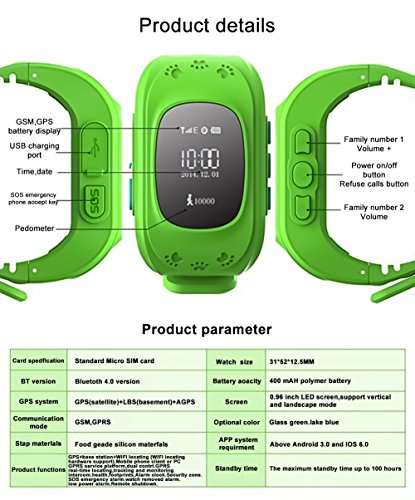
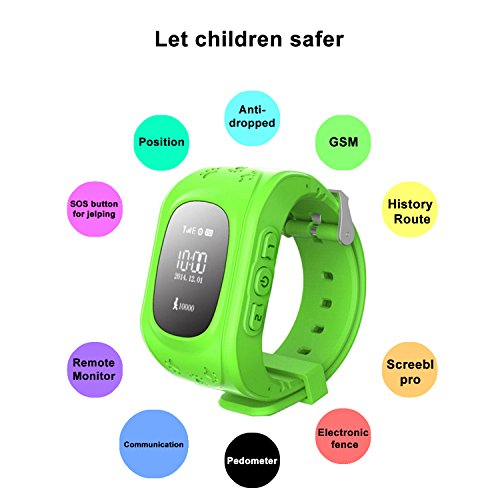
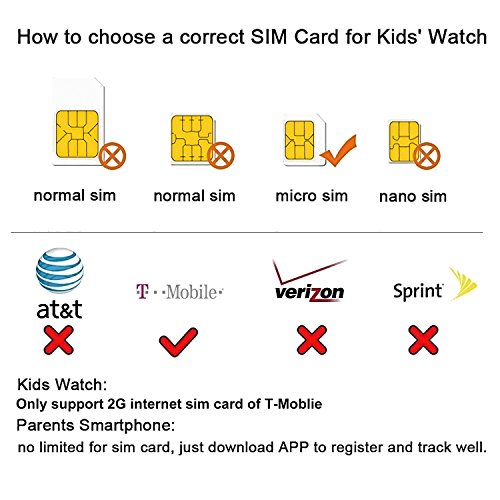
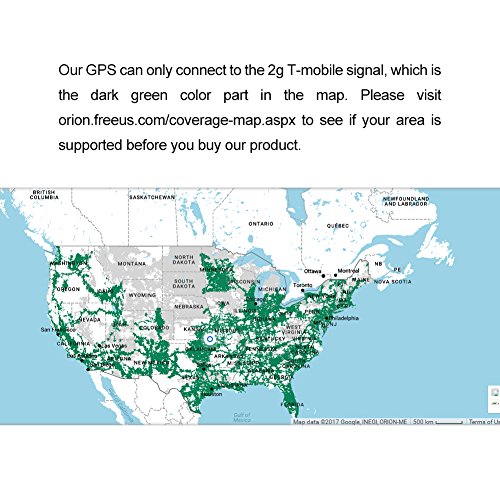
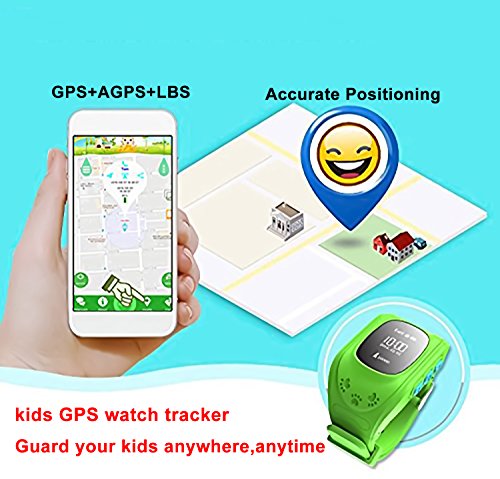
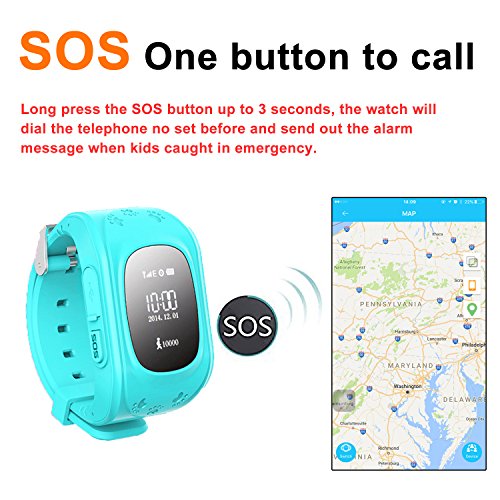
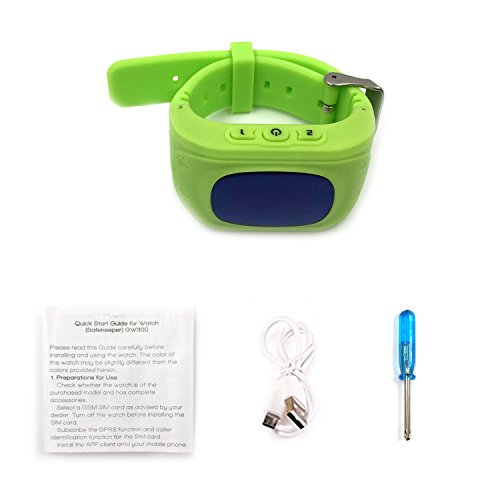
Main Features:Only support SIM card of 2G-GSM network, Two-Way Calls, SOS Emergency Call,GPS Location,Security Fence, Voice Chat, Fitness Tracker, Alarms..SET UP ASSISTANCE: 1. When you get the watch out of the box, unscrew the back with the provided screw driver, insert the SIM card, write down the IMEI number inside the watch and registration code on the back of the watch with the QR code. 2. Log into Phone Network Provider and set up the SIM Card using IMEI Number. You will need to get a PREPAID PLAN WITH DATA. 3. Download the SeTracker or SeTracker2 app on your cell phone. 4. To set up the watch, create an account in the SeTracker App using the Registration number on the back of the watch (with the QR code). Check it twice for accuracy (others have had problems deleting accounts). Make note of the username and password you use. Be sure to select English. If the phone plan you have is the correct one, its GPS in the App will immediately find the watch (you may need to switch off wifi to assist this initial setup). If it's says 'no device connected' make sure you are on a PREPAID PLAN with Data, not a pay as you go plan. 5: Begin by entering in the SOS contact numbers into the app and save them, which updates the watch. 6: Test the SOS function on the watch. You should receive a phone call and text messages immediately to the cell phone. 7: Set up the phone book in the App and test it on the watch. Ensure use of watch in 2G network signal Green coverage area in "Coverage" Map.such as the use of this product beyond the applicable area, the watch will show OFF LINE, this product will not be used properly.The Watch Does NOT Work with other SIM Card carrier such as AT&T/Sprint/Verizon etc.only support the 2G-GSM network SIM card of T-Moblie
ترست بايلوت
منذ أسبوع
منذ 3 أسابيع