We remain fully operational. Our teams are working around the clock to ensure your deliveries continue safely.

قم بتنزيل التطبيق


معلومات عنا
حقوق الطبع والنشر © 2024 Desertcart Holdings Limited
قم بتنزيل التطبيق
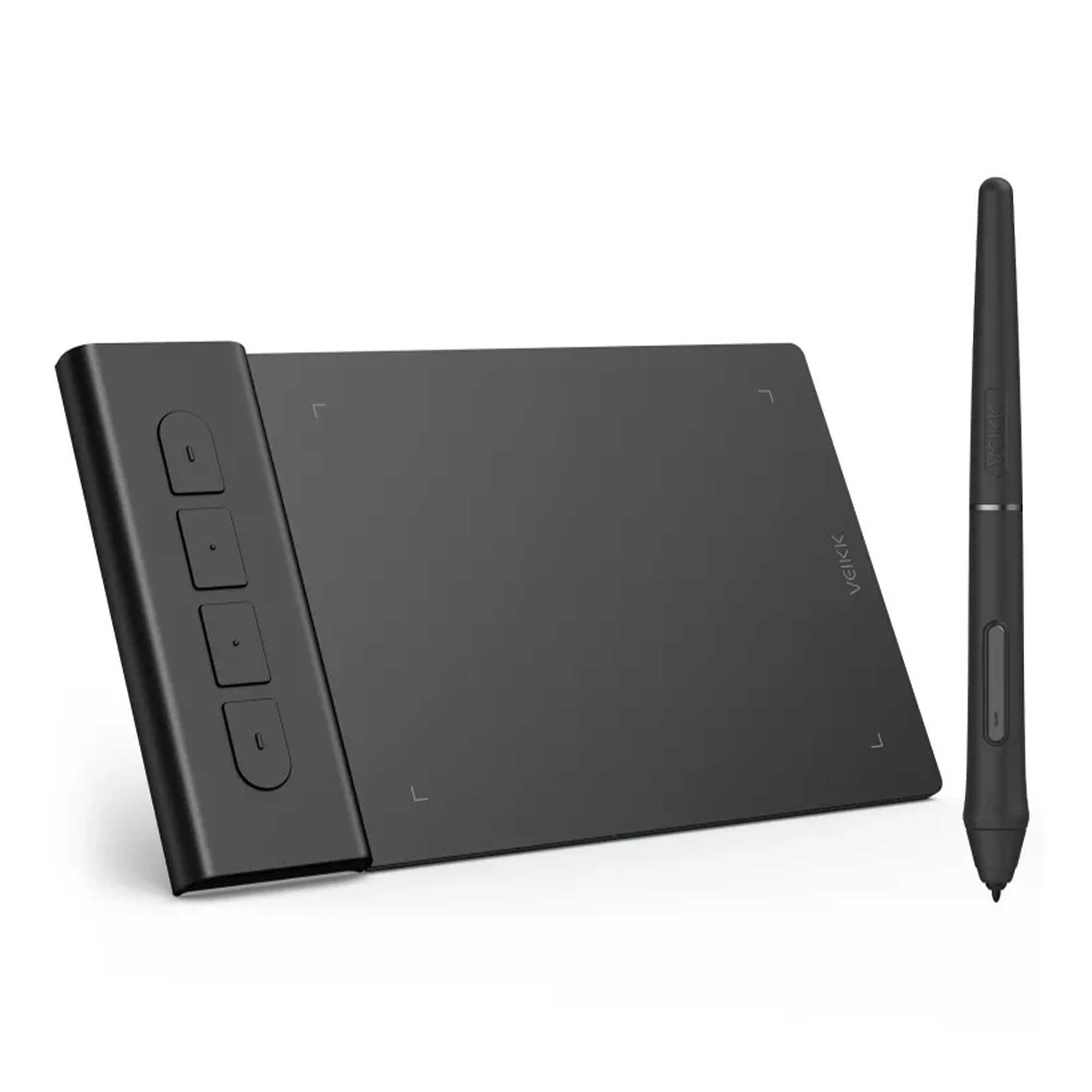
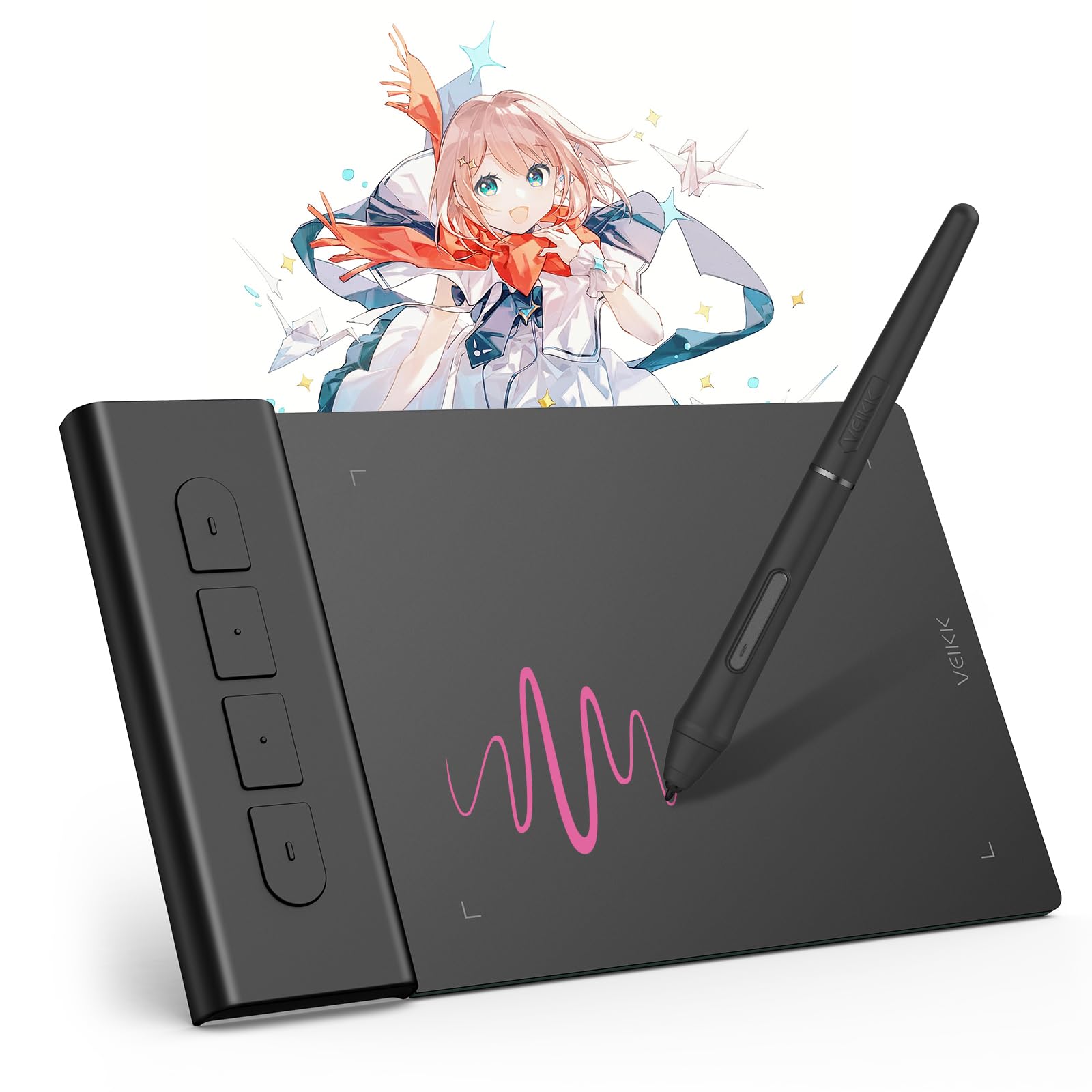

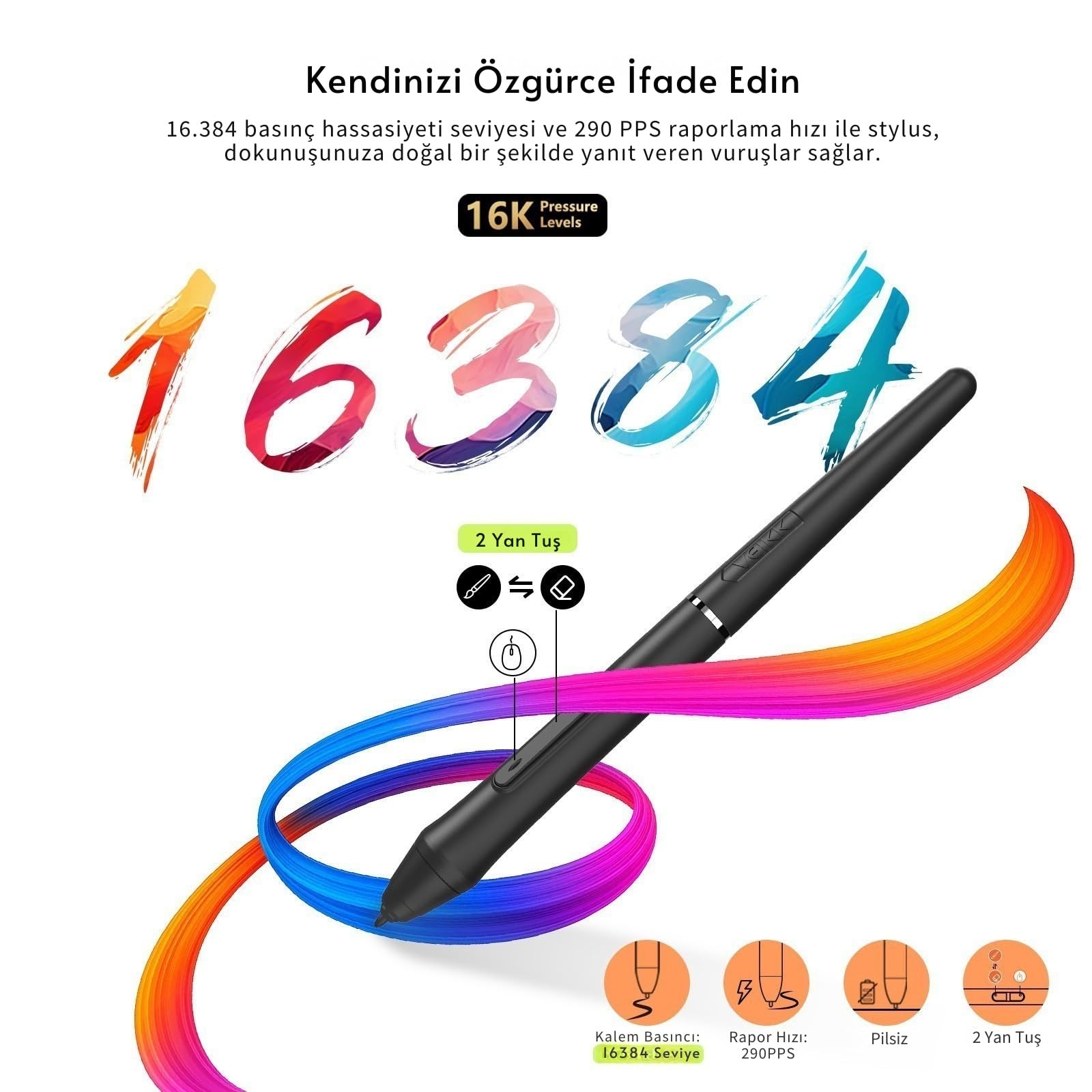
🎨 Compact creativity unleashed — draw, sign, and game like a pro anywhere!
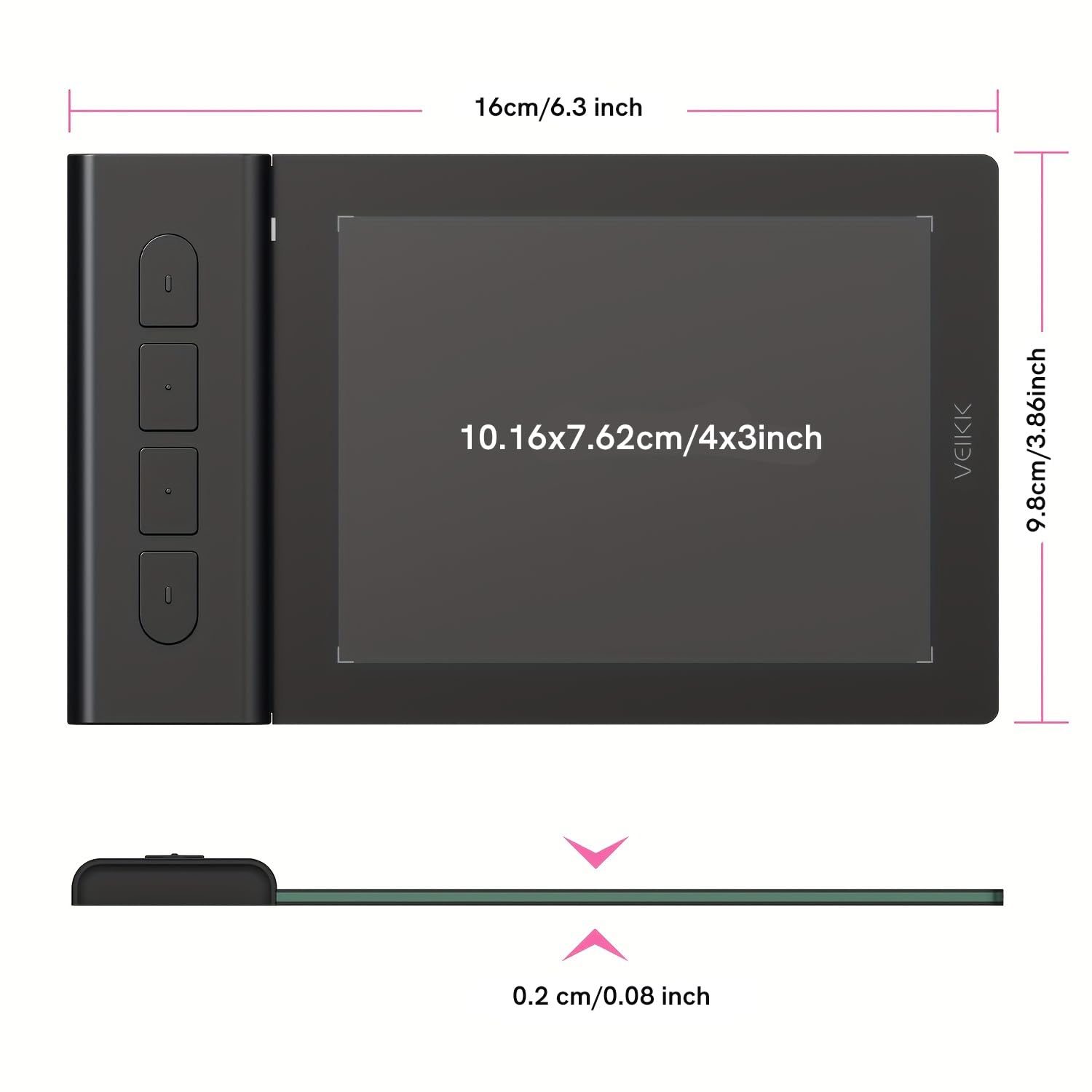
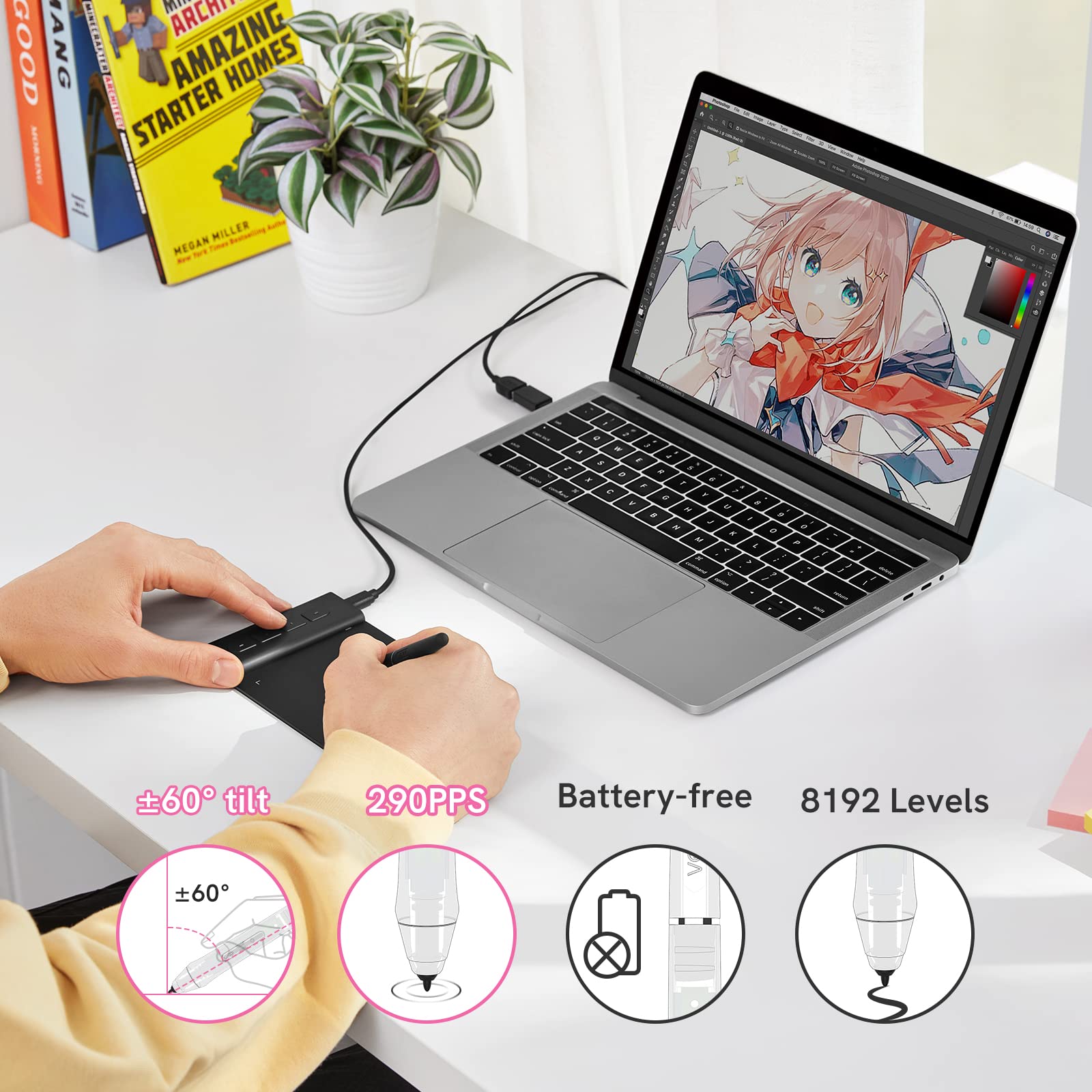
The VEIKK VK430 is a compact 4x3 inch drawing tablet featuring 8192 levels of pressure sensitivity and a battery-free stylus, designed for precision digital art, e-signatures, and OSU gameplay. Ultra-thin and lightweight, it includes 4 customizable shortcut keys and a reversible USB-C port, compatible across Mac, Windows, Android, and Linux platforms, making it the perfect portable tool for professionals and students alike.


| ASIN | B09TZS1F4Q |
| Active Surface Area | 4x3 inch |
| Additional Features | Drawing, E-signatures, OSU Tablet, Online Teaching, Remote Work |
| Best Sellers Rank | #232 in Computer Graphics Tablets |
| Brand | VEIKK |
| Built-In Media | Digital Pen, Pen Nibs x 8, Quick Start Guide |
| Color | VK430 |
| Compatible Devices | Desktop, Laptop |
| Connectivity Technology | USB |
| Customer Reviews | 4.0 out of 5 stars 375 Reviews |
| Display Type | LCD |
| Item Dimensions L x W | 6.3"L x 3.86"W |
| Item Type Name | drawing tablet |
| Item Weight | 84 Grams |
| Manufacturer | VEIKK |
| Model Name | VK430 |
| Model Number | VK430 |
| Native Resolution | 1920x1080 |
| Operating System | Windows 7 or later , Mac OS 10.12 or later, Android 6.0 or later and Linux |
| Pressure Sensitivity | 8192 Levels |
| Screen Size | 3 Inches |
| Special Feature | Drawing, E-signatures, OSU Tablet, Online Teaching, Remote Work |
| Specific Uses For Product | VK430 drawing tablet is compatible with Photoshop, SAI, Painter, Illustrator, Clip Studio, and more. This tablet is also compatible with most major software including: ibis Paint X, FlipaClip, Medibang, Autodesk Sketchbook, Zenbrush, Artrage, and more |
| Target Audience | Student |
| Warranty Description | 1 year |
R**K
Reliable and Still Working Great
I needed a way to electronically sign documents and this did the job perfectly. A year later it still works great. Definitely recommend it.
J**.
SuperAwesome Device!
OK, first of all... this thing is tiny! But it works amazingly. It's about half the size of a mouse pad. So, if you're short on room on your desk, this is the thing for you. Set up was a breeze and highly responsive. I mainly use it to mark up screenshots or take notes with Paint. If you are looking for something simple and that works, then I highly recommend this gadget.
A**R
Nice but not what I needed
I bought this to use when teaching online so I wouldn't have to model math writing with a mouse. I found it hard to use when I had two screens going, which are a necessity, but it seemed to work better with one. In the end, a fairly good product but not what I needed.
P**A
good as a mouse!
i got this for my brother to use for osu, a rhythm game he likes. he said that the small screen is good for making quick movements, and after using it a bit with him i agree!! he ended up preferring using a mouse, so im using it instead. im an artist and use tablets to draw all the time, so i never got use to using a mouse. this is GREAT as a mouse substitute, since its small and not clunky! easy to set up too, theres no driver needed so you can just plug it in and get started. HOWEVER, im used to using a tablet. my brother said it was hard to get used to, and i think the size is a part of that. if youre like me, and want a mouse substitute/ need something to play osu or an fps, this is your guy. BUT if youre looking to draw with it, i don't think i can recommend it. ive tried drawing with it, and its fustrating. its hard to line up the screen with the tablet, so everything ends up lopsided or oval shaped. maybe if you can take time getting used to it, you'd be fine, but i would get something a little more expensive than this. my first tablet was a wacom intuos small, which runs for about $50 right now. its alot bigger than this one, and it only took me 1 drawing session to get used to it even though it was my first time ever using a tablet. OVERALL, get this as a mouse substitute!! its fun :] but for a drawing tablet, a waccom intuos small is a better bet.
M**O
Pequeña herramienta para iniciarse en el uso de tabletas gráficas.
Es una tableta pequeña y fácil de transportar. Para iniciarse en el uso de tabletas digitales está bien, vos también como tabletas secundaria y para llevar fuera de casa. No se le puede exigir mucho más, pero cumple suficientemente bien su tarea. Es compatible tanto con PC como con celulares Android. A resaltar su servicio técnico, tuve problemas de compatibilidad con los drivers y fui atendido de manera remota por un trabajador de la empresa.
A**A
Terrible- bad advertisng, cheap product.
Terrible. First off downloading drivers on macbook is terrible. Instructions were unclear and I had to call support to figure it out just to reach a terrible software. Does not work well, tip damaged from very light use, and pen disconnects at random when its advertised to play osu. Legit, it would say its detected and then just not move until id pause and wait a few seconds. Clicking the pen buttons also moves the cursor for some reason, and yes I tested it with holding the pen down firmly with both hands and even if the pen tip doesnt move at all it moves the cursor. Also very prone to finger prints and overall uncomfortable to use.
S**Y
Great budget option
I absolutely adore this, my desk does not have a lot of space so it's very convenient to just put on the corner. I use this to play OSU and it works great, it tracks your movement to the screen perfectly. The price is also very reasonable, I wasn't looking to drop a lot of money on something I wasn't going to be sure of and for the price it was great.
D**H
Great for everything device!
This product is very good. It has 4 shortcut (6 if including the 2 buttons on the pen) function buttons by which you can use it to open any program with one press of a button and close it. Great for drawing and writing with using the pen. Its a good product to have even if you are not an artist.
ترست بايلوت
منذ شهرين
منذ أسبوعين