❄️ Elevate your game with precision and style — light up every keystroke!
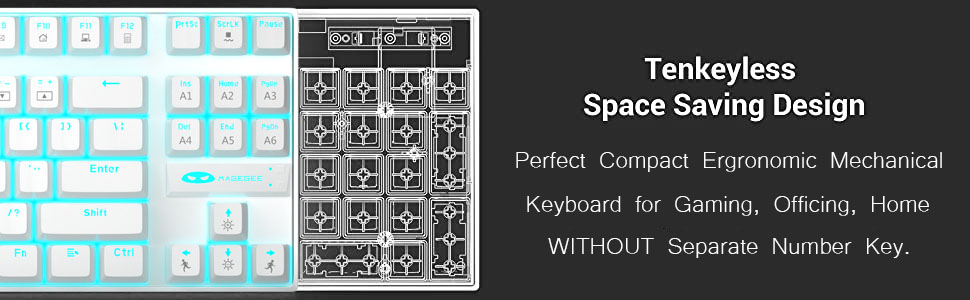
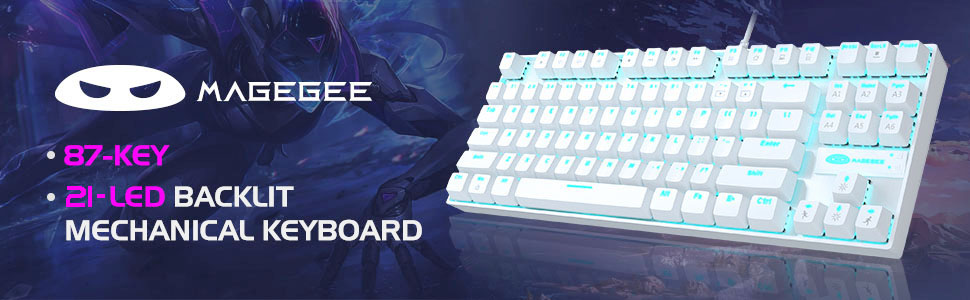
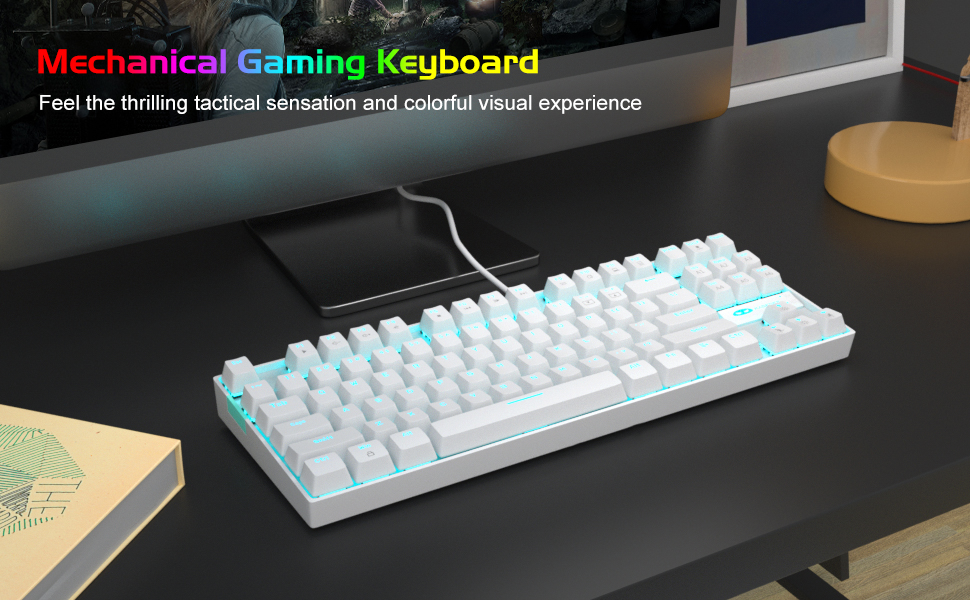
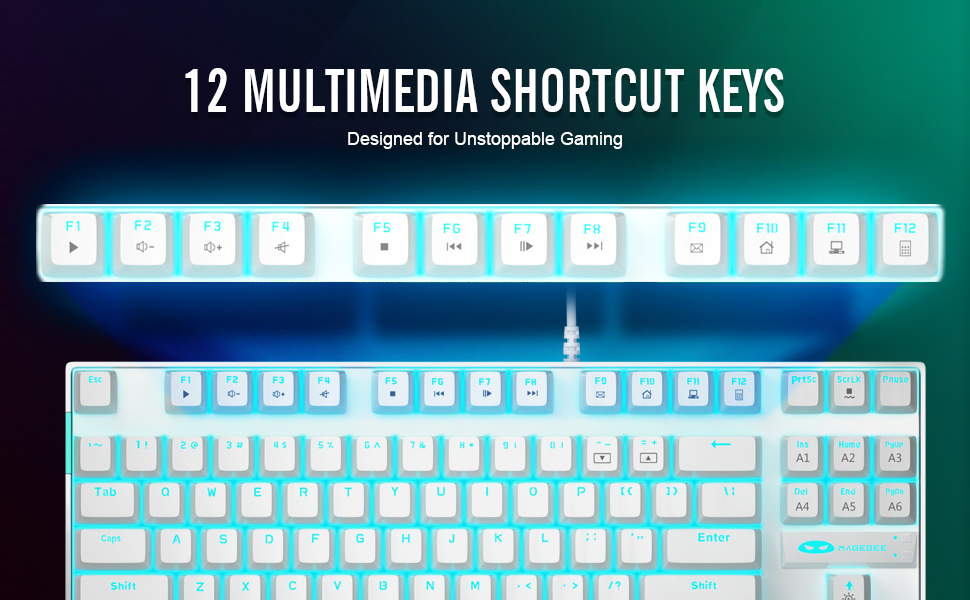
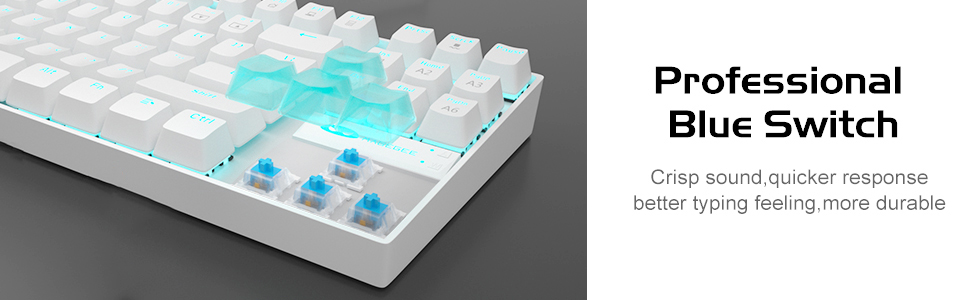
The MageGee MK-Star is a compact 87-key mechanical keyboard featuring tactile blue switches for crisp feedback, 21 customizable ice blue LED backlight modes, and full anti-ghosting for flawless multi-key input. Built with a durable metal frame and splash-proof design, it offers ergonomic comfort with adjustable feet. Compatible with Windows, Mac, and Linux via USB plug-and-play, it’s designed for gamers and professionals seeking reliable, stylish performance.


| ASIN | B08CVTPX3C |
| Additional Features | Lighting |
| Antenna Location | Gaming |
| Best Sellers Rank | #887 in Video Games ( See Top 100 in Video Games ) #88 in PC Gaming Keyboards #103 in Mac Gaming Keyboards |
| Brand | MageGee |
| Button Quantity | 87 |
| Color | White/Blue Switch |
| Compatible Devices | PC |
| Connectivity Technology | USB |
| Customer Reviews | 4.2 out of 5 stars 4,642 Reviews |
| Enclosure Material | Metal |
| Hand Orientation | Ambidextrous |
| Item Dimensions L x W x H | 13.9"L x 5.1"W x 1.4"H |
| Item Weight | 890 Grams |
| Keyboard Backlighting Color Support | Single Color |
| Keyboard Description | Gaming |
| Keyboard Layout | QWERTY |
| Manufacturer | MageGee |
| Model Number | MK-Star White |
| Number of Keys | 87 |
| Power Source | USB power |
| Recommended Uses For Product | Gaming |
| Special Feature | Lighting |
| Style Name | Modern |
| Switch Type | Clicky |
| Unit Count | 1 Count |
D**J
Very good for price
If you're looking for a cheap, reliable keyboard, this is the, it's very responsive and fitz the fingers perfectly. It's also fun when you have the customizable keys, only one downside, it's a little loud
C**Y
You can disable the Windows key!
The keyboard works as expected. My son kept accidentally hitting the Win key while playing Minecraft (in particularly intense moments), which would suspend the game and kick him off servers and such. The instruction manual (see picture) isn't clear, but if you hold down the Fn key and hit the Win key, it disables the Windows key! I suspect this will reset each time the computer is restarted, but I'll update the review if that isn't the case.
T**X
Good Keyboard
The Keyboard is quite nice. Not very very loud but that's fine with me. The 21 different LED styles are nice and fun to play around. My only critique would be that some of the letters on the keys are a bit faded but aside from that its a nice keyboard for a good price. Decently heavy but that adds to the premium feel. I expected it to be light and cheap at first but it feels quite premium. The red painted keys are also a nice addition. As I said the ONLY nitpick is that some of the letters are faded a bit but thats really it.
F**L
Honestly Pleasantly Surprising Awesome Mechanical Backlit 75% For A Seriously Low Price
Okay, so first, this was on sale for $24 dollars and has a lot of good reviews. When they arrived (bought two) the package was far heavier than I'd expected. Taking the kb out it is small but not overly compact and has a good sturdy weight and feel. The keys are good and clicky and very responsive. The key caps are shot through so the back lighting lights up each as well as a subtle lighting across the kb mat. There are quite a few patterns/options for the backlighting which you can scroll through easily with the specific key combination you'll find in the manual. If I had any gripe at all, and I definitely dont, it would be wanting the backlighting to be RGB instead of just blue... but honestly, it's a damn nice keyboard for a good price even when not on sale. Note: It came with extra keycaps so you could switch out like the space bar and some others... it did not come with the samurai themed caps... those were a separate purchase
M**L
Highly recommend
I recently picked up the MageGee 75% Mechanical Gaming Keyboard, and it has been a great addition to my setup! This keyboard combines a compact design with solid performance, making it ideal for both gaming and typing. Build Quality: The construction feels sturdy, with a nice weight to it that prevents any slipping during intense gaming sessions. The keycaps are durable and have a satisfying feel when typing, which is essential for both gaming and productivity. Switches: The blue switches provide a tactile and clicky experience that I really enjoy. They offer great feedback and are responsive, which enhances my typing speed and gaming performance. However, if you prefer quieter keys, you might want to consider other switch options. Backlighting: The LED blue backlighting is vibrant and adds a nice aesthetic touch to my setup. There are multiple lighting modes and brightness levels to choose from, allowing for some customization. It looks great in low-light conditions, although I wish there were more color options available. Layout: The 75% layout is compact and saves space on my desk without sacrificing functionality. The keyboard has all the essential keys and functions while maintaining a clean design. It’s perfect for gamers who want a more streamlined setup. Performance: Overall performance is solid. The keyboard registers inputs quickly, and I haven’t experienced any missed keystrokes during gaming. It works well with various games and applications, making it a versatile choice. Value for Money: Given the features and quality, the MageGee 75% Mechanical Gaming Keyboard offers excellent value for the price. It's a great option for gamers on a budget who don’t want to compromise on quality. Overall Impression: The MageGee 75% Mechanical Gaming Keyboard is a fantastic choice for anyone looking for a compact, responsive, and stylish keyboard. While the blue switches might not be for everyone, they deliver a satisfying typing experience. I’d definitely recommend this keyboard to fellow gamers and anyone in need of a reliable mechanical keyboard!
A**S
Keyboard for people who don't use Win key
Made a mistake of purchasing this keyboard second time. Right about the time when the keyboard #2 was shipped, and I could not cancel it anymore, the first, identical, keyboard (purchased in 2023) developed the issue which sooner or later will hit majority of customers: Win key stopped working. None of the usual "compressed air" and "Q-tip and isopropyl alcohol" methodologies highly advertised on YouTube worked. Judging by other reviews, there's something special about Win key, I guess. Don't get me wrong, red switches and nice blue northbound lighting are super-nice. Typing is a pleasure. But... switches are not hot swappable and I'm not planning to disassemble 25-screw $30 item to fix that "rarely" used key. ...And just like that, the keyboard became e-waste.
J**N
Overall a good keyboard
The keyboard is still good after 2 years of use, only complaint is i didnt get a keycap puller but overall is still reliable and fun to use.
G**9
Kinda loud, but feels nice to type on
Good budget mechanical keyboard as long as you or your office mates aren't bothered by loud typing. I'm not one of those people who builds keyboards for fun, i just like the feel that most mechanical keyboards have compared to membrane ones, which feel mushy to me. I tried adding O-rings to the key caps to silence the bottoming-out sound, since that's where most of the sound seems to come from, but because the stems on each switch also have a little "box" around the center + stem, the o-ring doesn't do anything to prevent the switch from bottoming out, so it's still loud. Switches don't seem to be removable either, so i can't change them out for something quieter. also, why bother making it backlit if the light can't shine through the key caps? i ended up just turning off the backlight entirely (fn and arrow down to change brightness to zero).
ترست بايلوت
منذ 3 أسابيع
منذ 5 أيام