
قم بتنزيل التطبيق


معلومات عنا
حقوق الطبع والنشر © 2024 Desertcart Holdings Limited
قم بتنزيل التطبيق
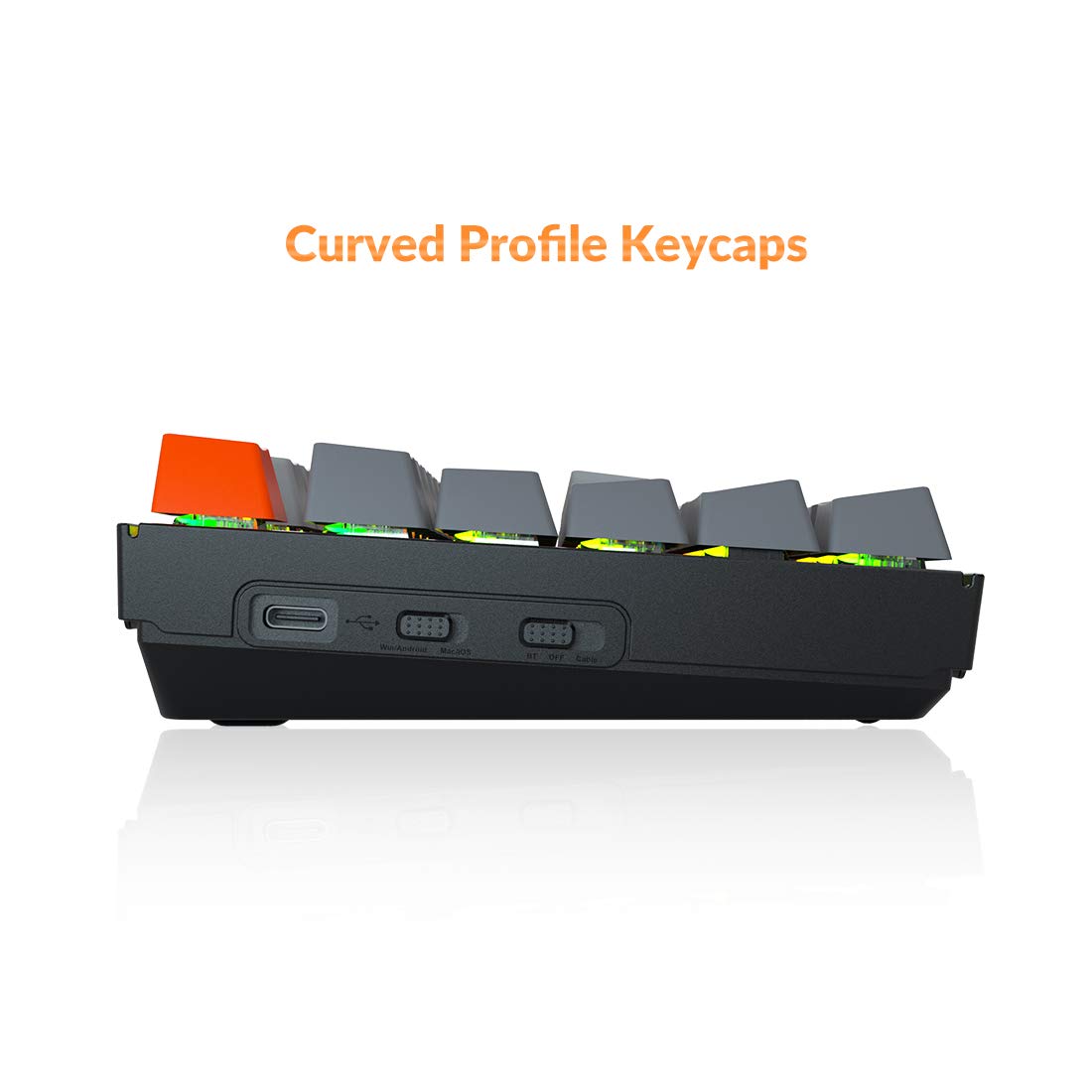


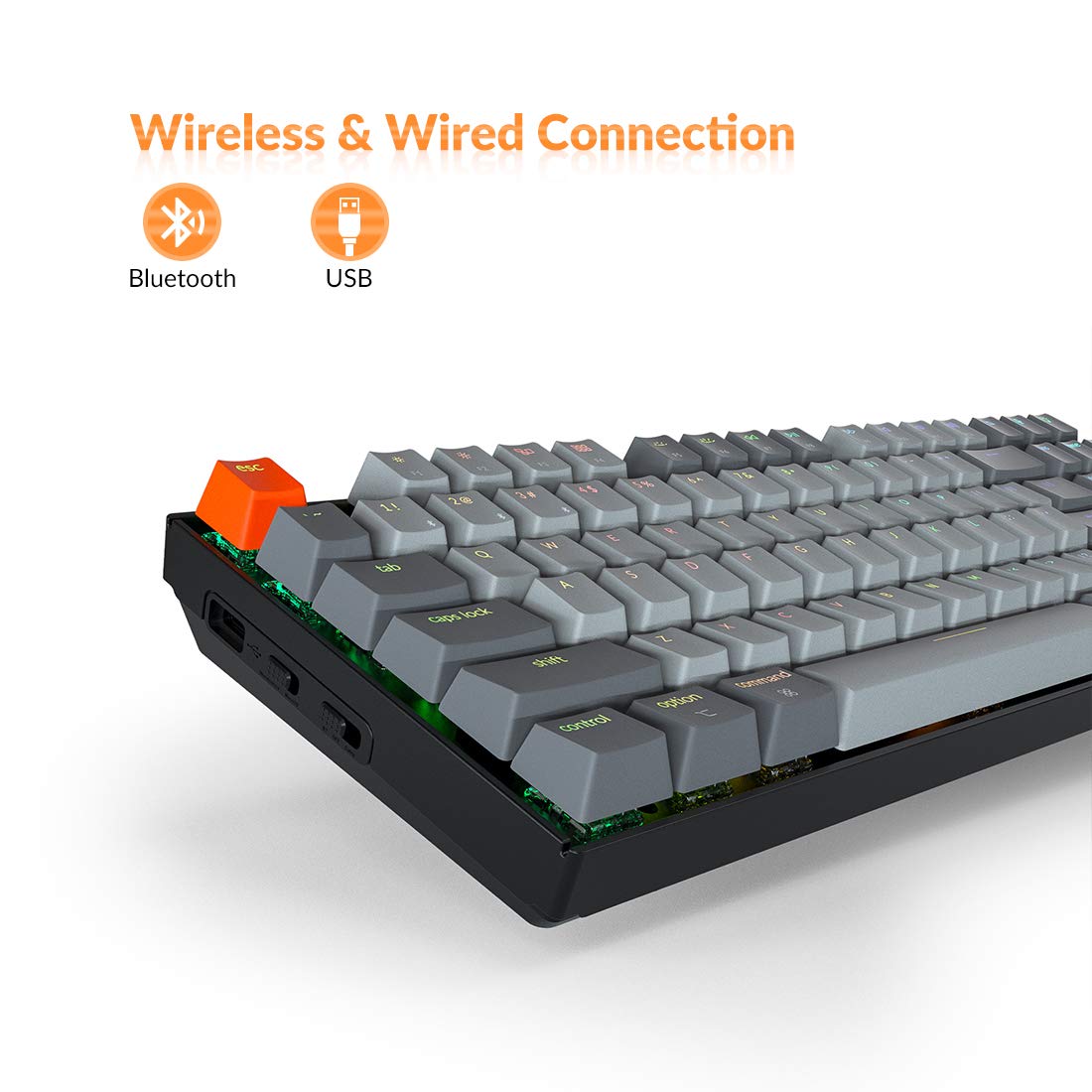

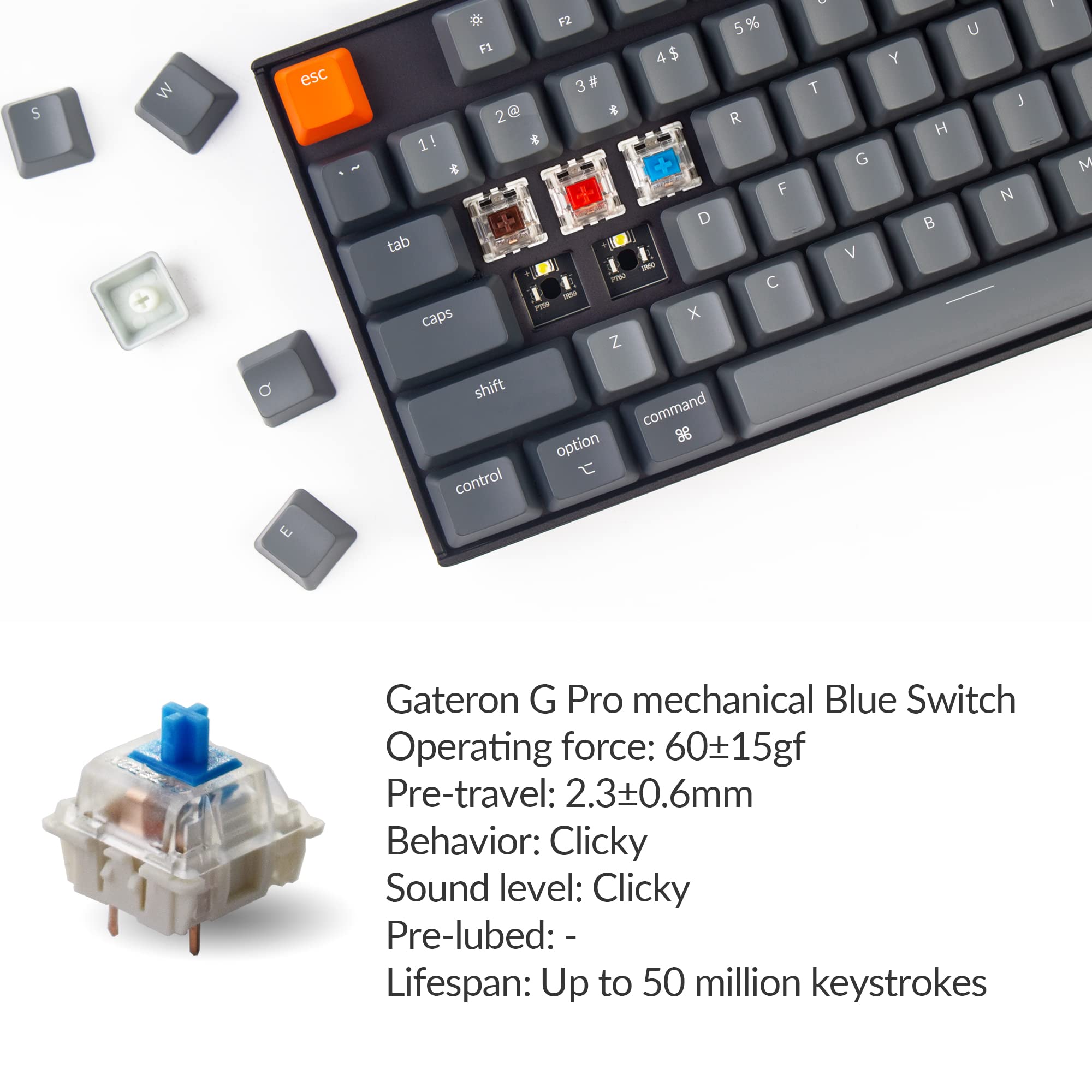

⌨️ Elevate your desk game with the Keychron K8 — where style meets unstoppable productivity!
The Keychron K8 is a tenkeyless mechanical keyboard designed for Mac and Windows users, featuring hot-swappable Gateron Blue switches, Bluetooth 5.1 connectivity for up to 3 devices, and a robust 4000mAh battery offering up to 200 hours of wireless use. Its ergonomic design, customizable RGB lighting, and broad OS compatibility make it a versatile choice for professionals seeking a premium typing experience without compromise.


| ASIN | B0875MBFQC |
| Best Sellers Rank | #51,275 in Video Games ( See Top 100 in Video Games ) #297 in Mac Gaming Keyboards #2,425 in PC Gaming Keyboards |
| Customer Reviews | 4.0 4.0 out of 5 stars (64) |
| Date First Available | April 16, 2020 |
| Item Weight | 3.21 pounds |
| Item model number | K8 H2 |
| Manufacturer | Keychron |
| Product Dimensions | 14.13 x 14.13 x 4.84 inches |
A**R
Works GREAT with Mac
I've known that I wanted a mechanical keyboard for quite some time, but I also was apprehensive because I use a Mac, not the traditional PC that you mostly see. Regardless, I watched YouTube videos and read reviews and ultimately landed on this one. Let me tell you... it's amazing. Every functional key that you'd see on a Mac keyboard works flawlessly. The feel of the keys is perfect. The Gateron Blue switches are clicky and responsive. The RGB lights are the perfect brightness, not obnoxious like you'd see from other keyboards. In the picture, the keys in the middle were replaced with HyperX Pudding KeyCaps, and the lighting looks even better! I highly recommend this to any Mac user who writes/types all day long. You won't be disappointed.
D**.
Teclado cómodo, fácil de usar y conectar a diferentes dispositivos, buena calidad, sería bueno que tuvieran la versión en español, tengo que buscar las keycaps
M**Y
Good enough hot swappable keyboard
Cons: Galeron blue switches sound very thin and hollow, the keycaps don't feel or sound good, they entire keyboard is plastic, pairing can be annoying, LED's not the brightest, lightweight (personal con) Pros: Great features for the price, battery life is very long, hot-swapable, comes with keycap and keyswitch puller, USB-C Recommendations: Get their keyboard with metal plate (and hot-swapable), and/or replace the keycaps! Get galron browns or reds (or replace the keyswitches)
J**N
Keys go dead with great frequency -- a nightmare for gaming
I replaced my first K8 because keys in the WASD area would occasionally go dead and not enter anything until they got repeatedly slammed and jostled back into function. The replacement hasn't been any better. This flaw is gonna cost you if you use it for gaming.
A**R
it is a wired keyboard.
Giving one star for its wireless connection. While on bluetooth it is very unreliable to the extend that it cannot be used. Delaying, lagging, stucking and disconnecting a lot.
N**N
Subpar build quality..
Keyboard is lower quality than I had expected for the price point but also I am not sure if it was more user error or poor build quality. Received keyboard swapped switches and 3-4 keys were not functioning. Could have been my own fault. Although I had it replaced and made sure to be extra careful the second time.. still to no avail had 1 key that would not register. For the price I would have expected a little better build quality.
D**E
It wobbles
This keyboard wobbles like a cheap stool; I needed to slide a quarter under one of the pads to stabilize it. The function keys don't work correctly on Linux. They send the keycodes of media keys. According to the manual you're supposed to press "Fn+X+L" to enable the function keys, but all this does is generate a "RemapNotify" event, after which the function keys continue to send the same non-standard keycodes. The manual tells you to join a Facebook group for Linux support. I don't have a Facebook and refuse to do this.
T**D
Wireless reconnection problem on Linux (fedora)
1. This keyboard is notorious on Linux (fedora). If I take a few minutes break, on Linux, this keyboard will disconnect. When I come back this won't automatically reconnect! On Linux, if I am away for a little, Keychron keyboard will disconnect and then it never automatically reconnects (as I press keys). I had to write a script to automate the connecting to keyboard on Linux so I don’t have to do a bunch of clicks every time it disconnects! I am on fedora 42. They should see how Lyft mouse implements their Bluetooth connection! The mouse is able to reconnect almost instantly after ilding when I am back! 2. Product needs USB-C and some update on keys i.e., remove AI assistant key. 3. Cortana/voice AI assistant button is the most annoying feature! This one triggers often times by pressing the button mistakenly since it's so closed to the print screen button and the backlit light switch button! And, every time it would bring the Cortana assistant on Windows which is like a hard modal dialog box, super hard to close! Obviously, there's fault on Microsoft side getting the AI App wrong! However, it's more so on Keychron being an accomplice of creating most terrible user experience by forcibly putting a button!
ترست بايلوت
منذ أسبوعين
منذ شهر