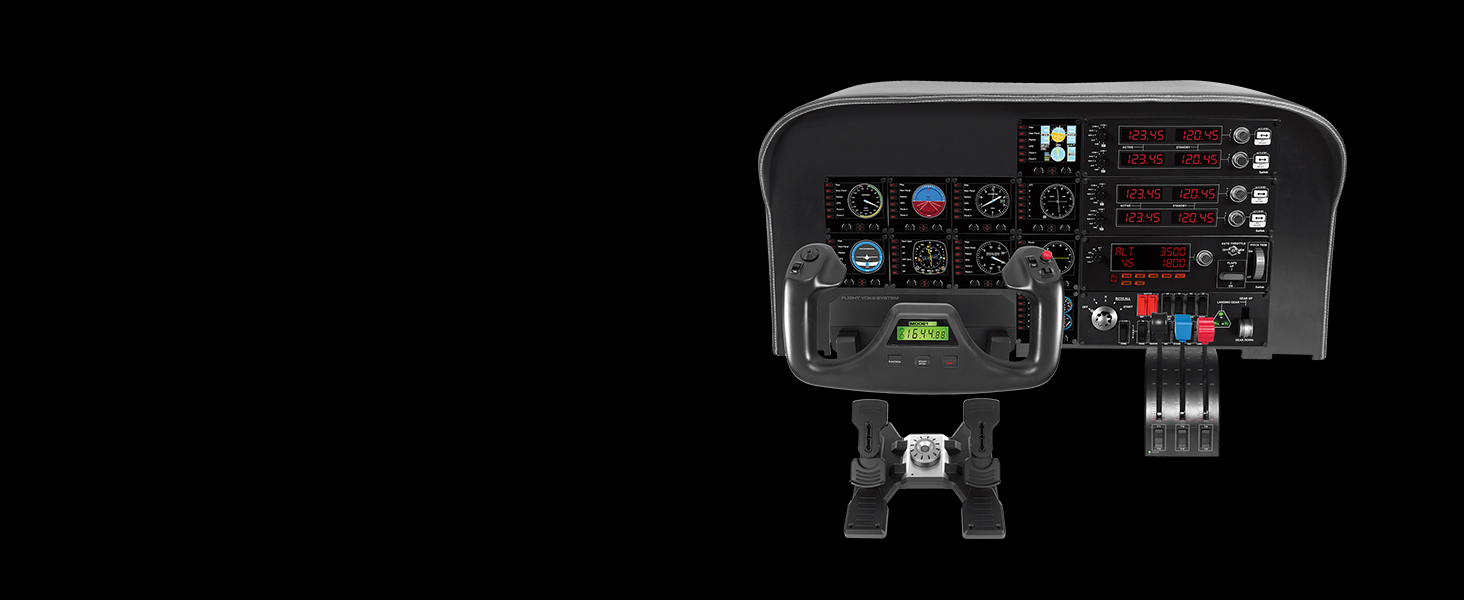
🛫 Elevate your flight sim game with pro-level control and precision!
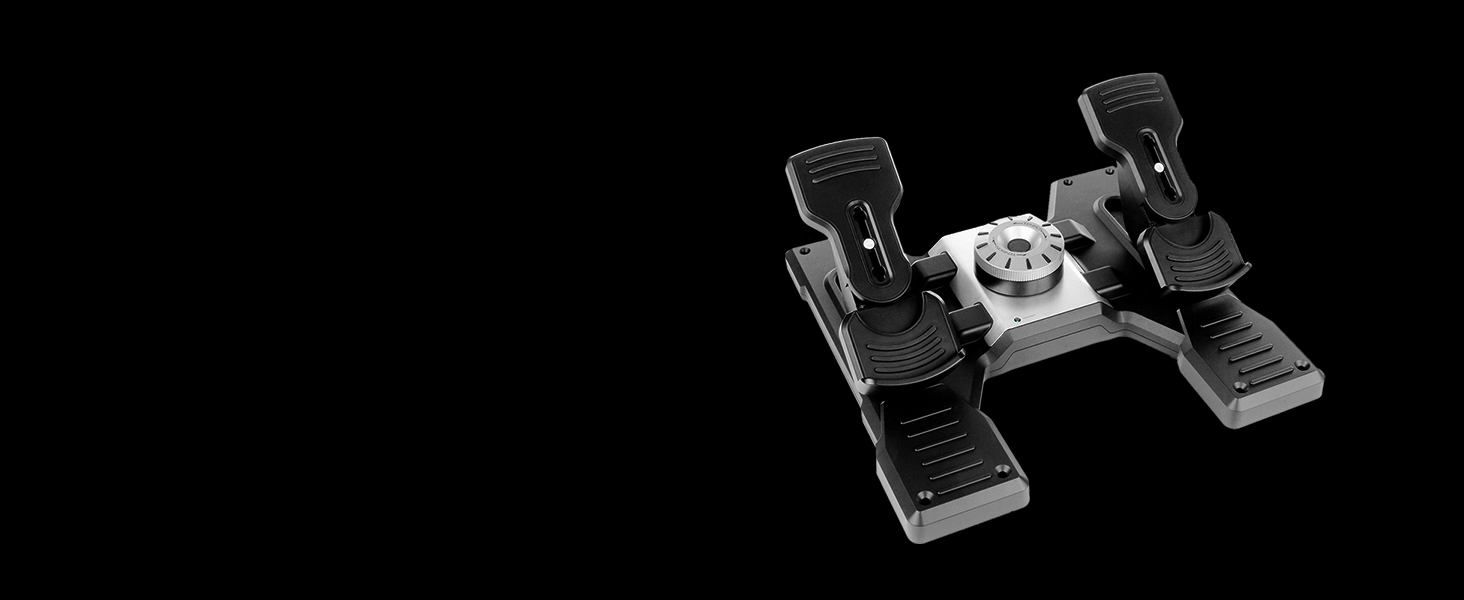
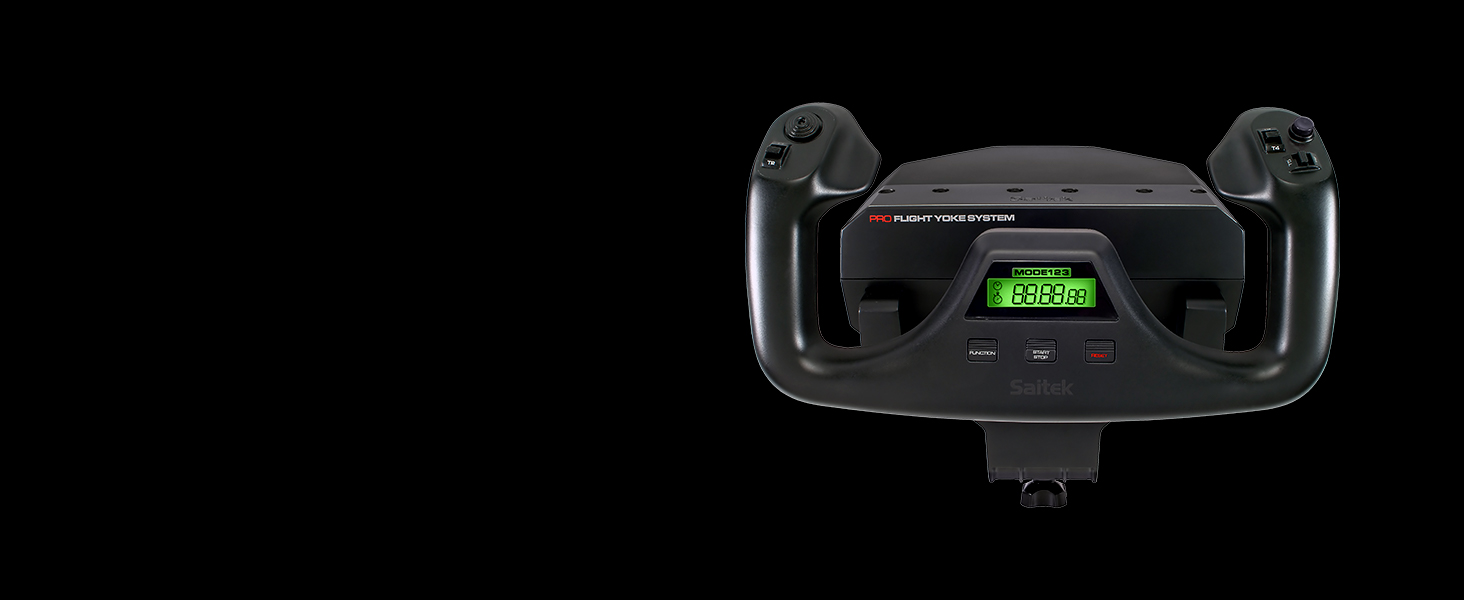
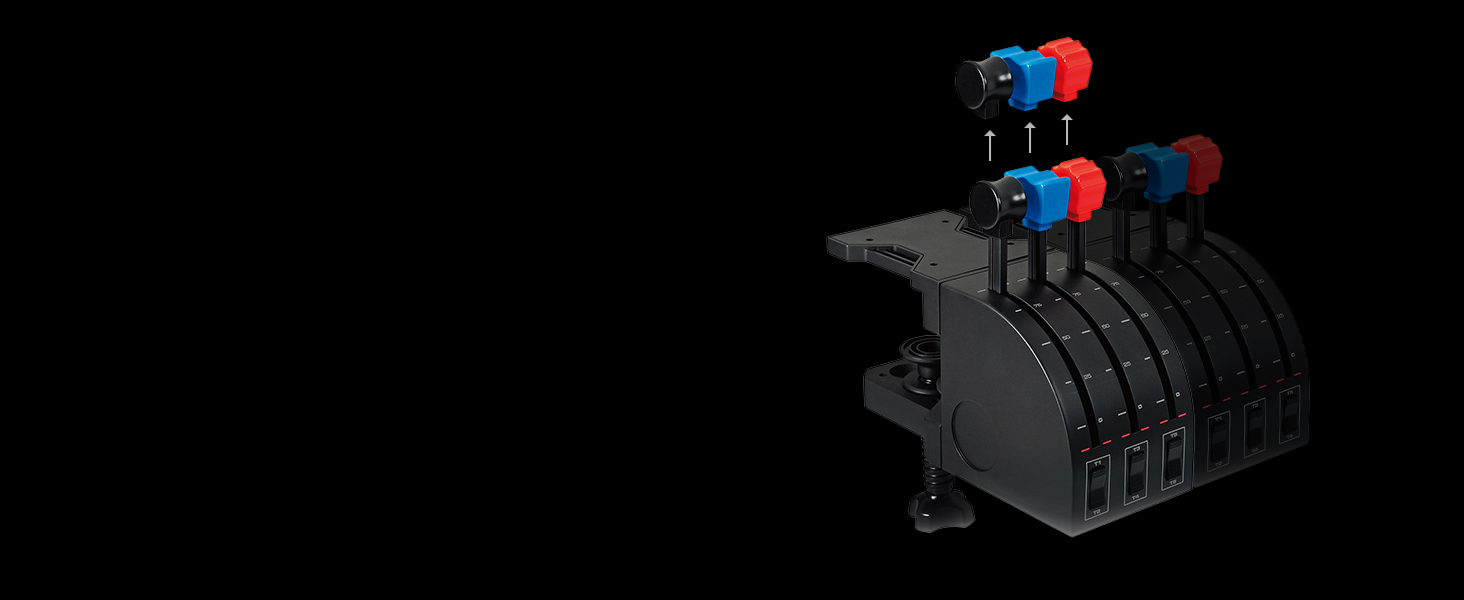
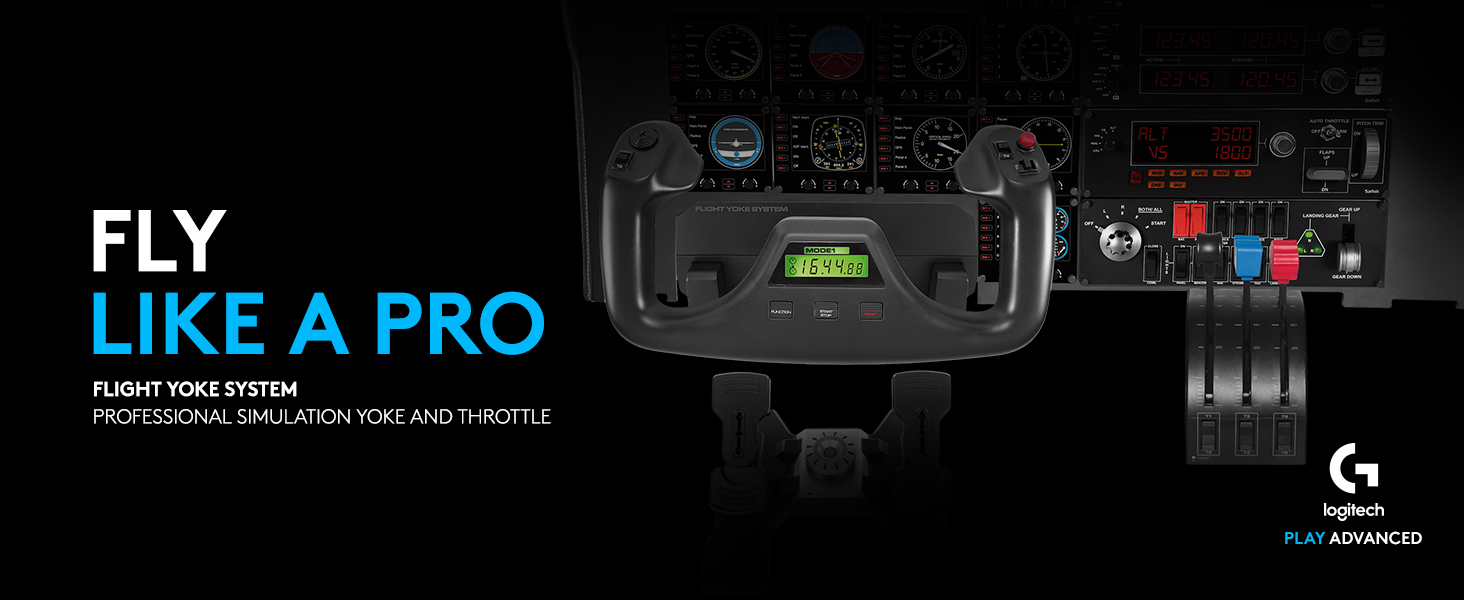
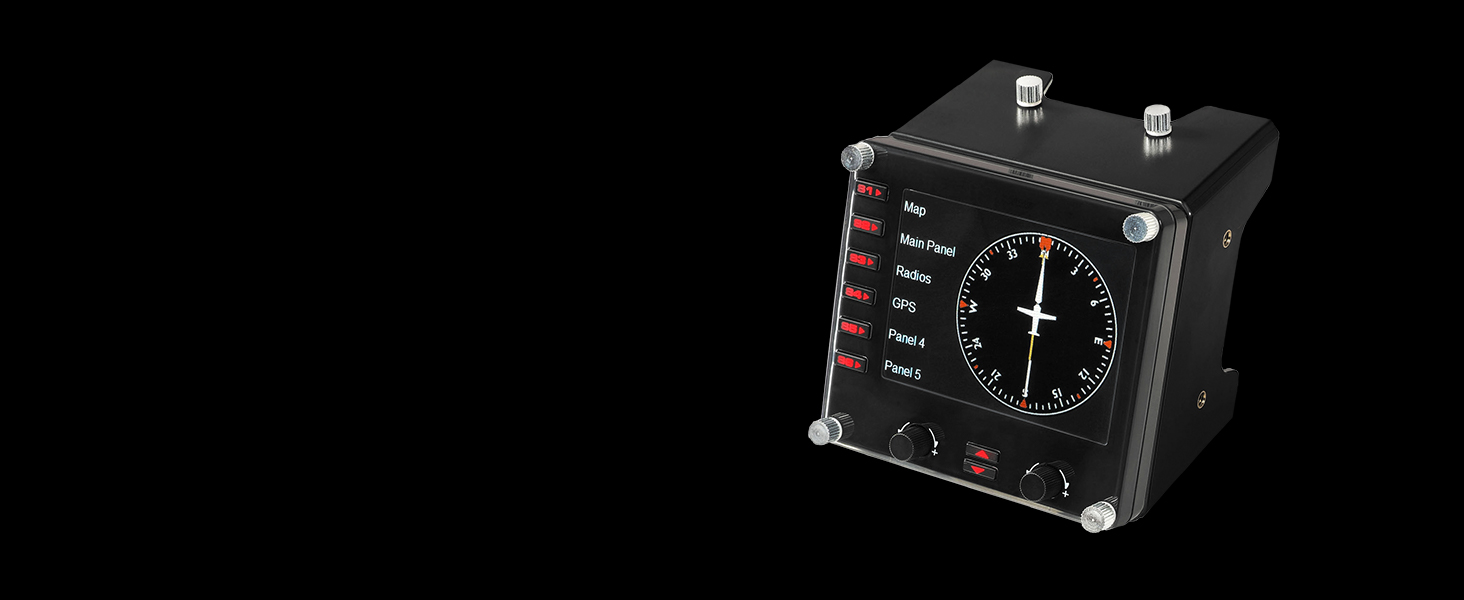
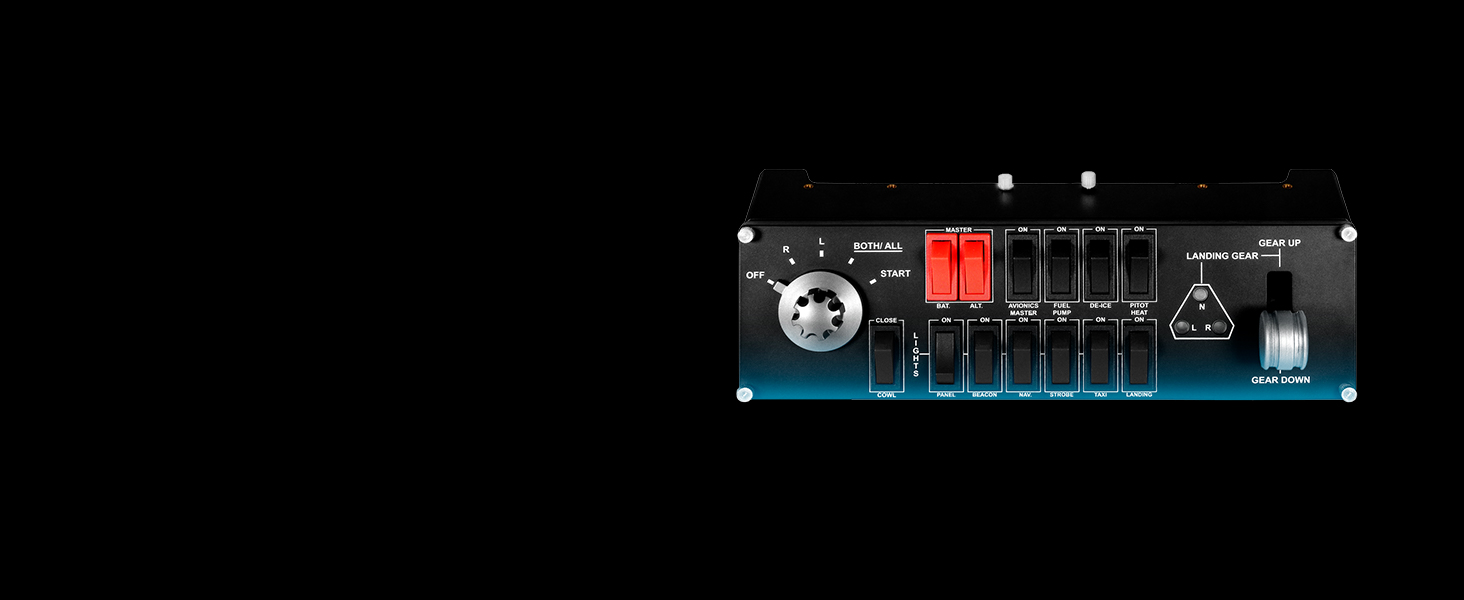
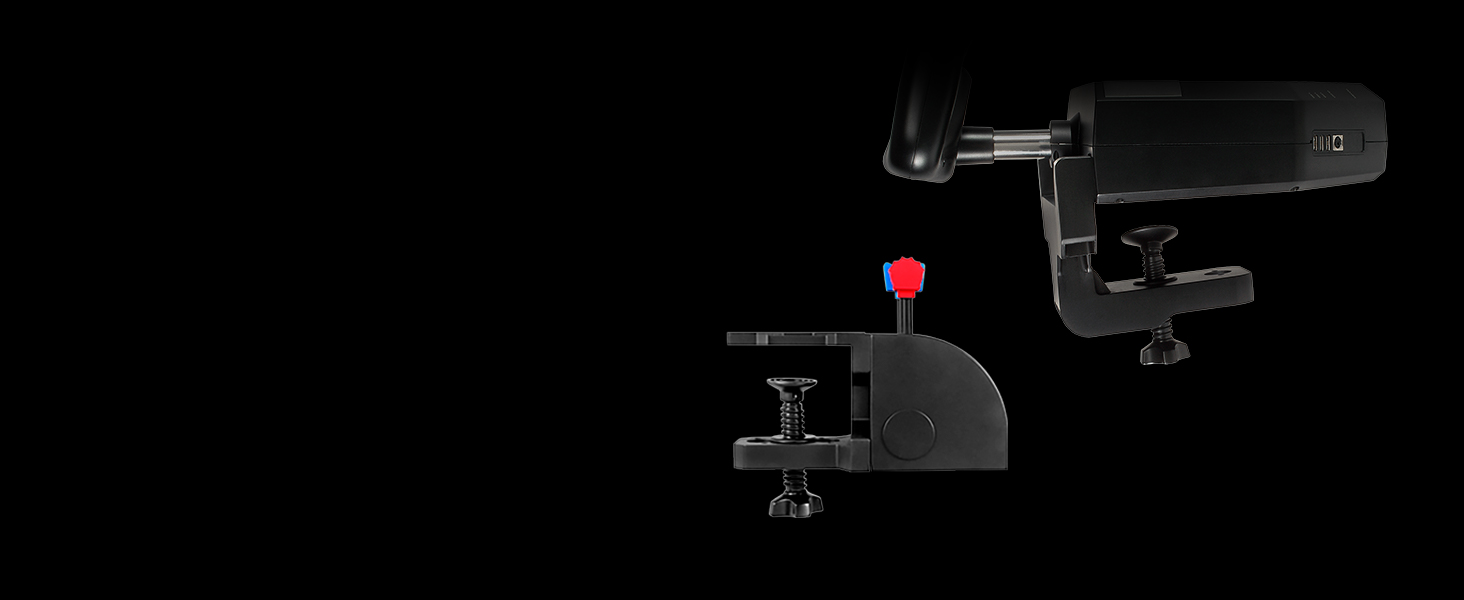
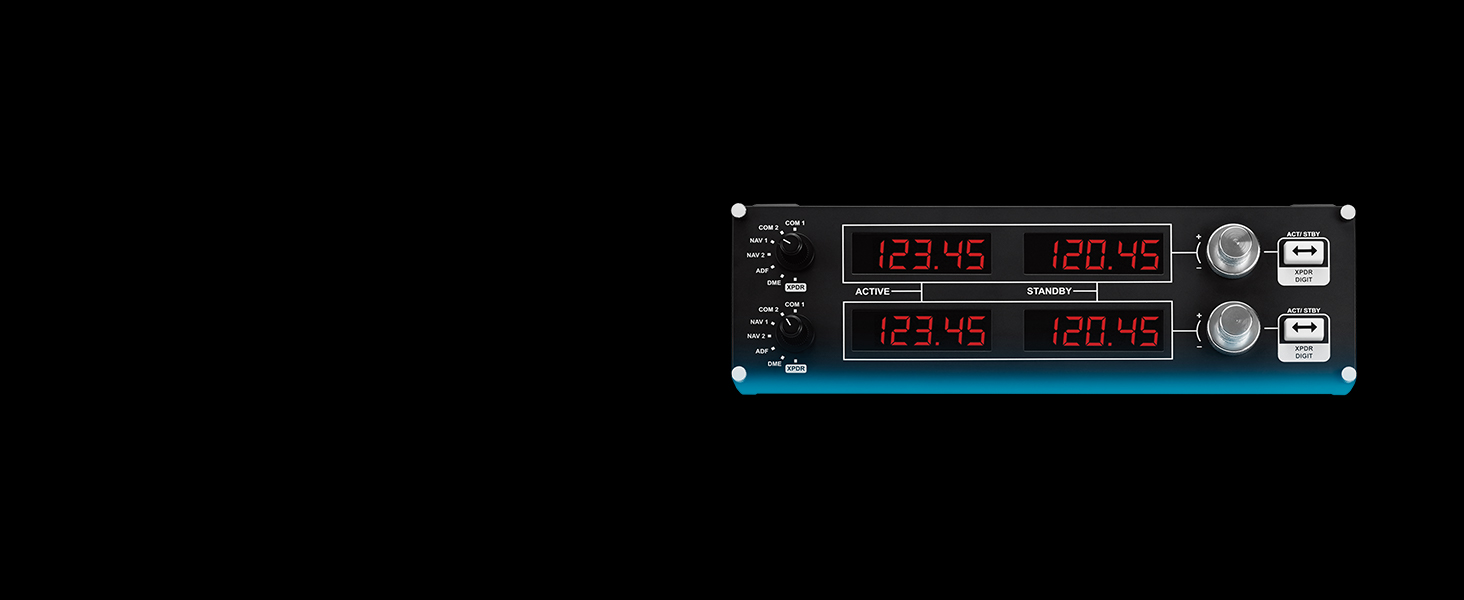
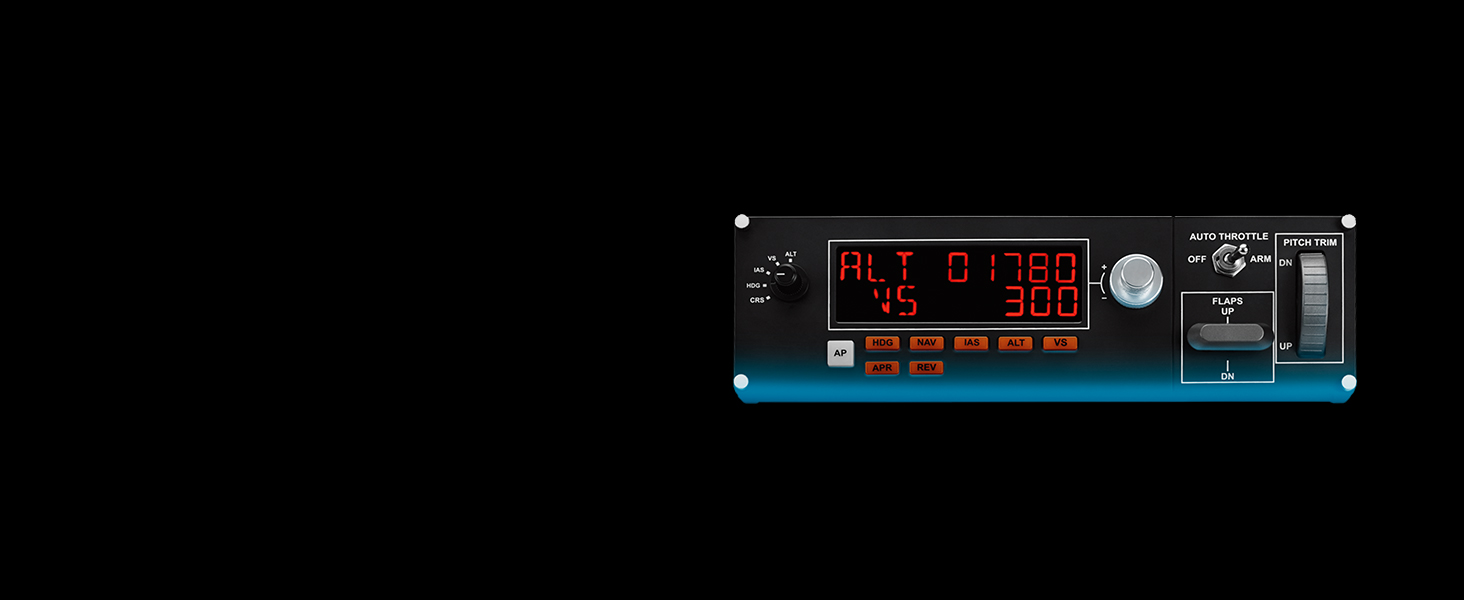
The Logitech G PRO Flight Yoke System delivers a professional-grade flight simulation experience with 75 programmable controls, a durable stainless steel yoke shaft, and versatile 3-mode operation. Designed for both beginners and seasoned pilots, it features dual desk clamps for secure mounting and USB connectivity compatible with major flight simulators on Windows. This system enhances muscle memory and realism, making it the ultimate cockpit centerpiece for immersive virtual flying.


| ASIN | B07QXMTNPB |
| Additional Features | USB |
| Best Sellers Rank | #1,503 in Video Games ( See Top 100 in Video Games ) #8 in PC Game Flight Controls |
| Brand Name | Logitech G |
| Button Quantity | 14 |
| Color | Black,Blue,Red |
| Compatible Devices | Windows |
| Connectivity Technology | USB |
| Controller Type | Yoke |
| Customer Reviews | 4.3 4.3 out of 5 stars (2,826) |
| Global Trade Identification Number | 00097855152824 |
| Hardware Platform | Desktop, pc |
| Item Dimensions | 18.9 x 15.8 x 9.1 inches |
| Item Dimensions D x W x H | 9"D x 19"W x 9"H |
| Item Weight | 6.17 Pounds |
| Manufacturer | Logitech |
| Model Name | Logitech G PRO Flight Yoke System |
| Package Quantity | 1 |
| Power Source | Corded Electric |
| UPC | 097855152824 |
| Unit Count | 1.0 Count |
| Warranty Description | 2 year manufacturer |
A**V
Great Controls for Simulator Flying
Awesome. Works great for MSFS 2020. Some tweaking and setup required for GA and Jet aircraft but after setting things up it works very well.
J**.
A good choice to get started with a flight sim.
Works with MSFS 2024. Tried another more expensive brand, the game didn’t recognize it and I couldn’t make it work. This setup was plug and play with fine tuning available in the game.
N**N
A good budget flight sim yoke
A great yoke. It's a little sticky but other than that it's good
G**D
Why this is actually a very good sim controller.
I find this setup to be as accurate as it can be both for the price and the experience. However I am going to address a lot of the complaints with my own opinions and maybe some people will find it helpful. #1: This yoke is not as out of the box ready as I expected. Try to keep in mind this product is for simulation purposes first and foremost. And it must be designed to be as compatible as possible along a wide variety of games and aircraft. If you are looking for a controller that accurately reacts to things like wind shear, gyro drift, and turbulence then you’re asking for a piece of equipment with motors and servos that costs in the thousands. Instead you have a yoke that uses spring tension to offer a baseline of resistance. #2: I don’t like how little the aileron axis reacts in game. This is a criticism by gamers who’ve never flown a real aircraft. (See above comment about the purpose of this yoke) in a real aircraft you use micro movements to correct your pitch and roll, especially in cable controlled non-hydraulic prop planes. I am a private pilot with non turbo single engine restrictions, meaning I can only fly small planes like Beechcraft Bonanzas and Cessnas. In my experience you deal with wind buffering on your control surfaces meaning you have constant feedback from the world outside your aircraft. This is very difficult to reproduce in a game. The truth is you’re complaining about the S-Curve logic in your game settings. Most flight sims will let you adjust this in game settings for a more personalized feel. Keep in mind if you want simulation you don’t want a major pitch and roll response for making small adjustments, you want slow gliding gradual responses, unless you’re flying a fighter jet. #3: The dead zones are too pervasive and it takes a lot of turning to engage the planes roll function. Also the axis will drift sometimes putting me in a perpetual roll. The drifting is corrected by the dead zones and they are completely adjustable both centered and externally. You can adjust these to precision to minimize drift. And again the dead zones are adjustable in most games. I use this yoke in Project Cars and gyro drift is very noticeable when going 200mph down a track, but again, it’s adjustable. #4: the hardware is cheap plastic and the mounts are flimsy. Even the mounts are adjustable. If you’re getting overexcited and pulling the yoke or throttle quadrant loose then you are not playing a flight sim you’re playing an arcade and maybe need a different control like the x56. For the price the hardware is just fine. These are my opinions. This is not to invalidate other’s opinions. It’s just how I feel about this product, especially in VR.
K**T
Love this Yoke but it does NOT work on a MAC
For MAC OS users, do not buy this Yoke. There was some misinformation in FAQ's and Question section suggesting that this Yoke would work on a Mac. That is not the case. I searched google/internet, and found nothing to indicate that this would ever work on a Mac. Furthermore, I reached out to LogiTech support (quite good and responsive, even at weird hours) and they clarified that this device was never intended to be used on a MAC. Update Dec 18, 2023: The Yoke, Throttle, and simulation software worked like a champ on my old PC laptop. Thought everything worked extremely well. Upgraded my rating from 4 to 5 stars. Reminder: do not buy this yoke if you have a Mac. Overall, the device is very well made, with numerous sophisticated controls and options. It is surprisingly large, which makes it difficult to keep other stuff on the table (nav aids, etc.). I have an old PC laptop that I'm hoping will be able to run the X-Plane simulation, and will be able to support this yoke. I will follow up w/ additional feedback once I actually can use it.
J**R
Lifespan is only a few months with current production.
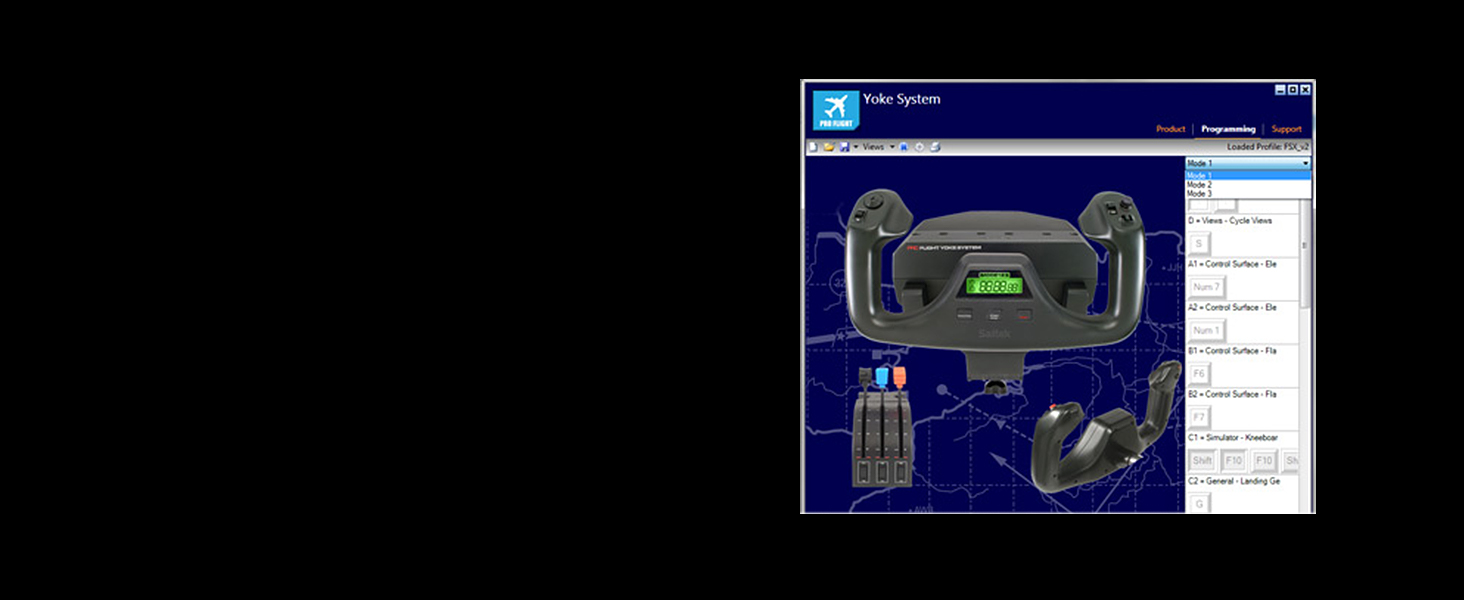
This is technically a good product which I wish was more reliable. However, 2 recent purchases have both died within 6 months for no apparent reason. First off, the good. This product includes its own programming software that allows its buttons to emulate a keyboard, meaning you can assign buttons to functions of apps outside the flight sim, or for which the flight sim has no native commands. Examples include centering the view in TrackIR and taking screenshots. Also, Logitech also sells a stand-alone USB quadrant gives you an additional 3 axes and 6 buttons. Having both that and the yoke system easily allows configuring for planes having up to 6 engines. Finally, due to the popularity of this product and its modular design, there are several 3rd part things that enhance it, such as the Flight Velocity trim wheel and various extensions for the throttle levers. HOWEVER, DO NOT BUY THIS because the ones being made nowadays are absolute crap and die within months of purchase. The 1st one of these systems I got was a 2nd-hand gift from a friend who has, since he first got this, has become a collector of all the latest yokes and quadrants. He'd used it for many years previously (it had actually been built as a Saitek), however, so the springs were a bit worn. Still, it worked fine until I accidentally spilled a glass of water on the USB hub it was all plugged into, and that fried it. So I bought a replacement direct from Logitech. This lasted about 6 months before the included quadrant (PS2 connection to yoke) died for no apparent reason. A couple days later, the yoke also died. So I bought a 3rd one from Amazon, this time with the Assurion warranty. It suffered the same fate, PS2 quadrant dying within months and then the yoke a few days later. So, I contacted Assurion but they said it was still under Logitech's warranty. So I contacted Logitech and, 2 weeks later, got a response asking for more info. Which I provided. And 2 weeks later, Logitech said I'd sent them the serial number off the box, not the bottom of the yoke, which was untrue. So I sent them a picture of the serial number on the bottom of the yoke. 2 weeks later, I got an email saying Logitech was sending me a replacement unit. That was 2 weeks ago and I have yet to see it. In the meantime, having had enough of this, I bought a Turtle Beach Velocityone Yoke system. While fairly, good, this has inferior functionality in several ways (mostly because it has no native software so is NOT a keyboard emulator). But so far it's working and I can live with its shortcomings.
M**L
Great Product
Very good Yoke
M**R
The yoke was nice but the metal rod needed to be lubricated and when I tried to fly in msfs24 the yoke was not smooth, was turning but like said not smoothly a bit stuttering due to the metal rod. Overall I recommend this as a cheap option but for a nice option go for something higher
A**A
Fue lo que esperaba a mi hijo le encantó llego muy rápido y en buenas condiciones. El equipo es resistente de buena calidad y funciona muy bien.
D**Y
fully Linux support (Arch linux distro) plug and play (Microsoft Flying Simulator 2020, X-Plane 12) well done Logitech.
M**T
Great product. Not cheap but it works like it should right out of the box. Easy install
L**.
El equipo me llego sin el cable para conectarlo a la luz
ترست بايلوت
منذ 3 أيام
منذ شهر